The Calendars Settings section contains all configurations related to your calendars and their connections. It's where you can create and manage Calendars, connect external calendars and video conferencing apps, and more. So, let's give it a check. To start head to the Calendars section and click on the Settings tab.

Calendars
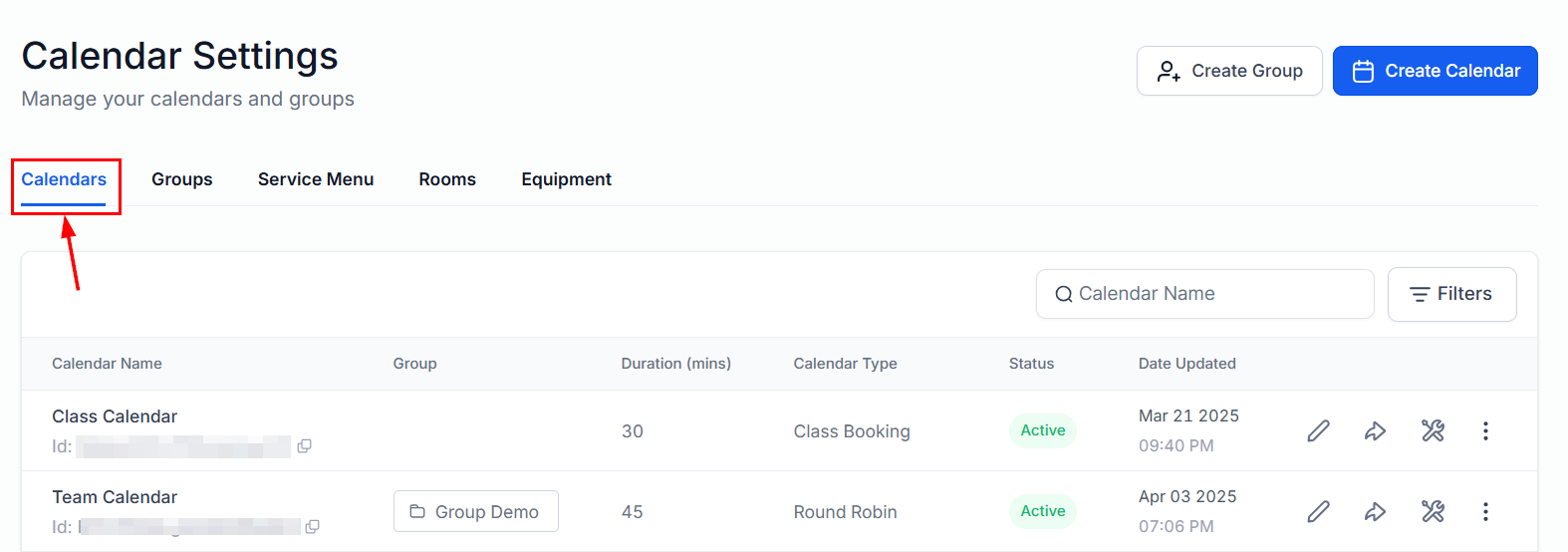
Calendars
Here you can manage and create Calendars, which allow you to create booking links, manage reminders and follow-up, and organize customer meetings from the comfort of the CRM.
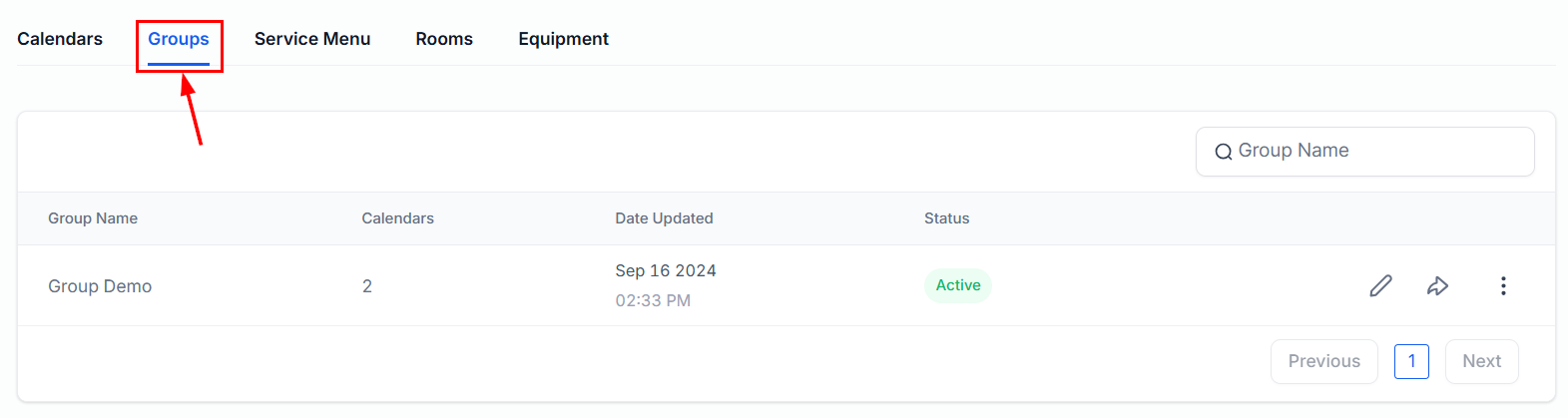
Groups
Calendar Groups allow businesses to streamline appointment scheduling, coordinate team availability, and offer clients more flexible booking options by combining individual calendars into one unified view.
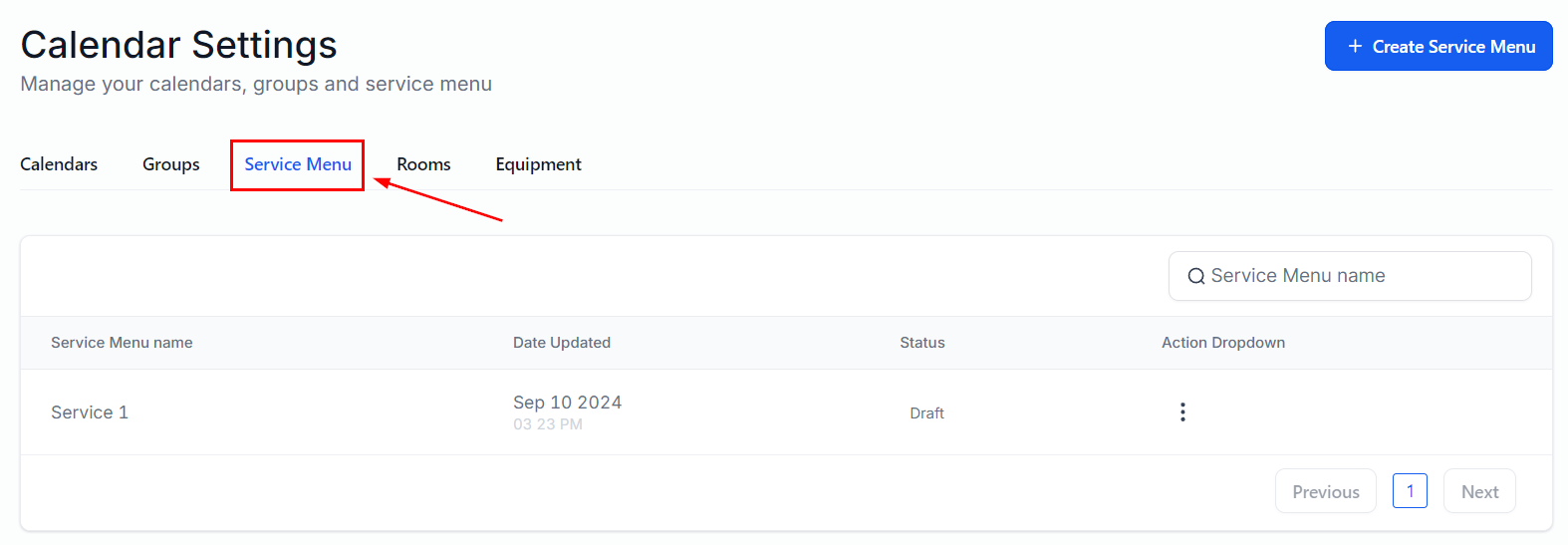
Service Menu
The Service Menu is a centralized page to list all your services in one streamlined scheduling link. Your clients can access this menu to seamlessly book multiple services for themselves or their guests, through a single booking widget.
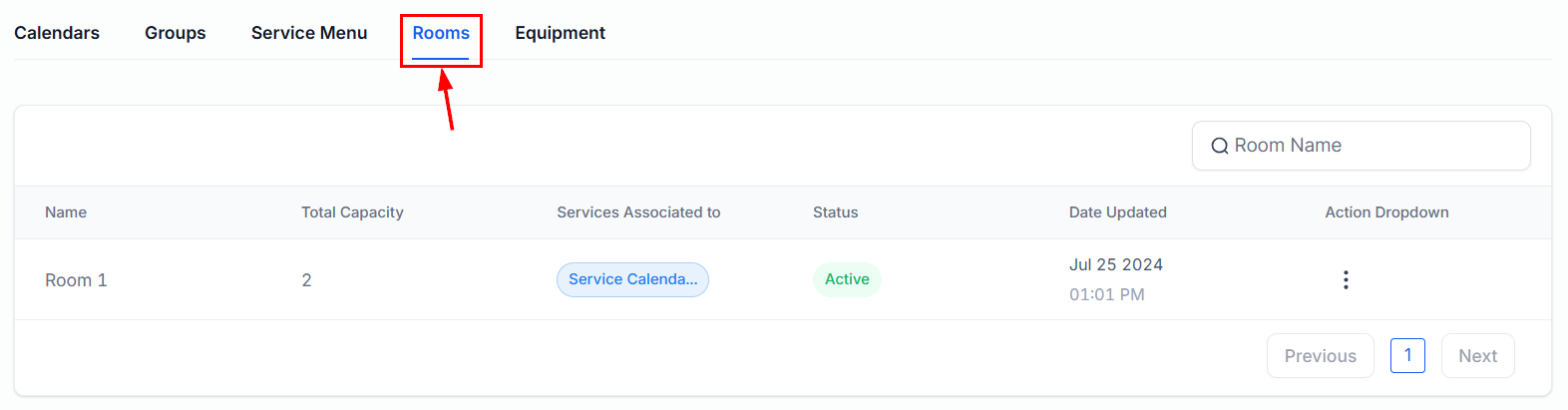
Rooms
Rooms represent any location needed to provide the service you're offering. Such as a massage room, salon chair, or workout area. In this section, you can add and manage such locations, which the system will use to help you organize their availability when booking appointments.
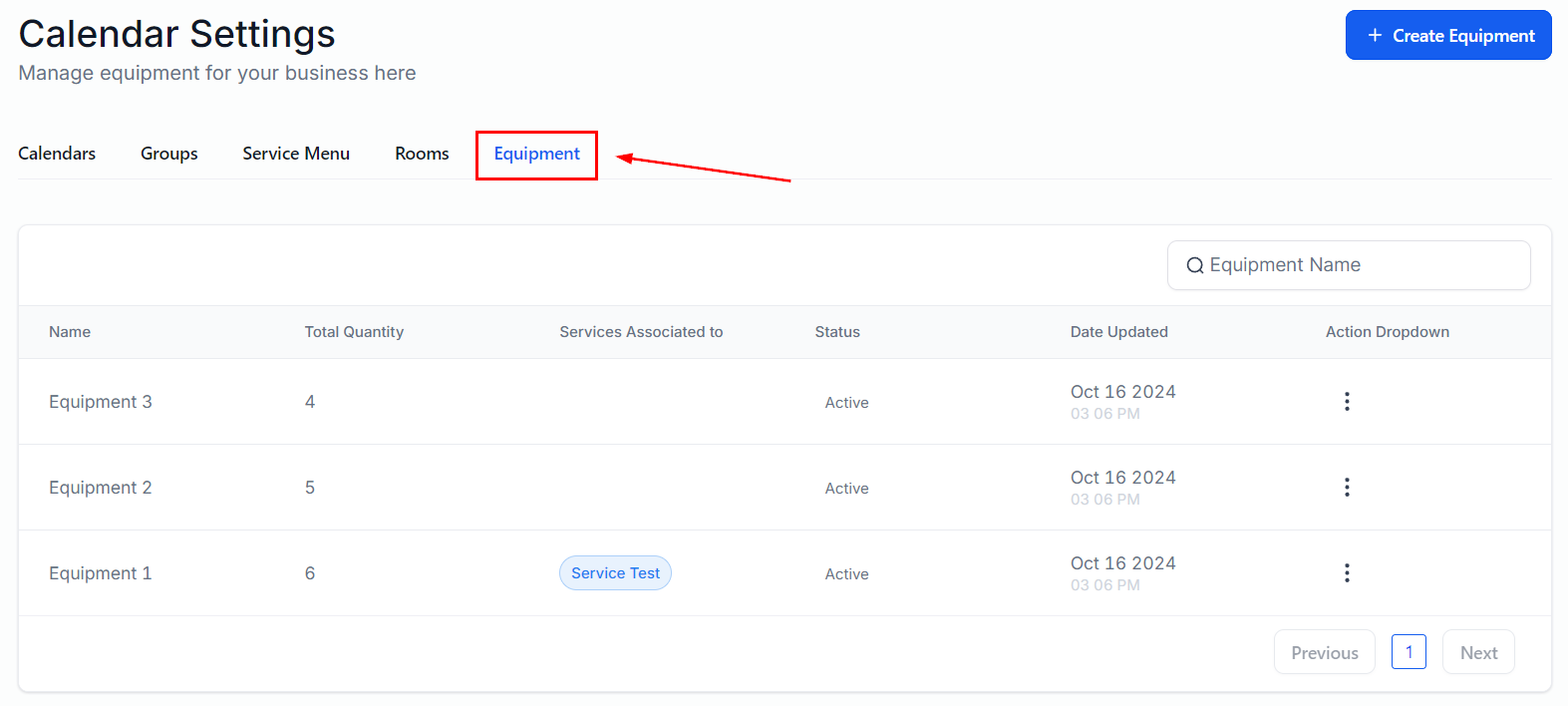
Equipment
The Equipment is any tool, device, or machine you use to deliver your services. In this section, you can add and manage such tools, which the system will use to help you organize their availability when booking appointments.
Preferences
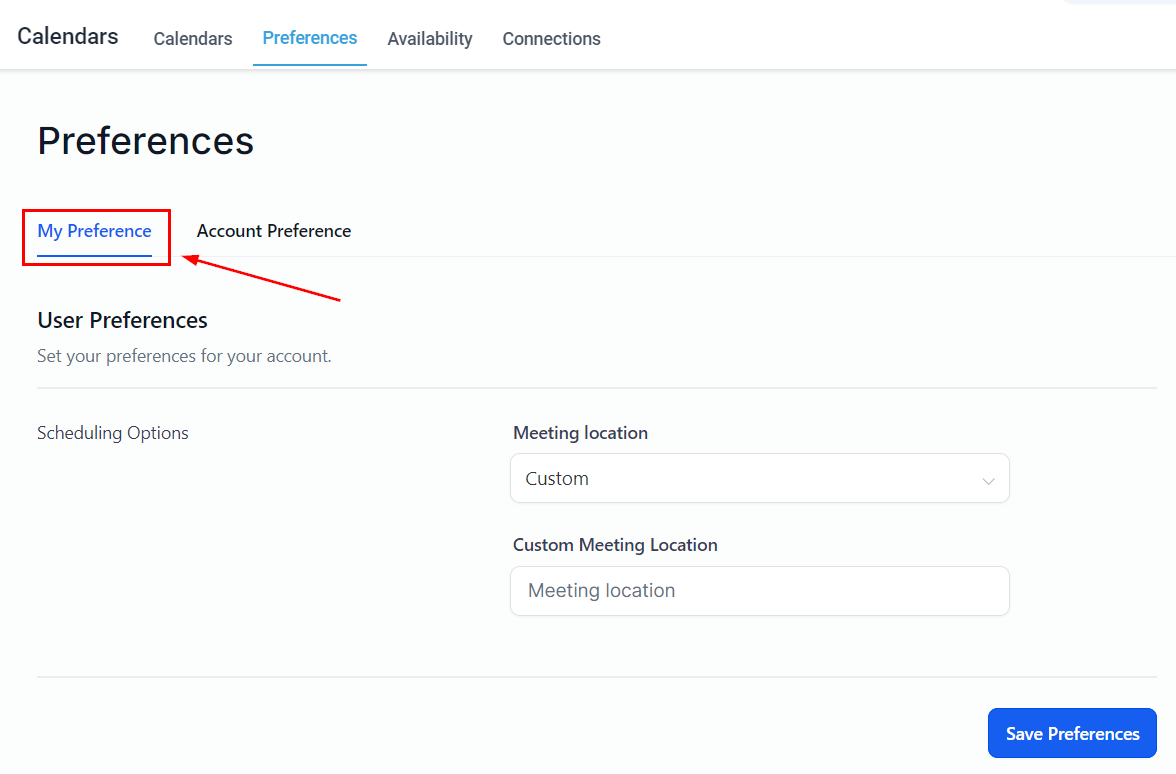
My Preferences
Here you can modify the preferences for your profile's meeting locations
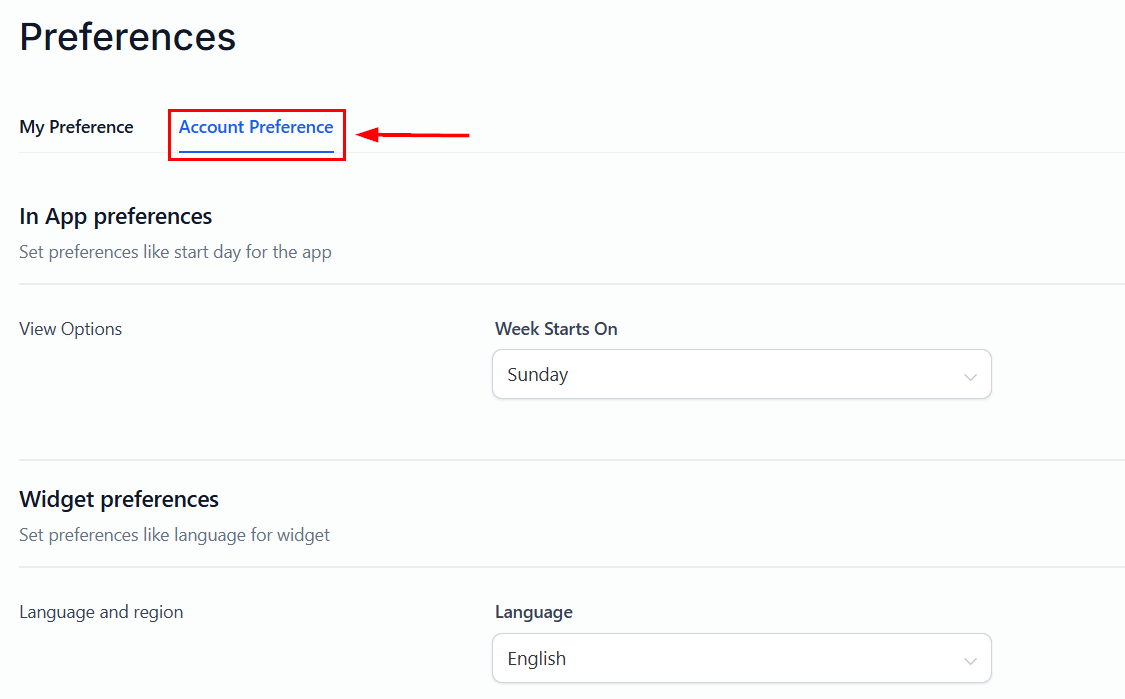
Account Preferences
Here, you can set in-app and widget preferences to be applied across all user profiles in the account.
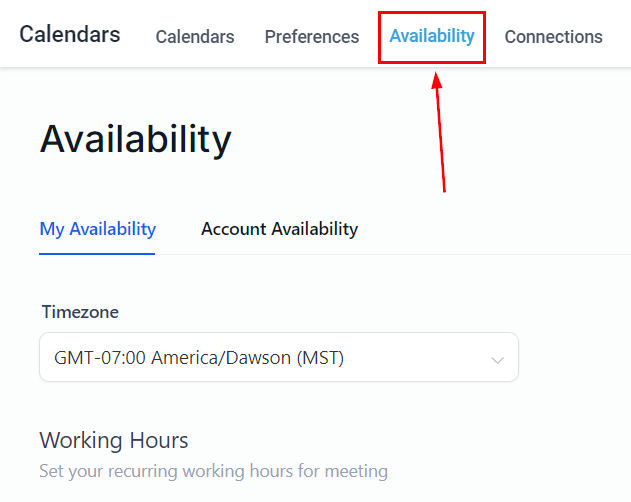
Availability
Switch to the Availability tab to manage your profile and account availability.
Connections
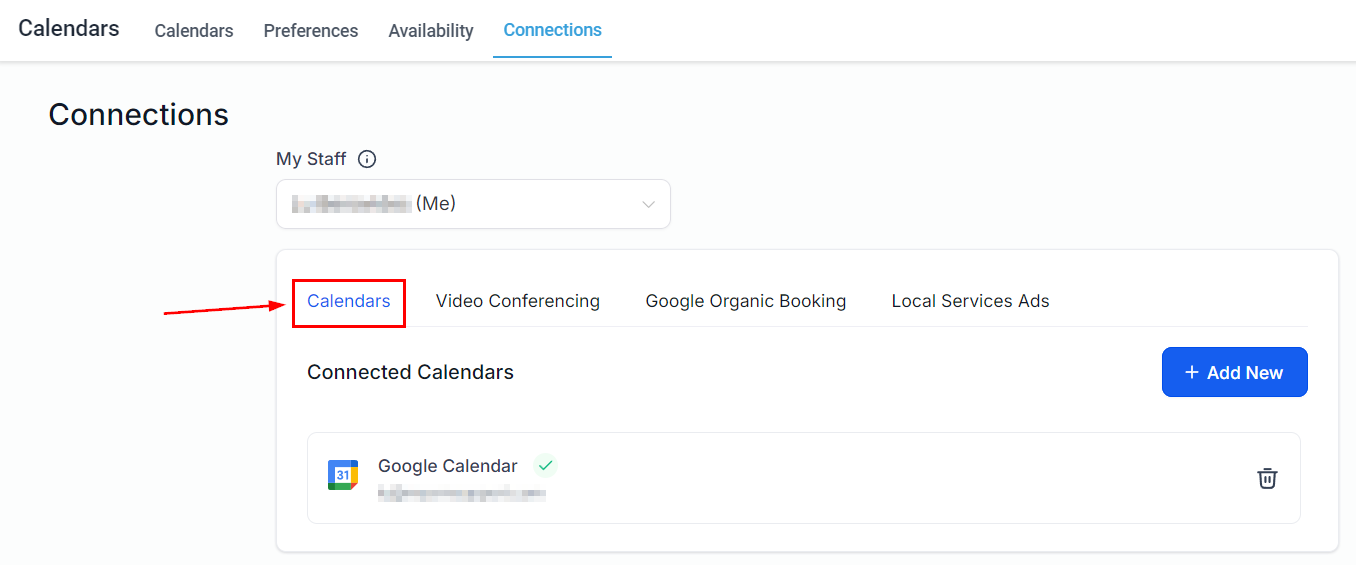
Calendars
Here you can manage your connections with external calendars.
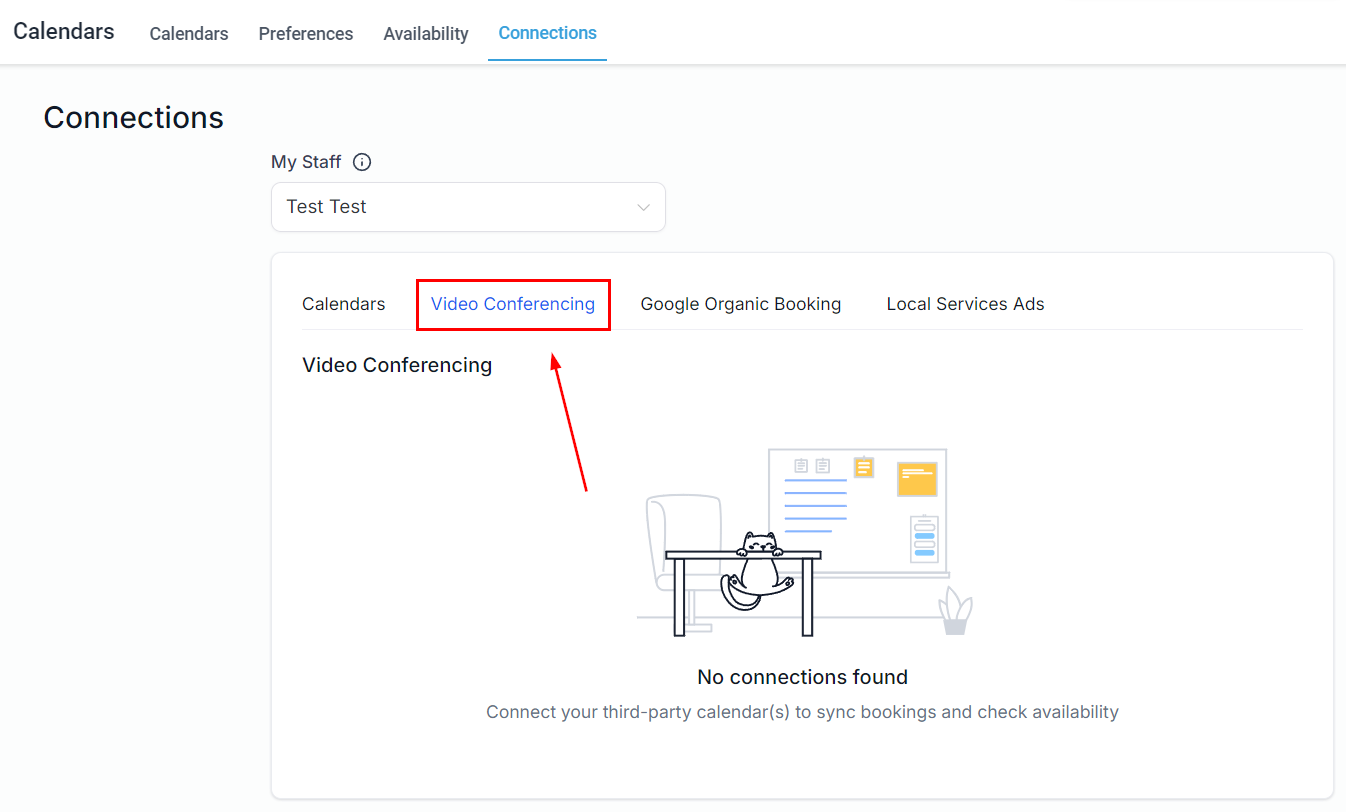
Video Conferencing
Here you can manage your profile or teammates' connections with video conferencing apps such as Zoom.
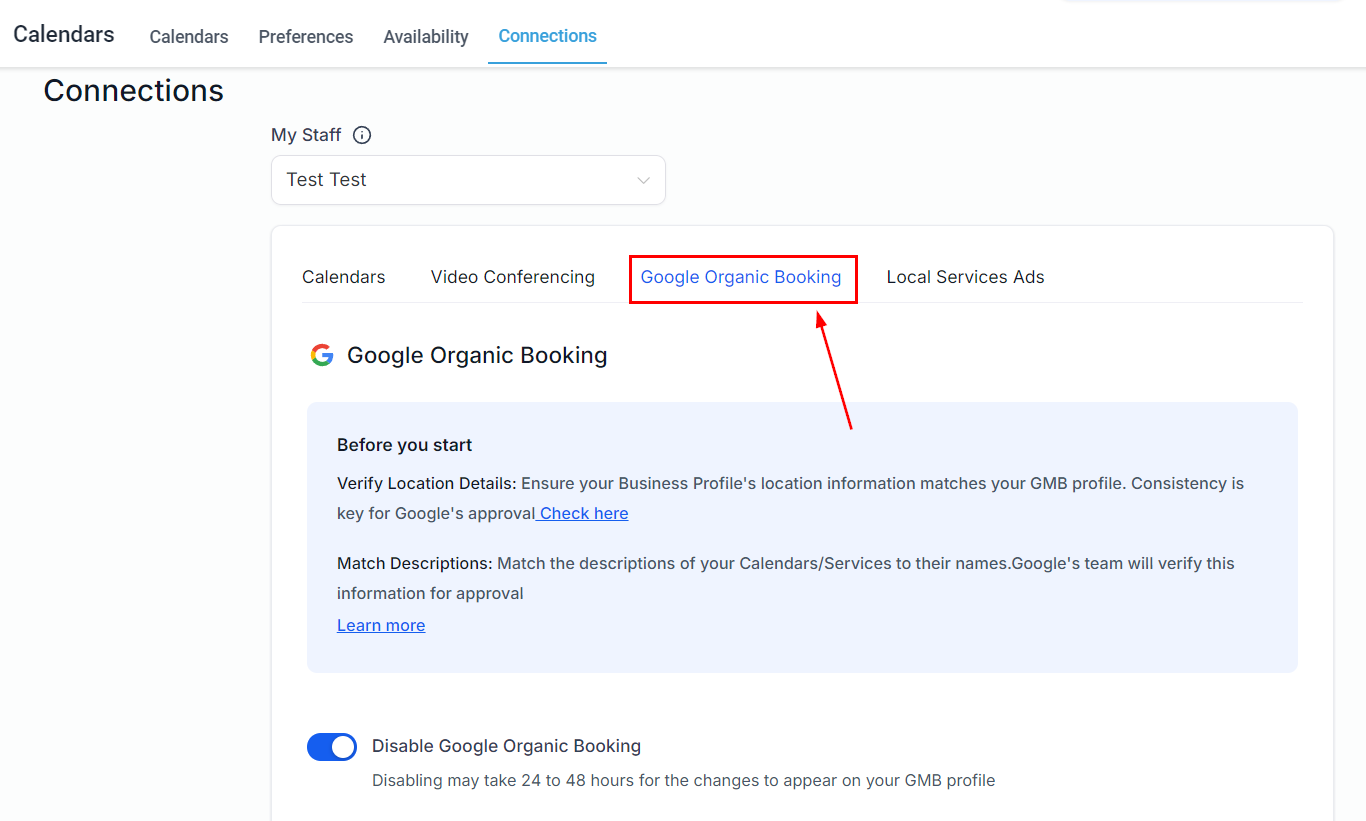
Google Organic Booking
Here you can manage your connection preferences for Google Organic Booking service listing.
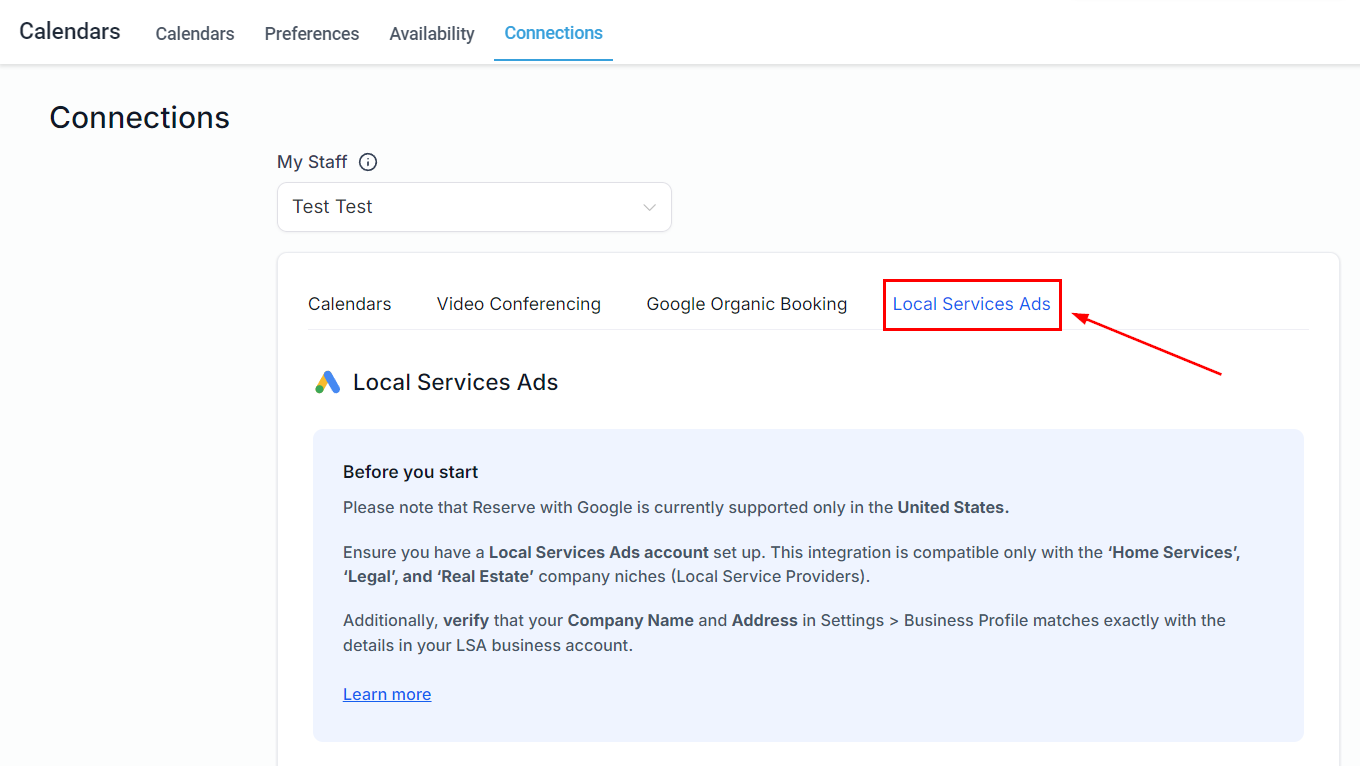
Local Services Ads
Here you can manage your connection preferences for Google Local Services Ads.
And there you have it! With a clear understanding of this section, you can now explore the related articles to deepen your knowledge as needed, ensuring you make the most of your calendars.
Was this article helpful?
That’s Great!
Thank you for your feedback
Sorry! We couldn't be helpful
Thank you for your feedback
Feedback sent
We appreciate your effort and will try to fix the article