Different platforms have unique audiences, content formats, limitations, and engagement strategies. However, a single post may be a base for building the perfect posts for each platform. Ensuring they resonate with the specific demographics, behaviors, and preferences of users on each platform.
So let's see how to do it!
Creating a Post
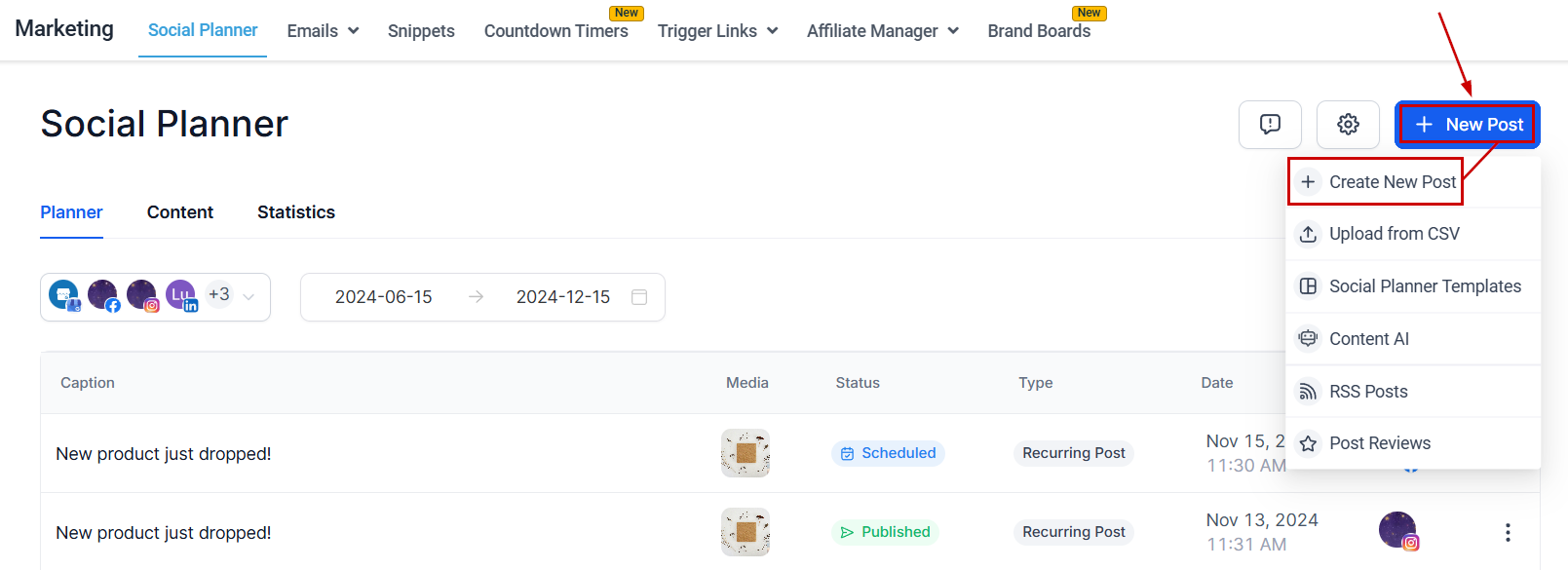
Navigate to the Social Planner tab inside the Marketing tab and create a New Post.
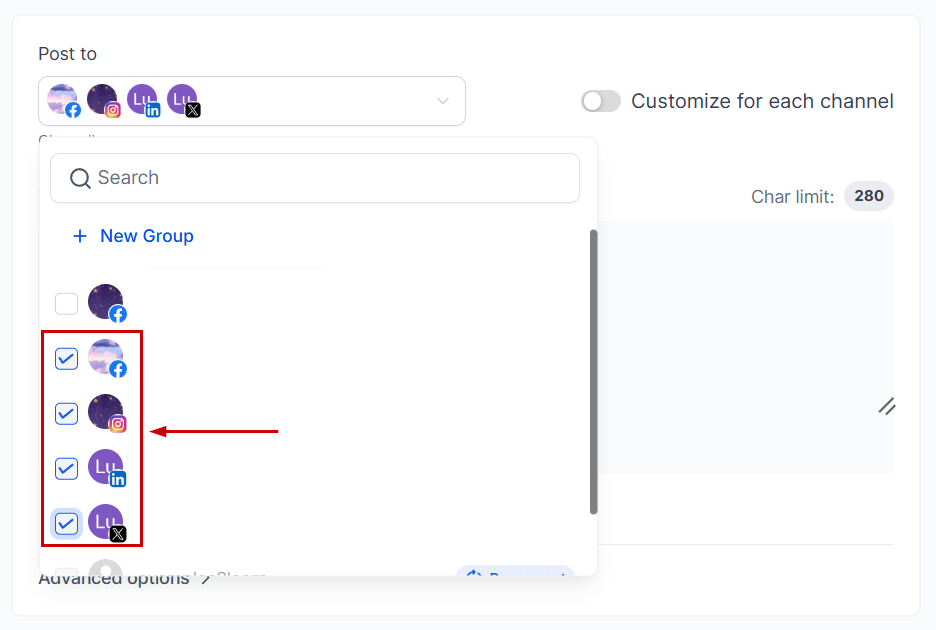
Select the pages you want to post to.
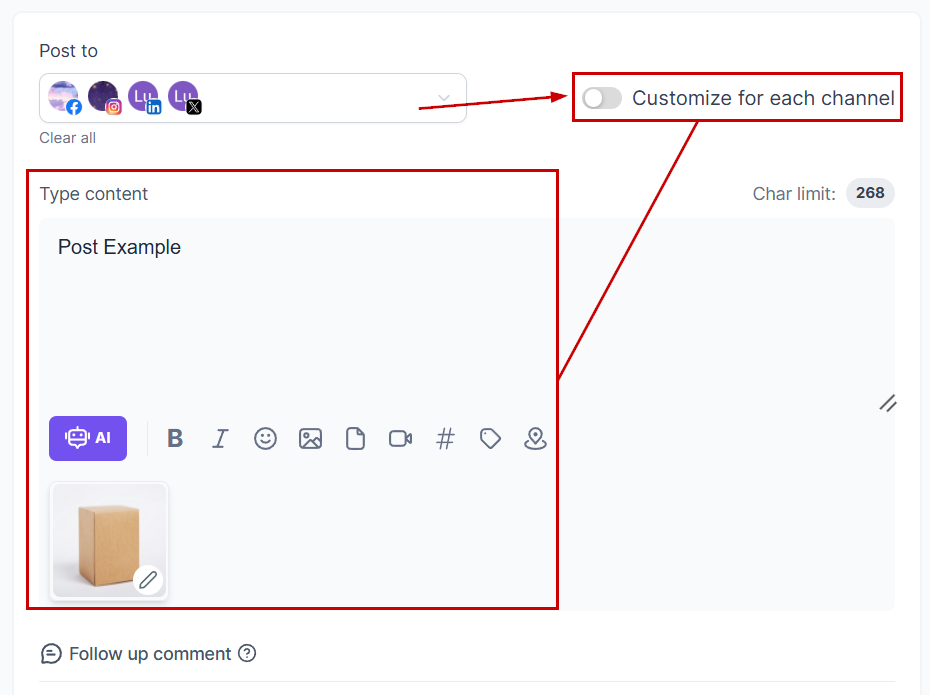
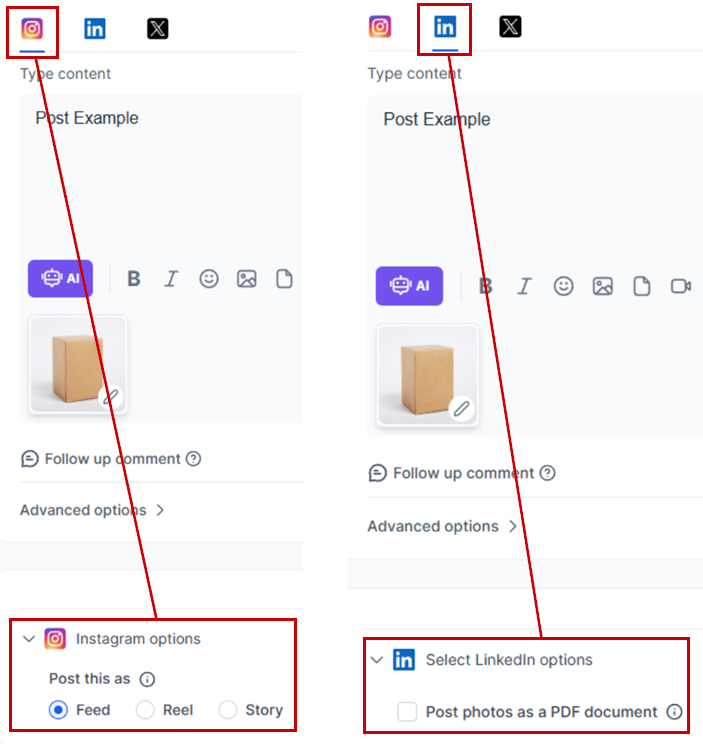
Create your base post as normal, adding your caption, image, video, etc. Once your base is ready toggle Customize for each channel to start personalizing.
Switch between channels by clicking on their logo at the top, this will allow you to make changes to the posts that don't affect other channels.
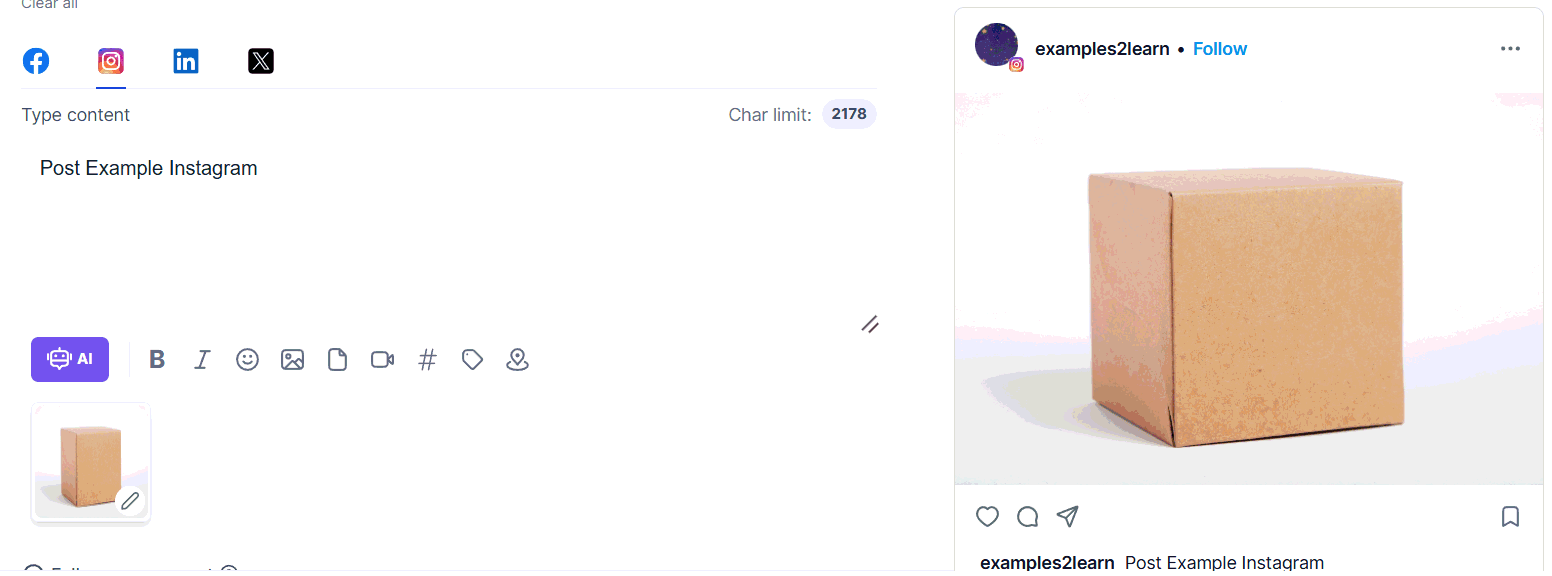
When using this mode you'll need to select the social media channel first to access the channel-specific options.
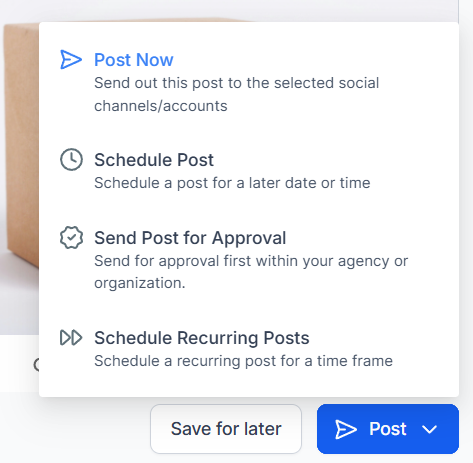
Once ready you can post or schedule your post for later, this will publish the post across all social media at the same time.
And there you have it! Customizing posts shows you value your audience's experience and are committed to delivering relevant, valuable content to them. Leaving you with a strategic approach that maximizes engagement, relevance, and impact, ultimately contributing to the overall success of your social media marketing efforts.
Was this article helpful?
That’s Great!
Thank you for your feedback
Sorry! We couldn't be helpful
Thank you for your feedback
Feedback sent
We appreciate your effort and will try to fix the article