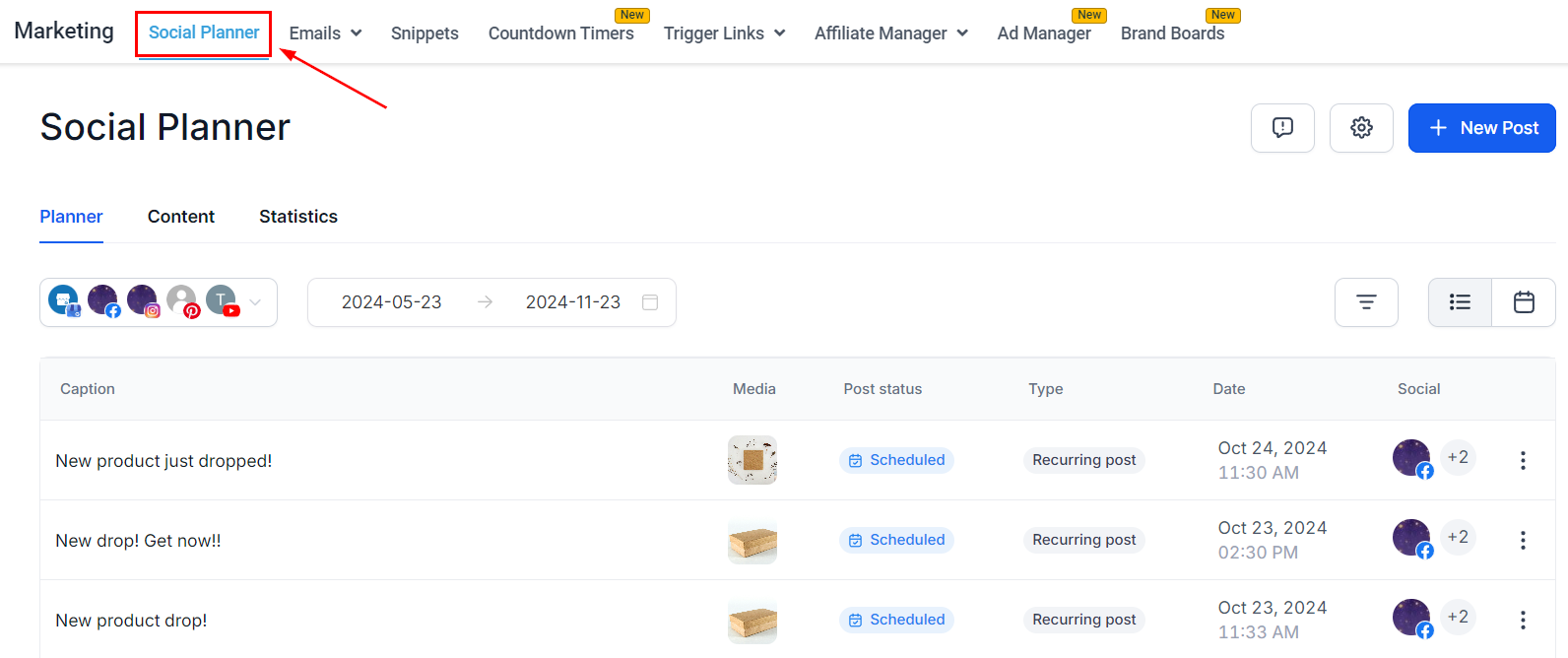
The Social Planner is your one-stop shop for managing and posting to your social media accounts. It provides a comprehensive overview of your planned posts across all channels. Ensuring a well-organized and consistent social media presence for your brand.
?Note: Access to the social planner depends on your user permissions.
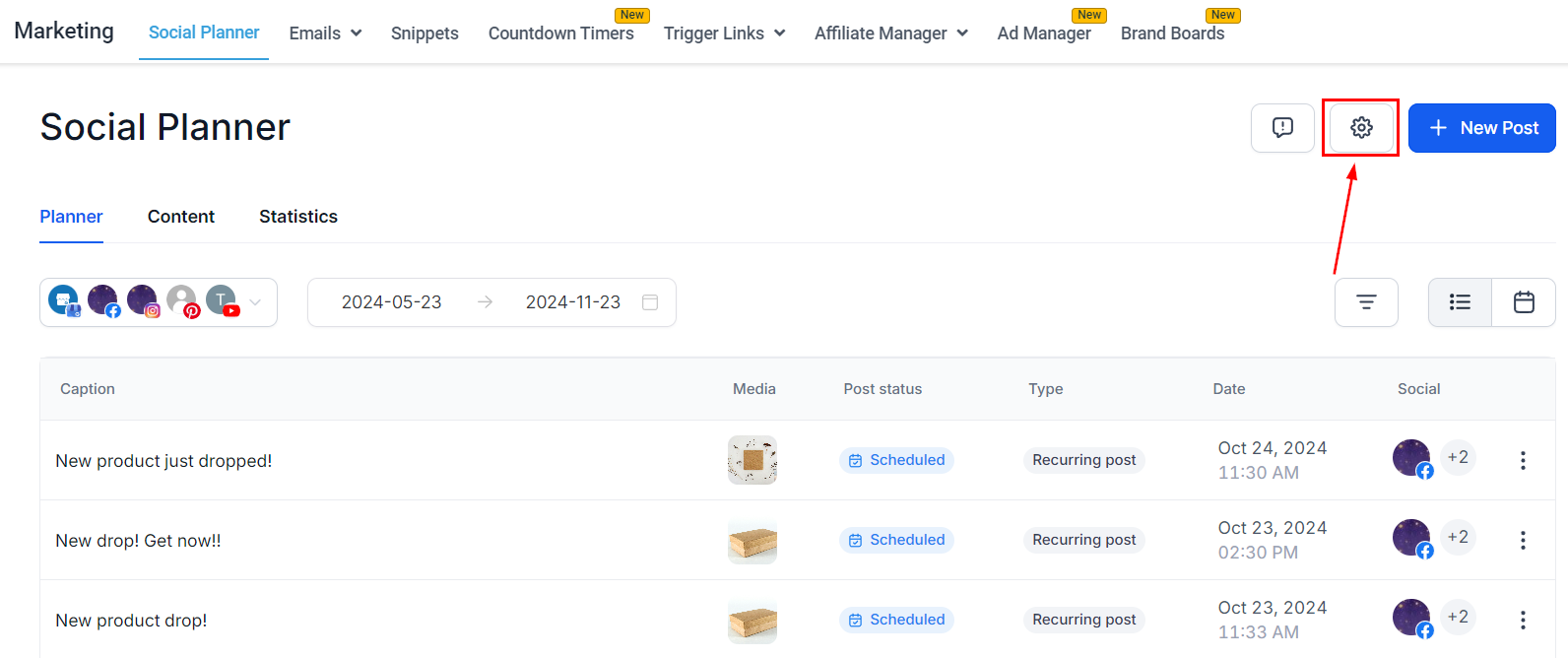
Settings
To manage the social Planner settings, click the "Gear" icon to make edits. Once you click it, you'll be redirected to the settings page where you can manage your social accounts and notifications.
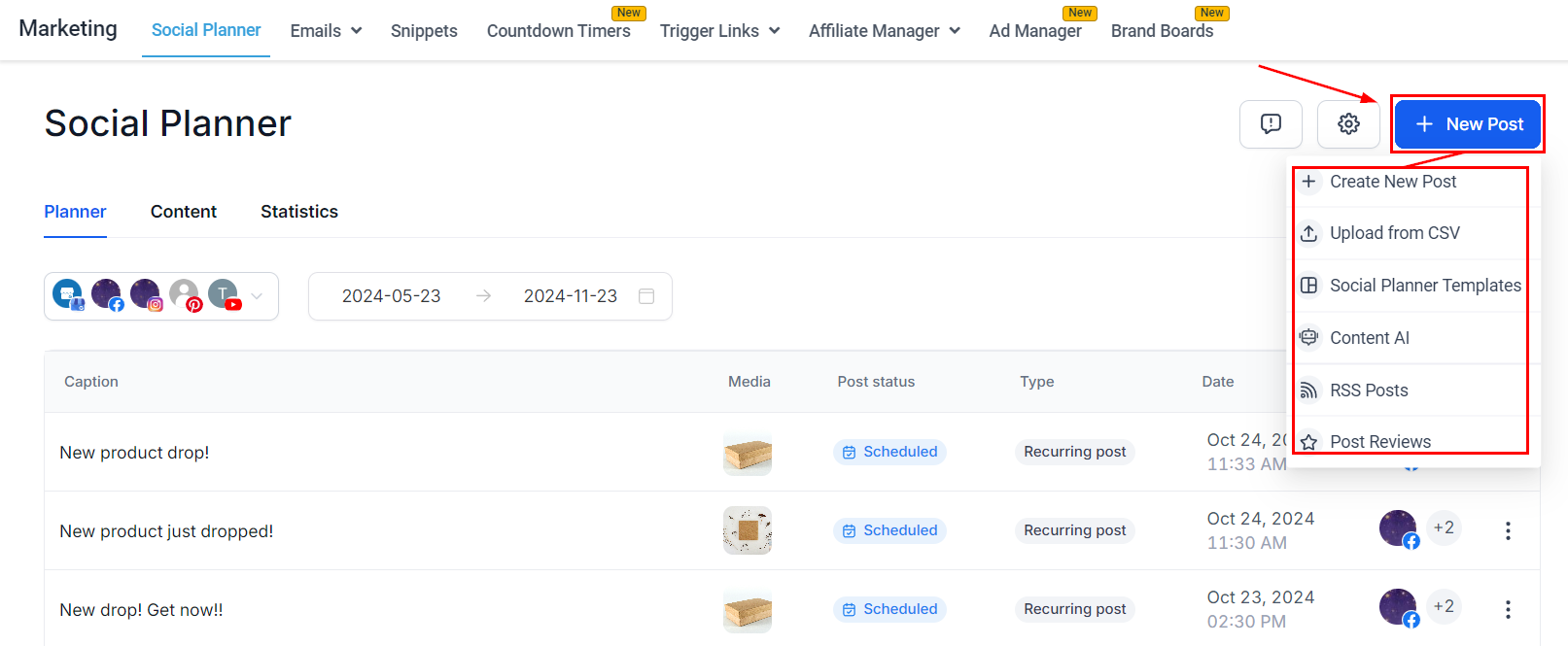
Post Builder
By clicking +New Post you can create and publish posts for the connected accounts. There are a few options when posting, so we recommend checking the related articles to the social media account you'll be publishing to.
Planner
This view will show you all posts, published and scheduled, that have been created from your account.
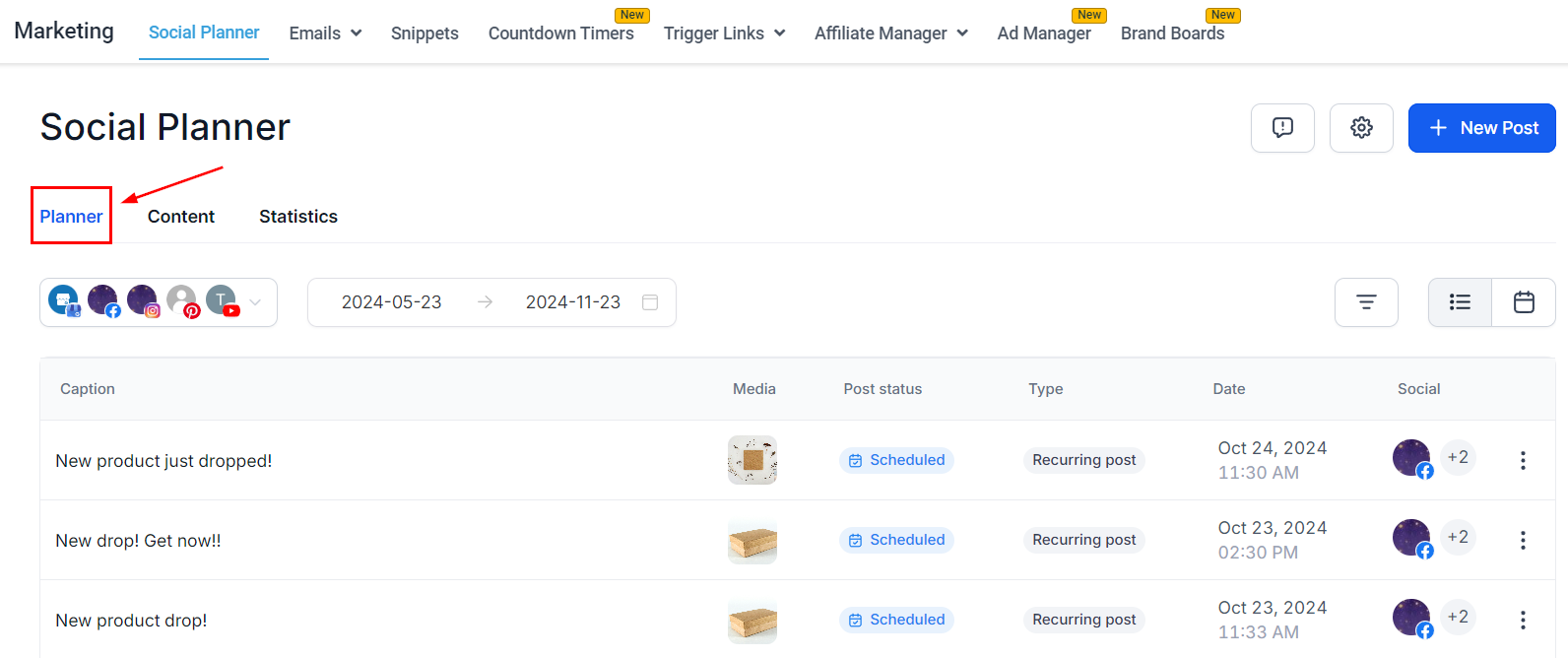
It includes a drop-down menu with your connected accounts.
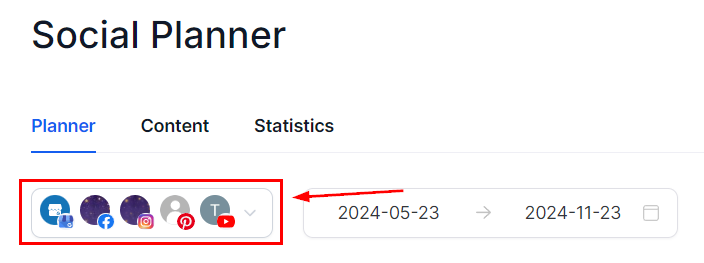
You can organize the view based on date (1) and the display type (2) you prefer.

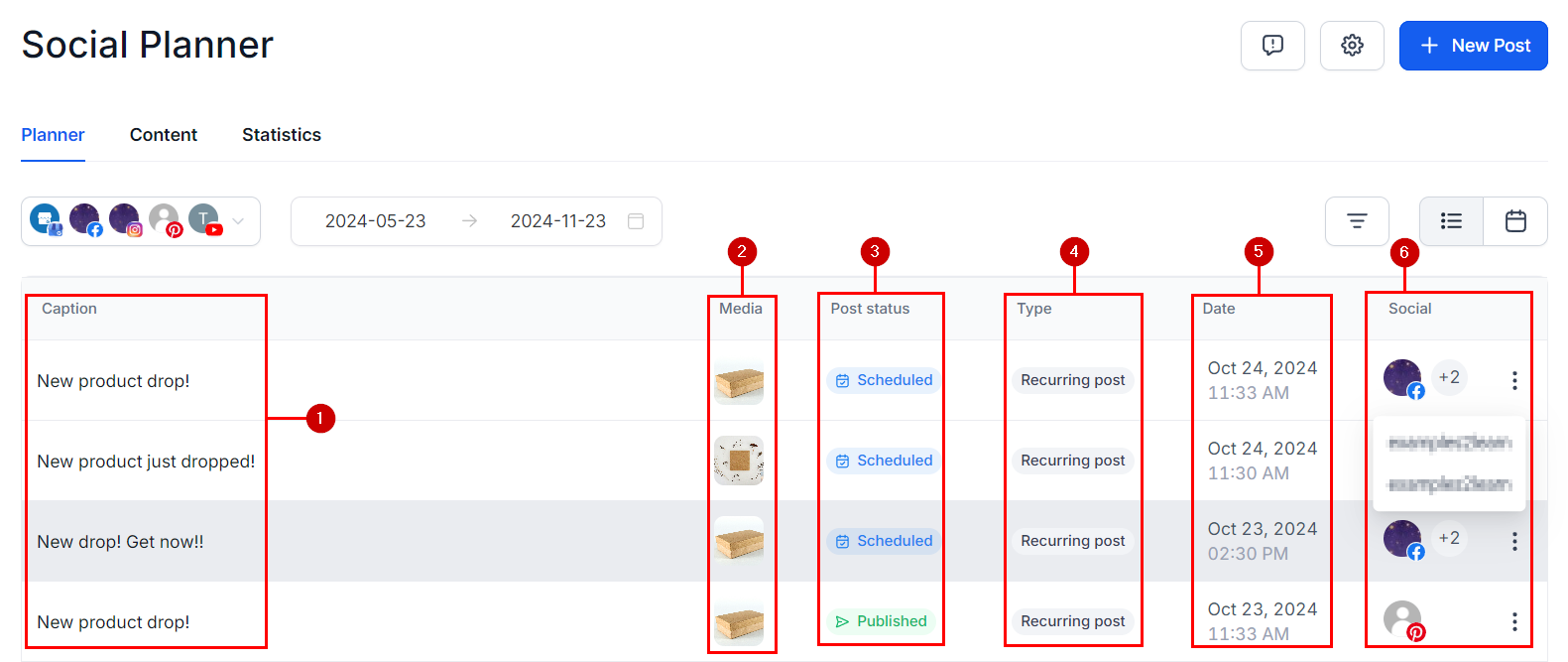
You can check the post content in the preview, they will display:
- Caption: The text you've added to your post.
- Media: This will include a miniature of the image or video you've added to your post.
- Post Status: This will disclose the current status of your post.
- Type: This shows the type of publishing and source of the post.
- Date: This will be the date and time the content will be published.
- Social: This displays the account(s) the post will be live. If there are multiple accounts selected you can hover over the number to read their names.
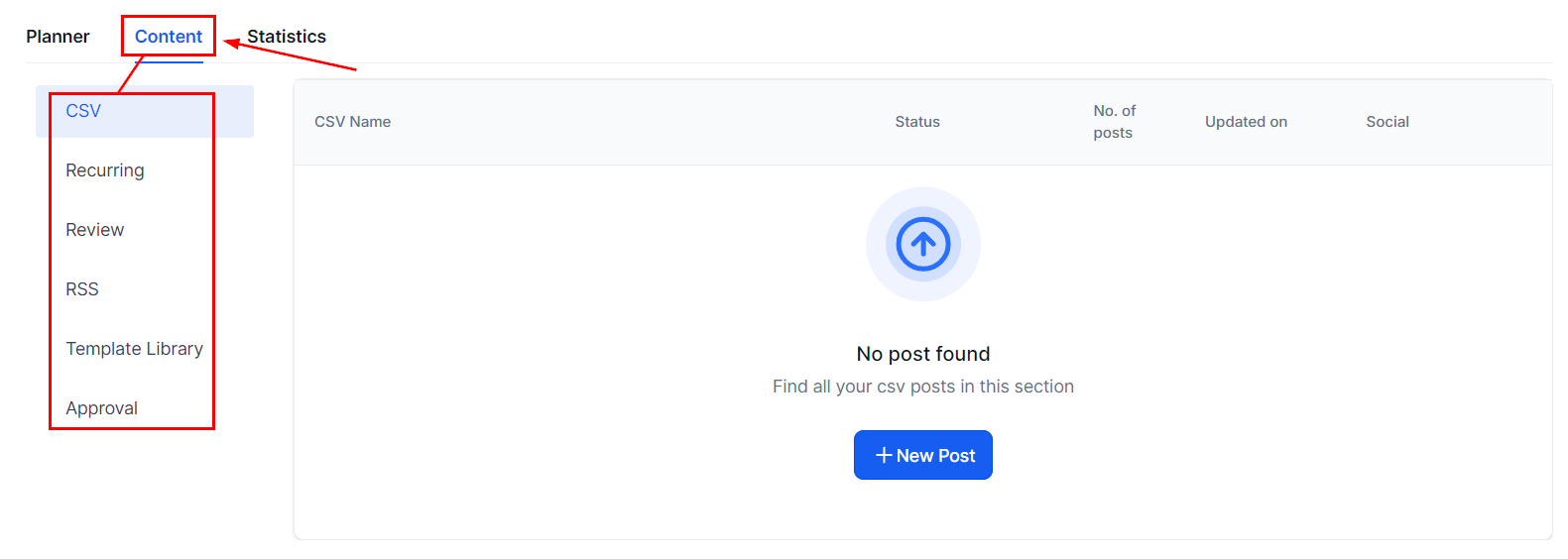
Content
This view allows you to see your posts and templates separated depending on how they were created and their current status.
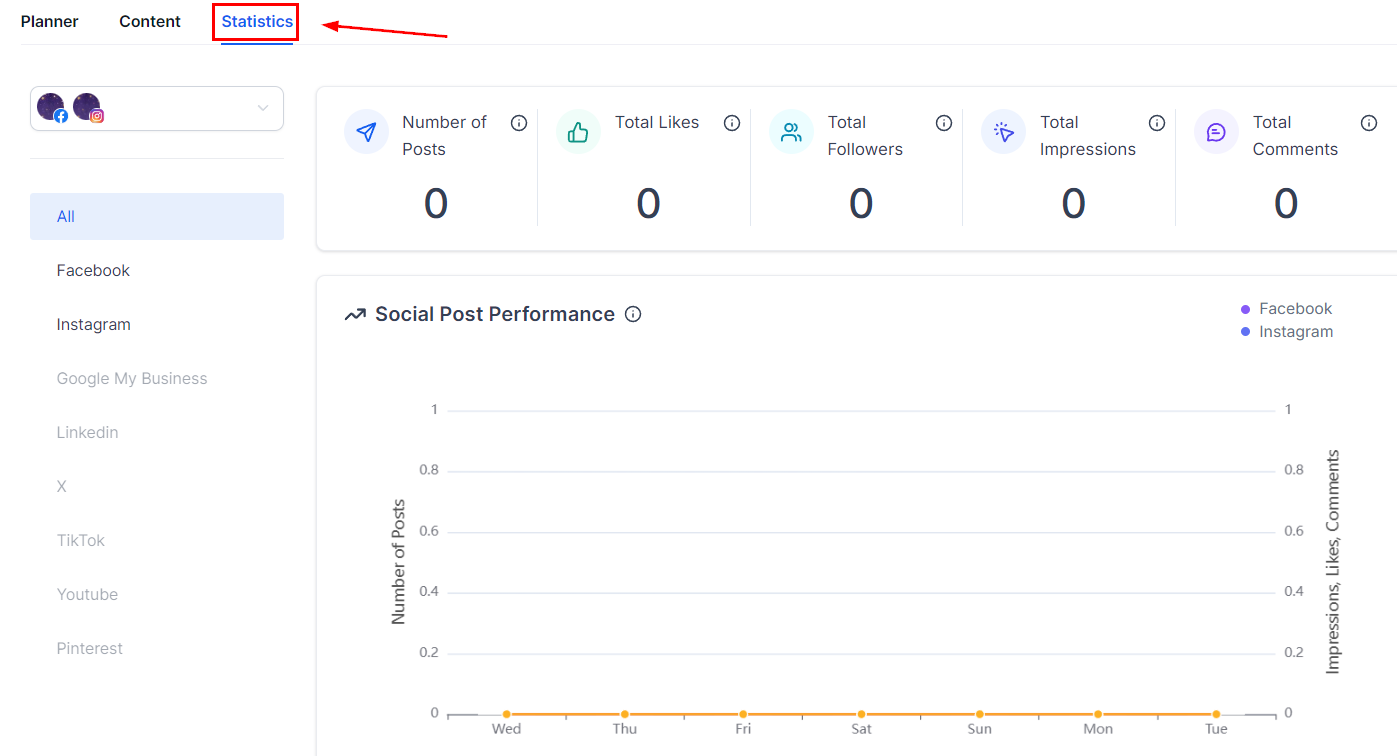
Statistics
Here you can see the amount of likes, comments, and shares your posts have received. The statistics shown will be for the top-performing posts based on likes or recently published Posts.
And there you have it! Now that you've got the basis down you can use your Social Planner to become a Social Media Superstar and keep an active, relevant, and fresh presence. If you'd like to know more about how to post to specific social media take a look around this category!
Was this article helpful?
That’s Great!
Thank you for your feedback
Sorry! We couldn't be helpful
Thank you for your feedback
Feedback sent
We appreciate your effort and will try to fix the article