Payment Links are an amazing tool that helps you complete a sale while minimizing the churn to your clients since most things are prefilled for them. Overall, it simplifies the process since instead of going through an invoice or purchasing process, the client can simply click the link and pay without the need for extra steps.
You can send the same payment link to multiple contacts while preserving the personalization of each individual link. This approach minimizes your workload while ensuring a seamless and flexible experience for your clients.
How to Use It?
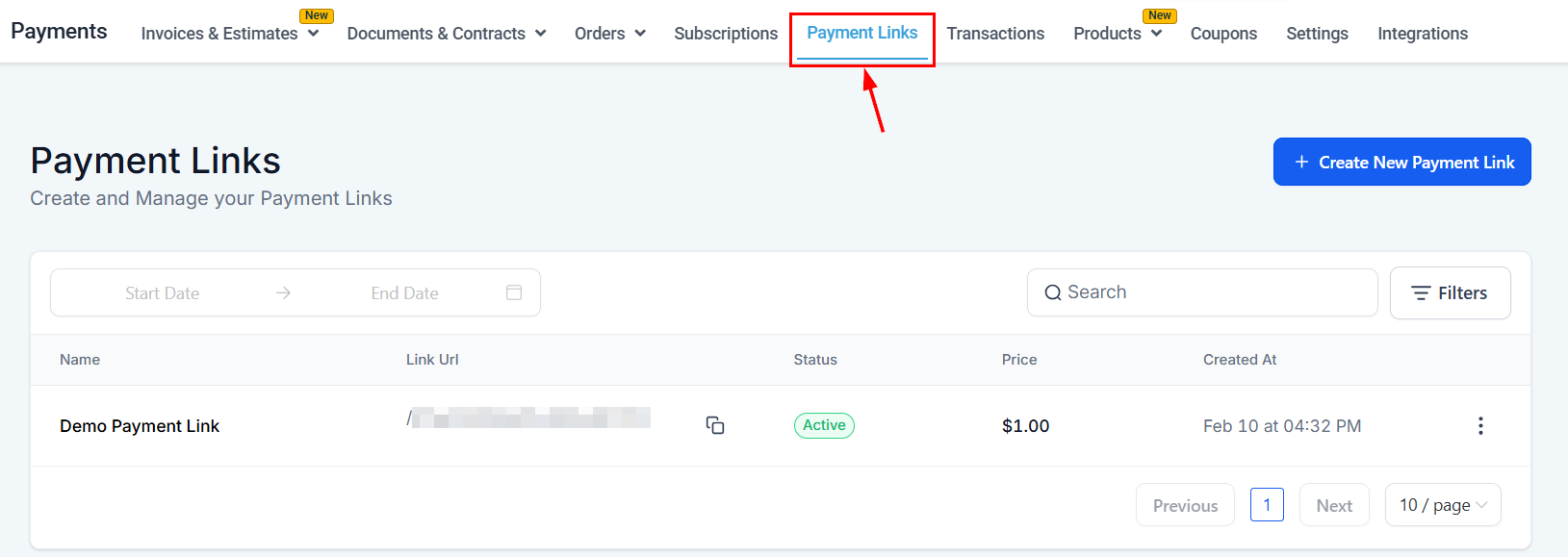
Head over to the Payment Links Tab inside the Payments section.
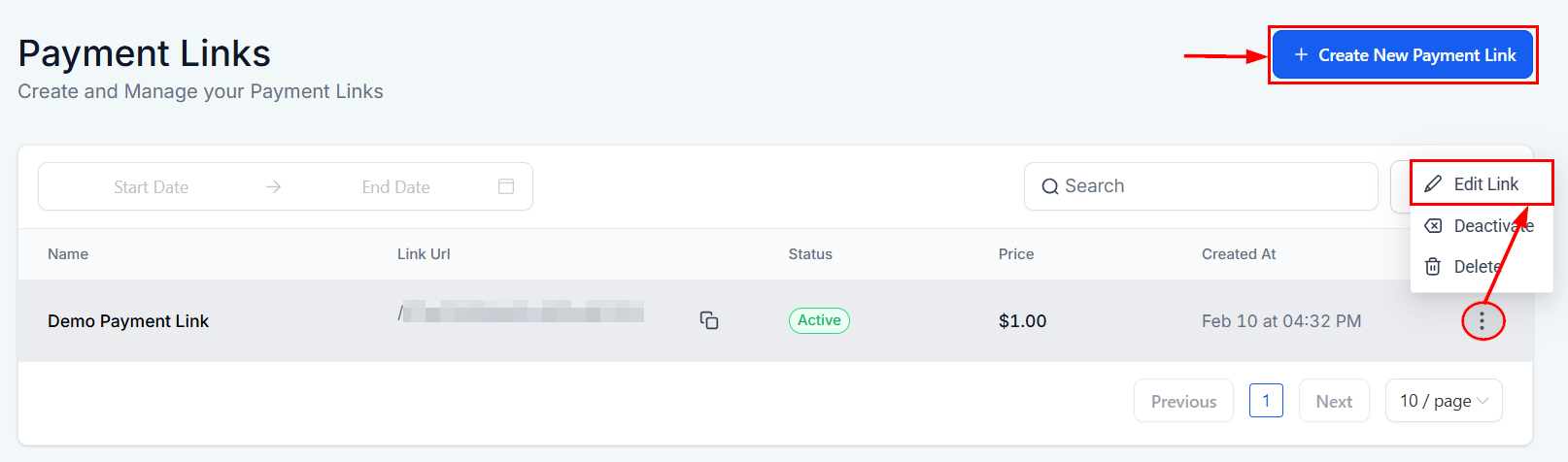
Click the three dots to edit an existing link, or create a new payment link.
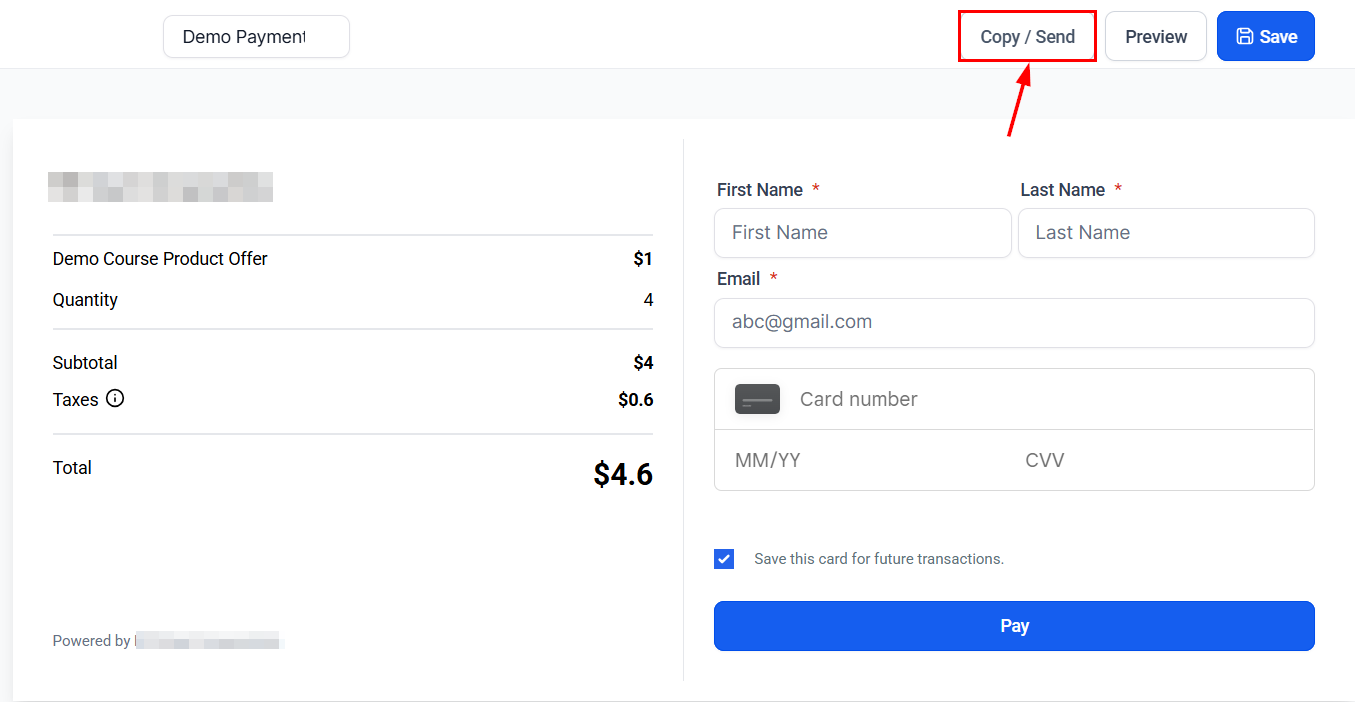
Once satisfied, click the Copy/Send Button. This will open a pop-up window for you to copy the link or select contacts to send it to.
Switch to the Send to Contacts tab, then choose the contacts you want to send it to.
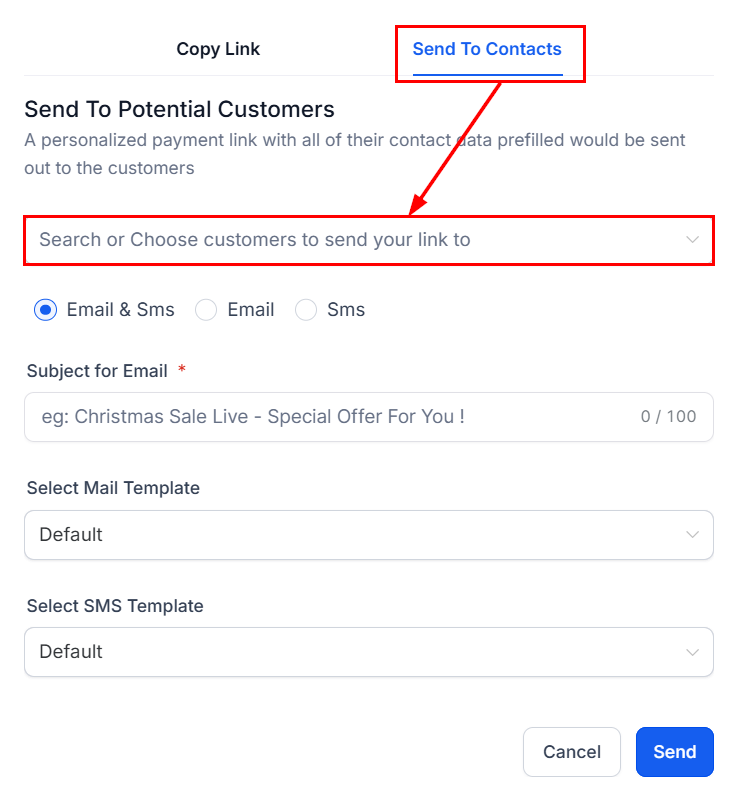
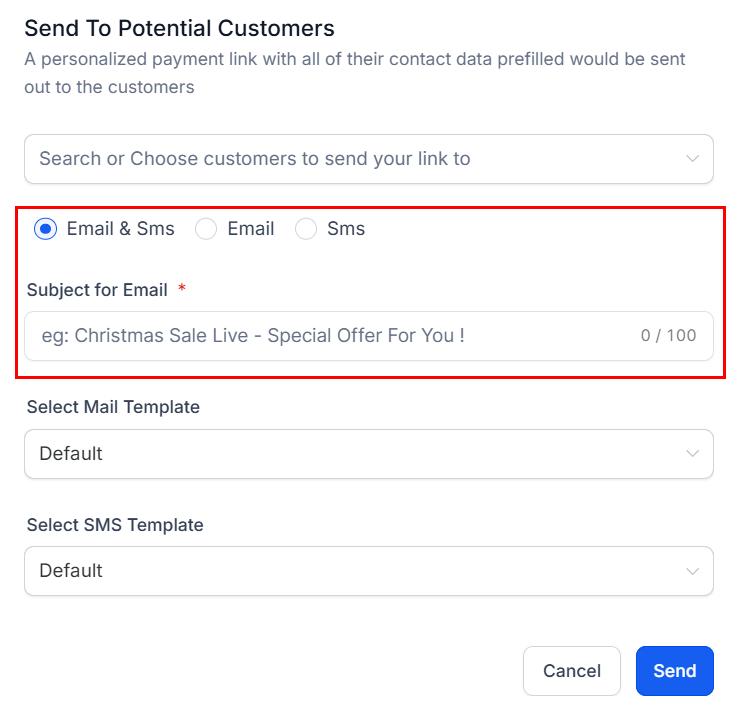
Select the channels you would like to use to send the payment link. If you choose Email, specify the subject line for the message.
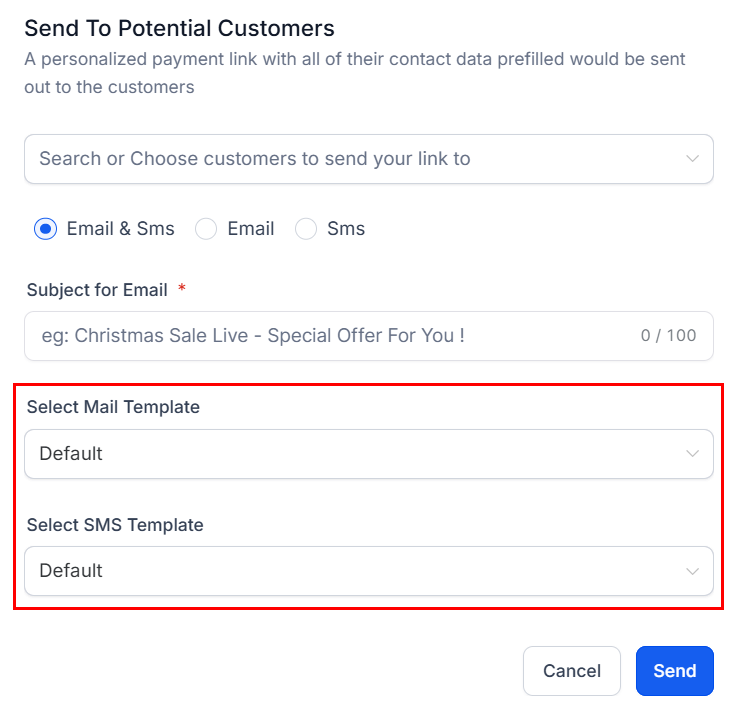
Next, select the template to be utilized from the dropdown menu.
?Note: For custom templates, ensure that you insert the Payment Link URL custom field.
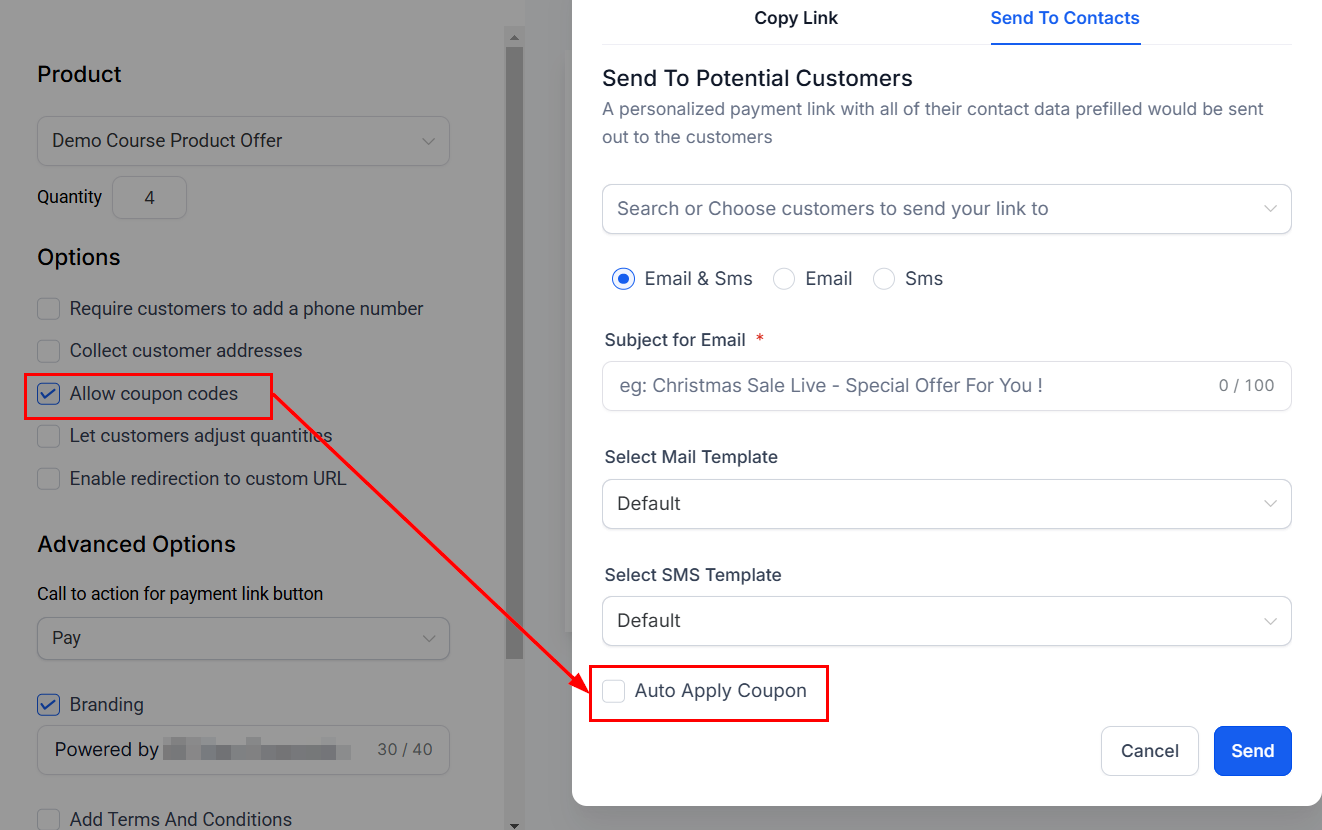
If your link accepts coupon codes, select whether the coupon code should be automatically applied when the link is accessed.
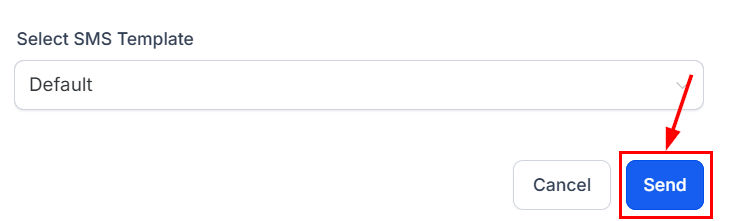
Once ready click send, this will send out a prefilled link for clients to complete the payment.
There you go! Now you can utilize this tool to its max and ensure the payment process for your business is easy, convenient, and flexible while not taking too many resources from you.
Was this article helpful?
That’s Great!
Thank you for your feedback
Sorry! We couldn't be helpful
Thank you for your feedback
Feedback sent
We appreciate your effort and will try to fix the article