If you're looking for a quick and easy way to accept payments, payment links may be your solution. Payment Links streamline your sales by allowing easy generation of payment links, enhancing the transaction experience. They offer secure, reusable payment options for quicker future checkouts and provide flexible customization and management, ensuring complete control over your sales operations.
Payment Links Dashboard
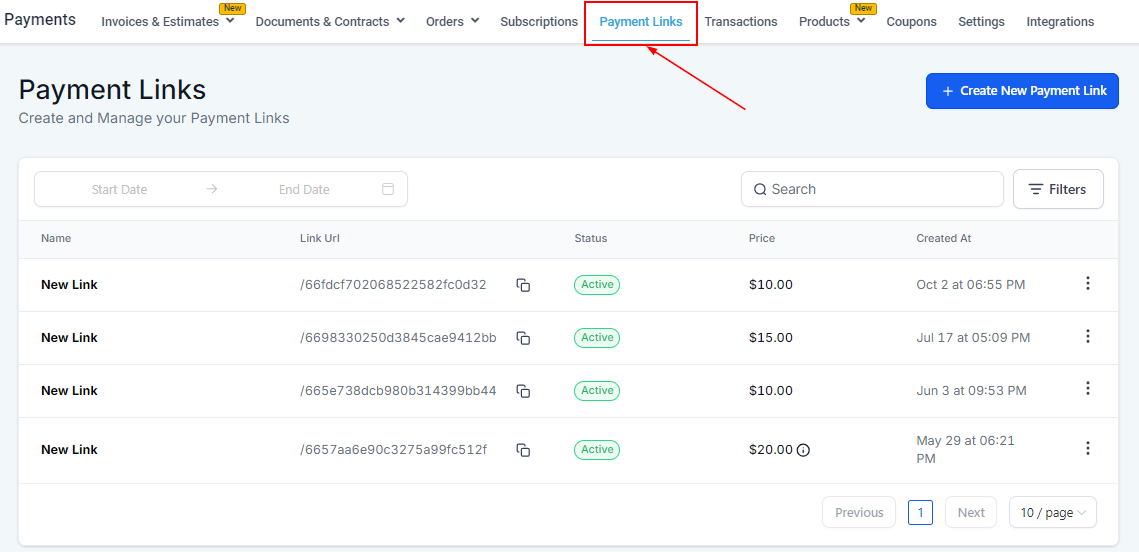
To get started, navigate to Payments in the left sidebar and select Payments Links.
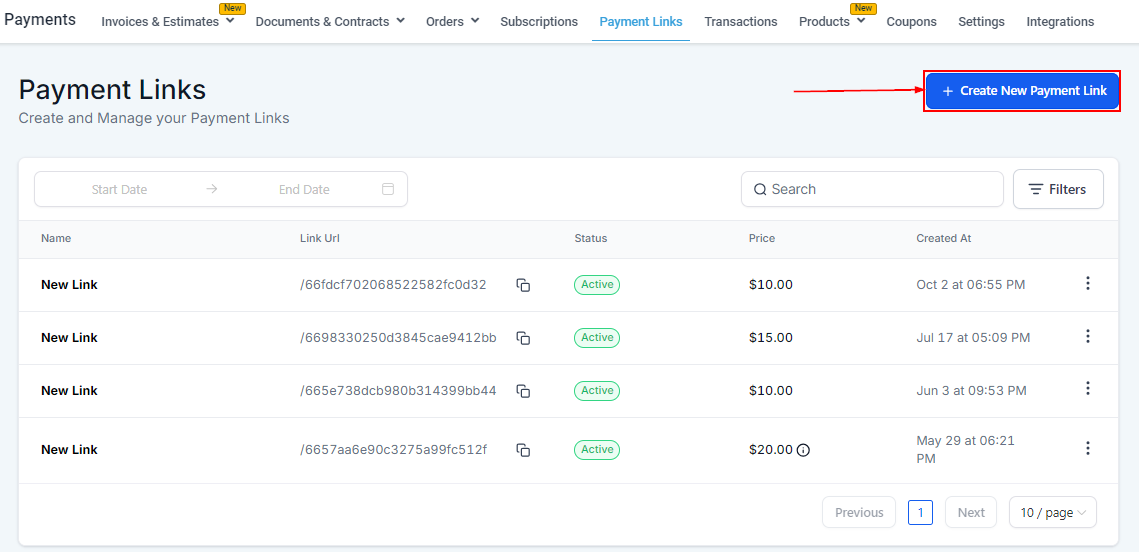
Create a New Payment Link
To begin creating a new payment link, you can select the + Create New Payment Link button on the top right.
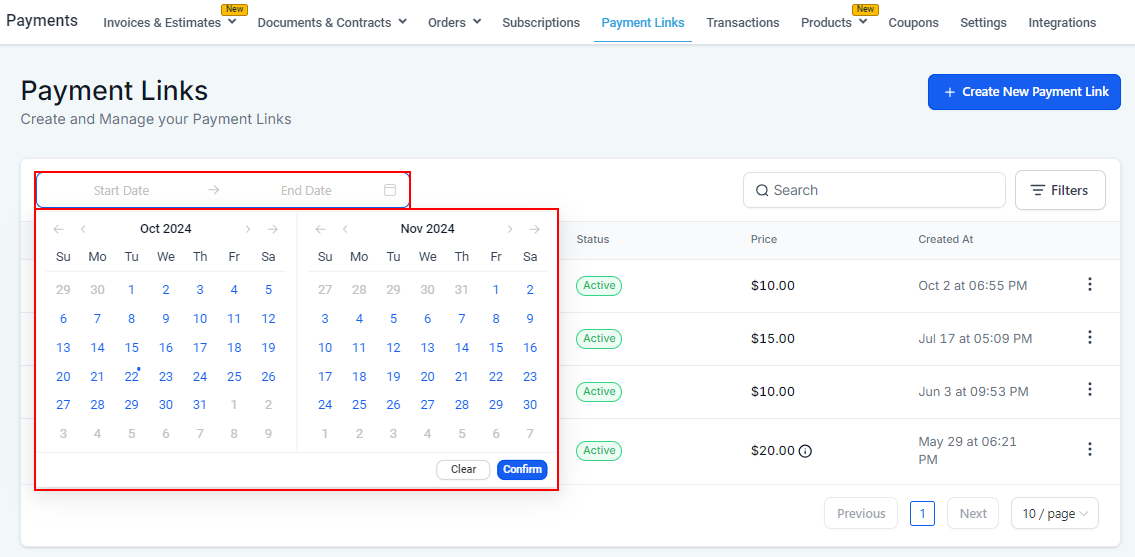
Date Picker
To view payment links created within a specific time frame, access the date picker.
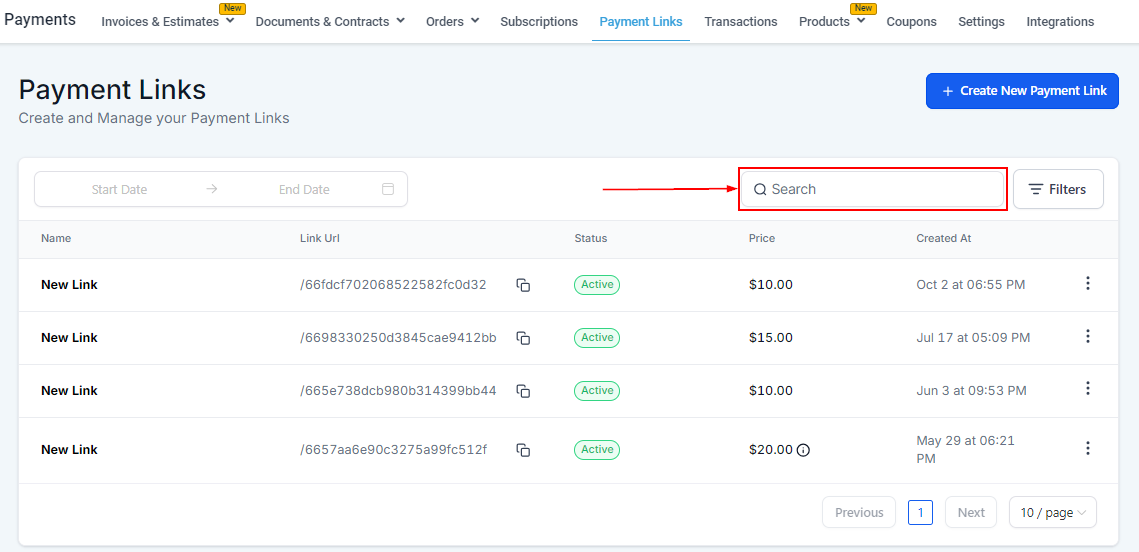
Search
To find a specific payment link, use the search bar. You can search by payment link name.
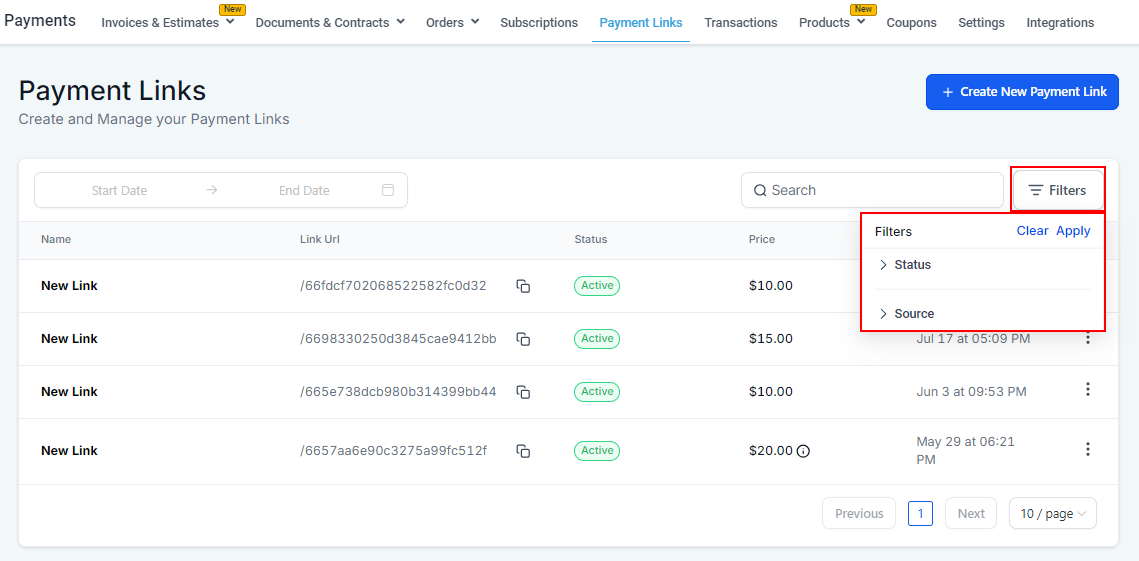
Filters
Use filters to sort by status and source.
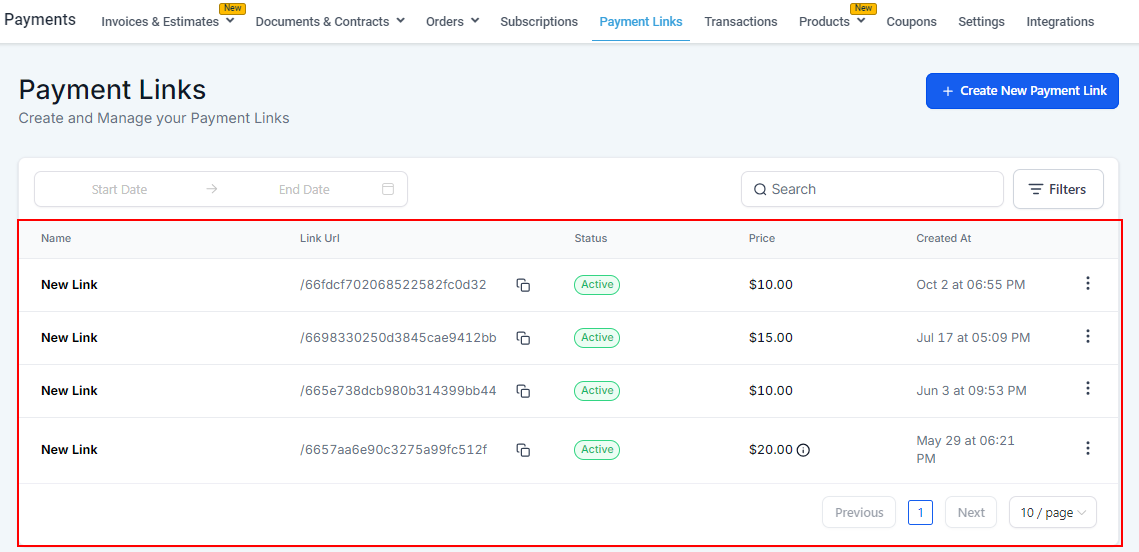
Payment Link Information
In the table, you can view the name, link URL, copy the link URL, the status, price, and the date it was created.
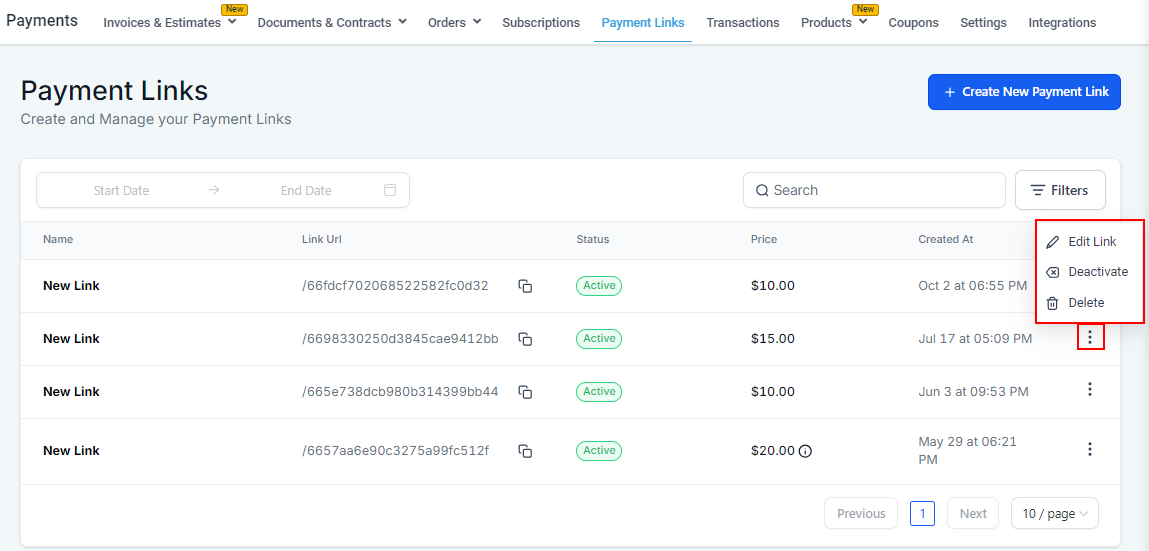
The three dots to the right allow you to edit, deactivate, and delete the chosen payment link.
Payment links simplify payment processing by offering secure, reusable options with flexible customization and management—providing seamless control over your sales operations.
Was this article helpful?
That’s Great!
Thank you for your feedback
Sorry! We couldn't be helpful
Thank you for your feedback
Feedback sent
We appreciate your effort and will try to fix the article