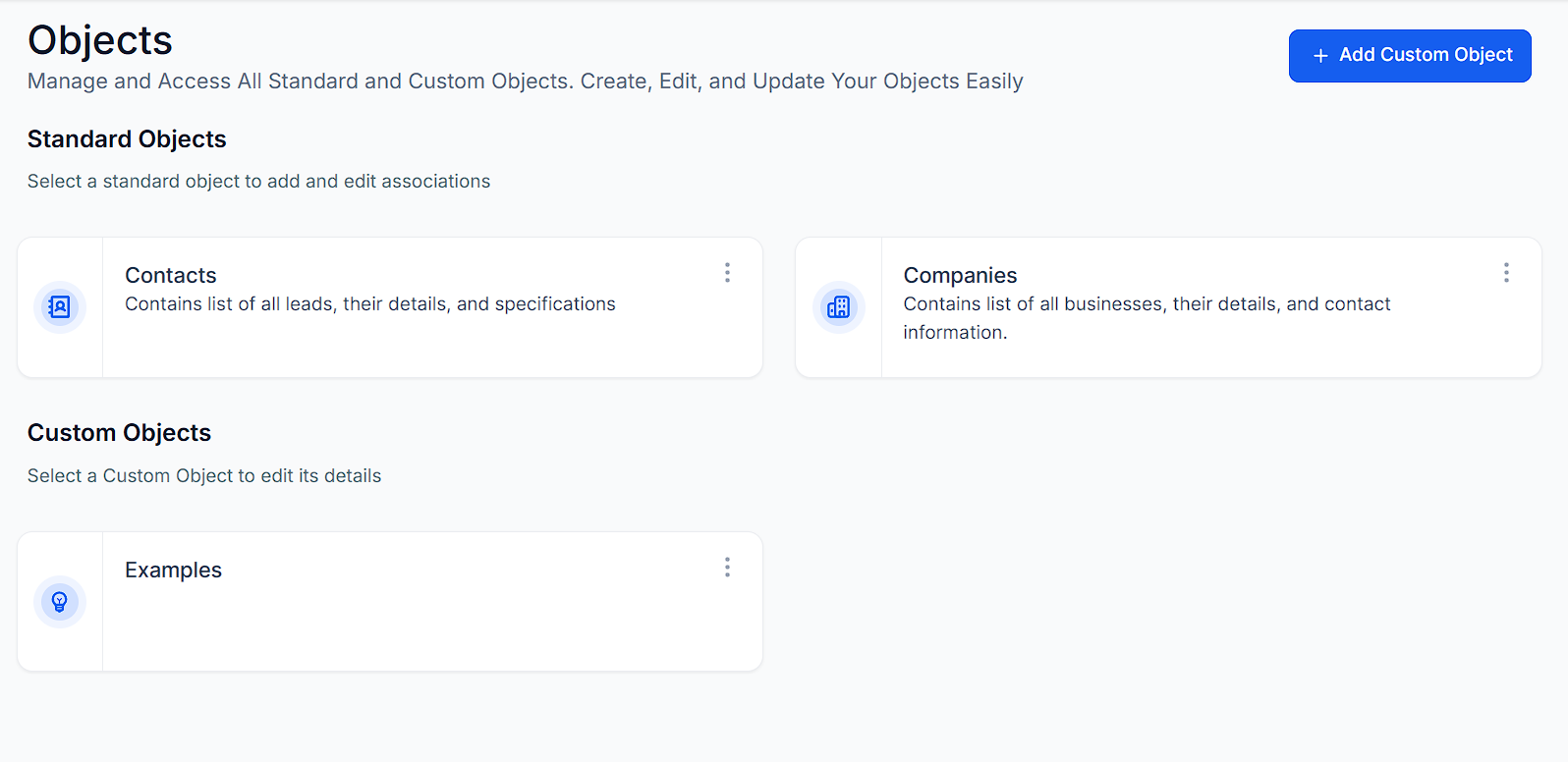
Objects enable users to organize, filter, and visualize information according to their operational needs, greatly enhancing data management and offering a more customized and efficient way to handle intricate data. The Objects section in your account allows you to access and manage all Standard and Custom Objects efficiently.
Navigate to Settings > Objects from your account Dashboard to locate this feature.
Creating Objects
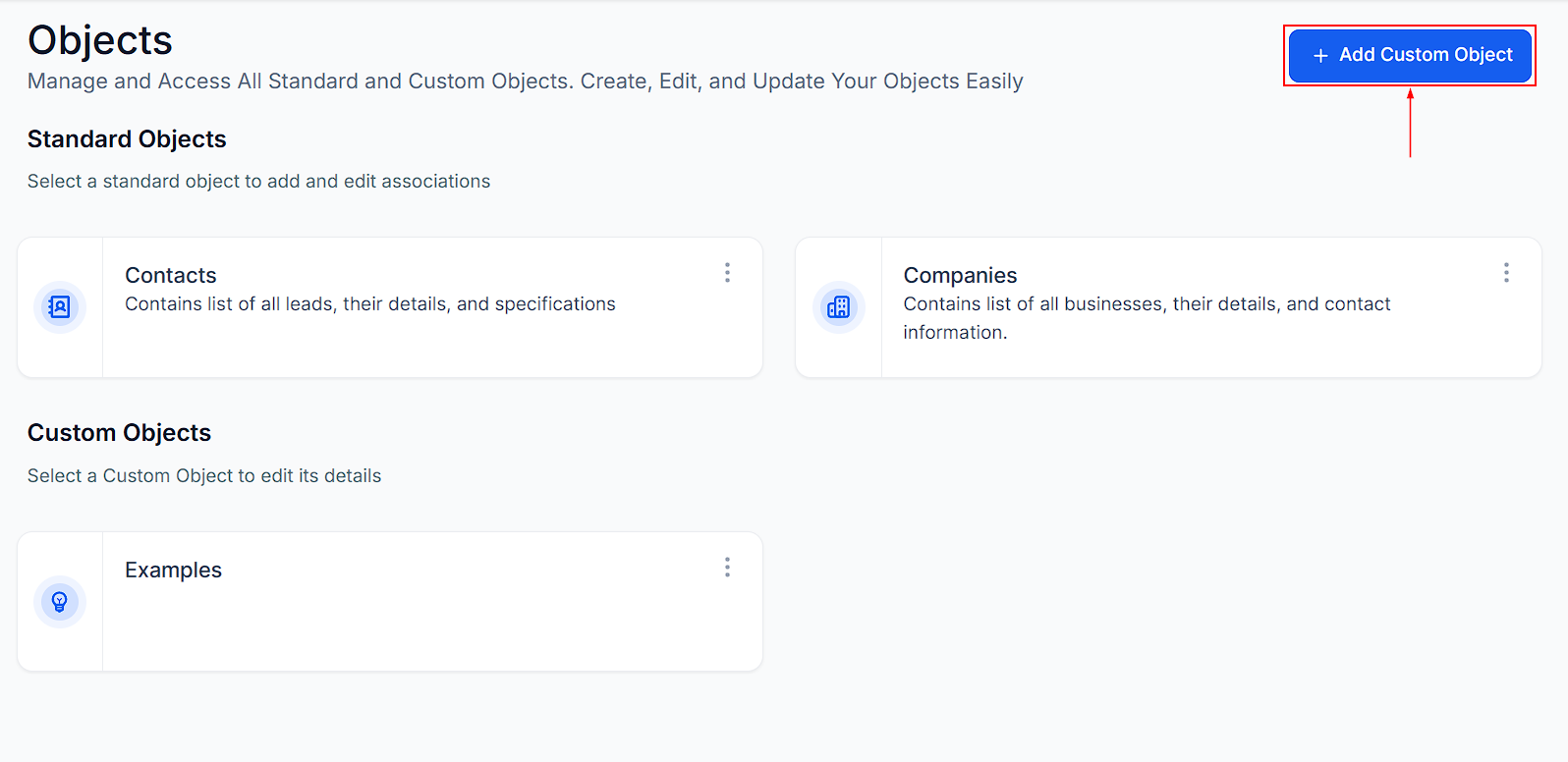
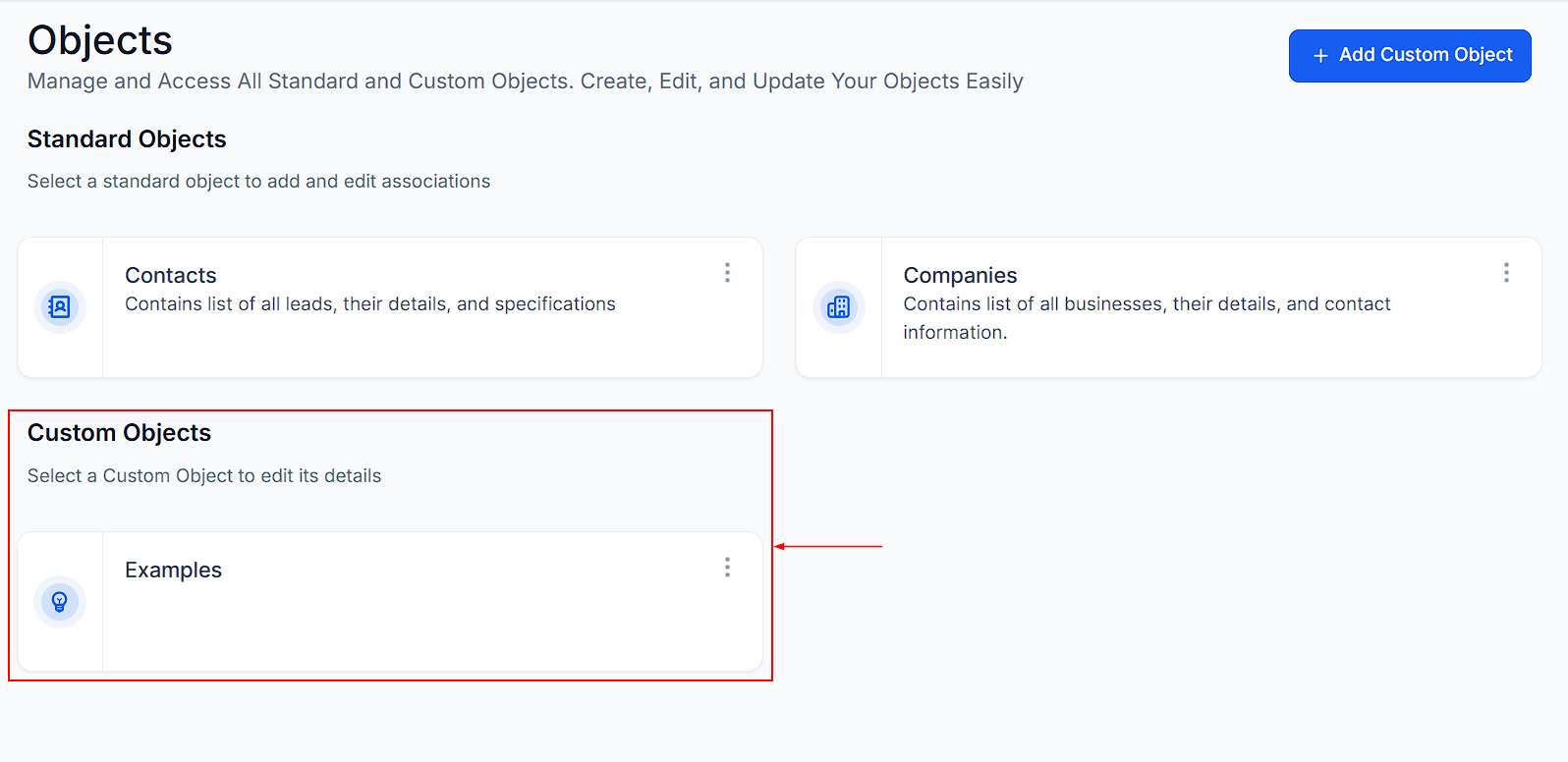
Create a new object by clicking the Add Custom Object button on the upper right-hand corner of the screen. This will open a setup window where you can define the properties and configurations of your new object, including its name, display field, and additional settings.
Standard Objects
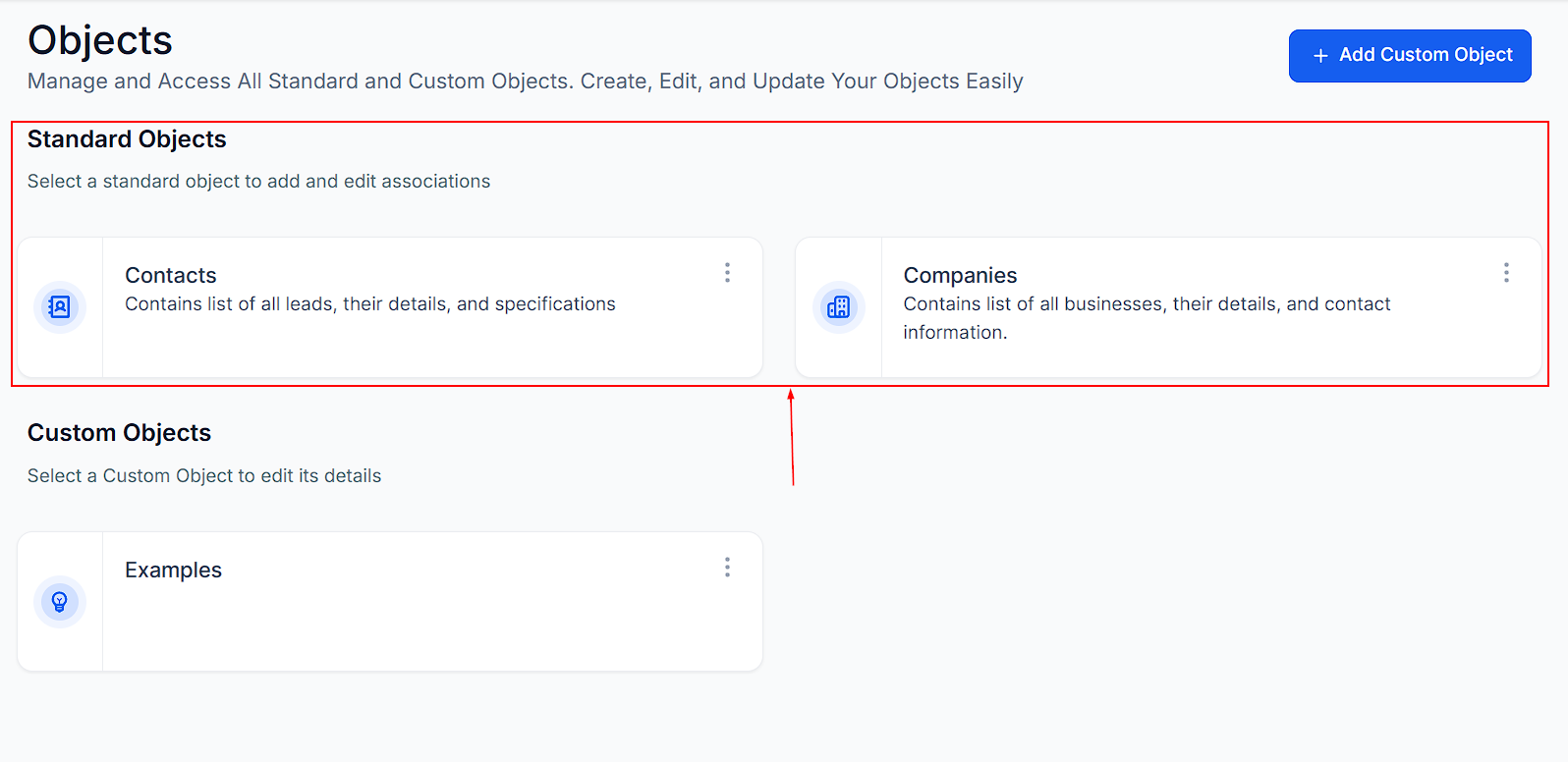
In the Standard Objects section, you’ll find preconfigured objects available in your account. Selecting an object lets you view its associations.
- Contacts: Manage individual records, store contact details, and link contacts to relevant deals or companies.
- Companies: Organize business-related records, track company details, and associate them with relevant contacts and other objects.
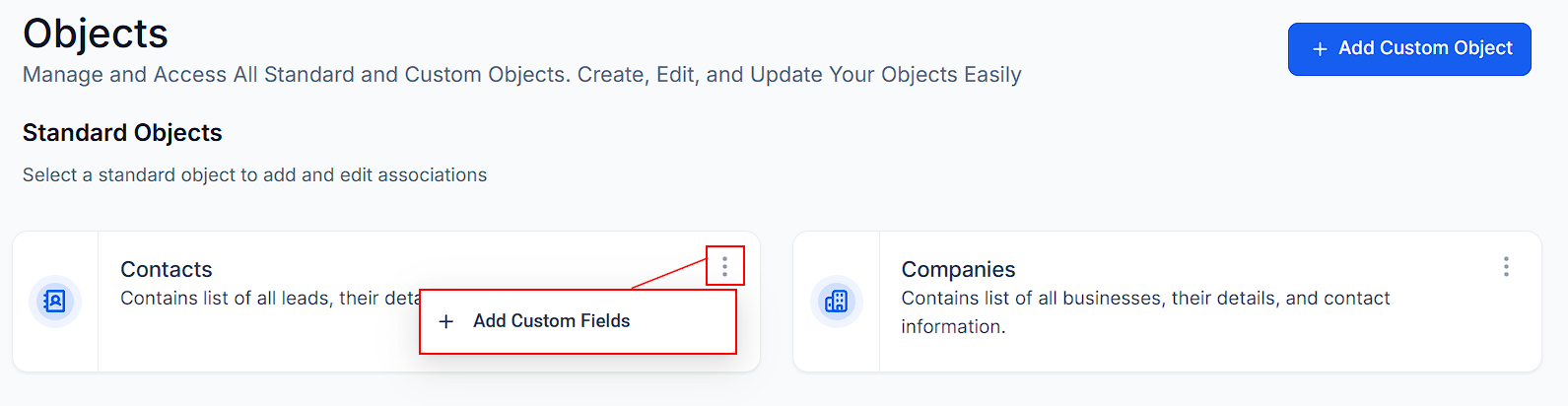
To add custom fields to a Standard Object, click the three-dot menu next to the object, then configure the custom field according to your preferences.
Custom Objects
Objects you create will be displayed in the Custom Objects section. You can establish associations or modify the configuration of each custom object by selecting it.
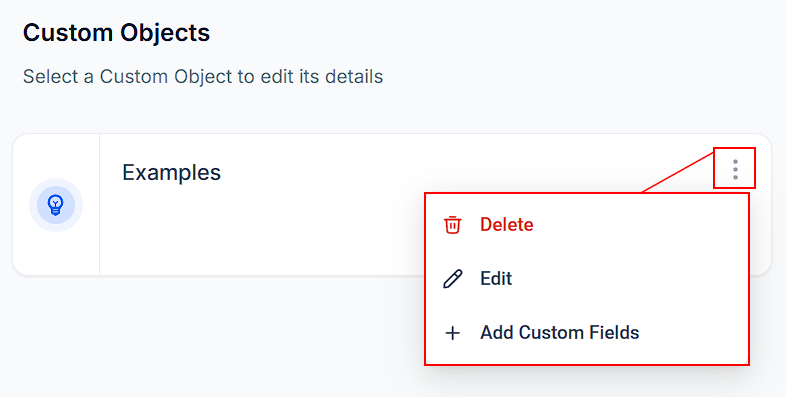
Edit, delete, or add custom fields to the custom object by choosing the relevant option from the actions menu.
By leveraging the flexibility and functionality of Objects, you can enhance your data management processes and ensure a more customized approach to handling complex information.
Was this article helpful?
That’s Great!
Thank you for your feedback
Sorry! We couldn't be helpful
Thank you for your feedback
Feedback sent
We appreciate your effort and will try to fix the article