Your online presence is composed of many pieces you want to keep updated and popular, which can get tricky as you go about business, especially if you don't know what needs sprucing up. With Marketing Audit Reports, that is not a problem.
These comprehensive reports help you find your marketing weak points and develop effective strategies by monitoring your online presence and comparing it to others in the same niche. Sounds helpful? Follow these steps to generate one.
Note: You need a connected Google Business Profile to generate a Marketing Audit Report.
How to
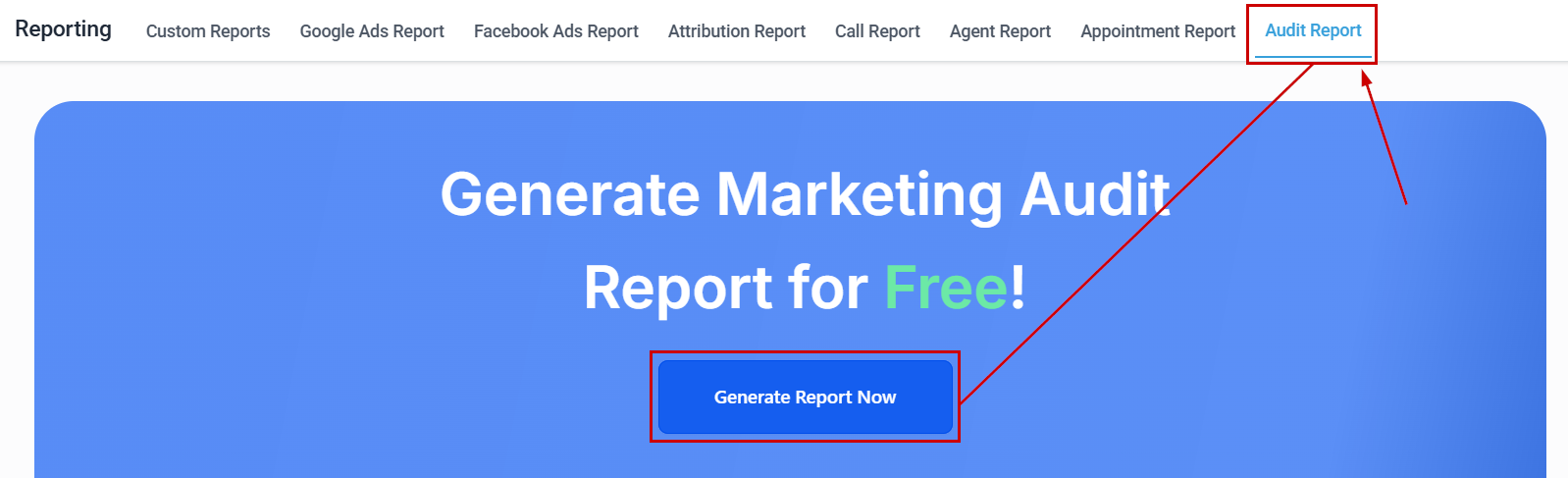
Navigate to the Audit Report tab inside the Reporting section and click Generate Report Now.
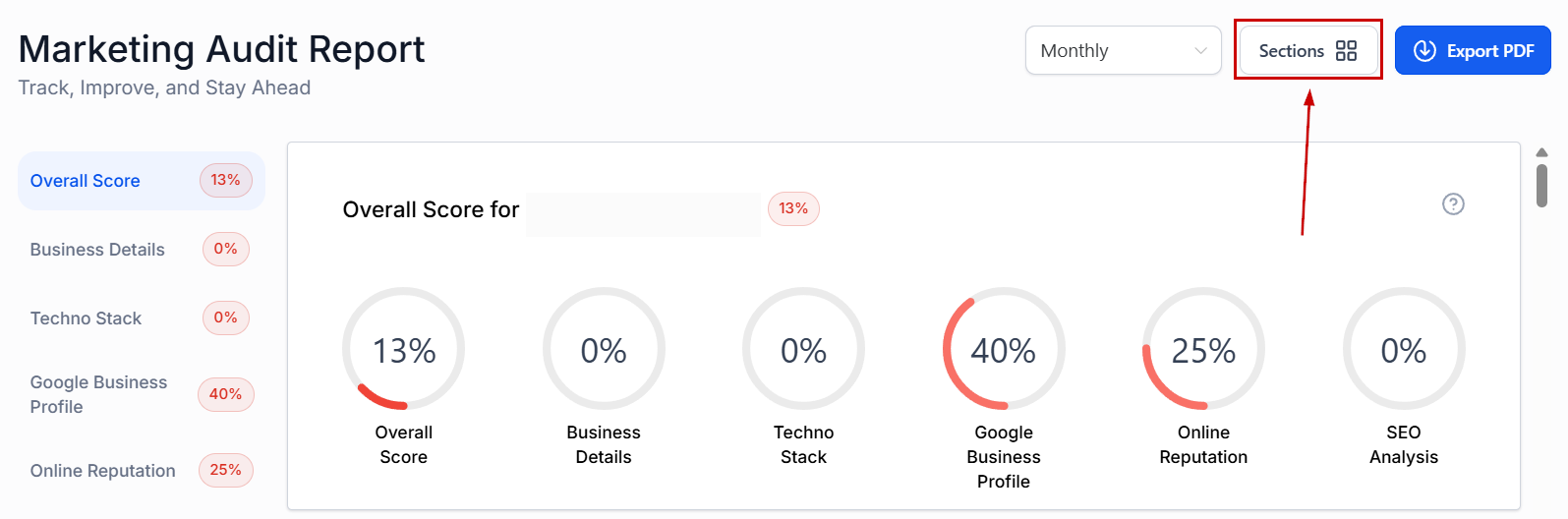
Click “Sections” to open the options menu.
Check the box next to the sections you'd like to include.
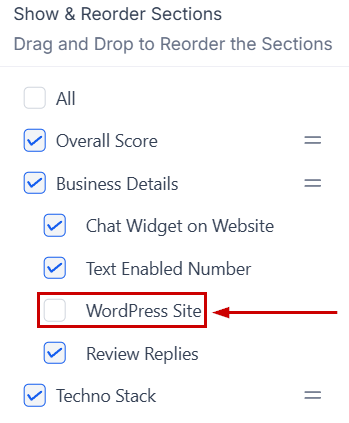
Drag and drop the sections into your preferred order.
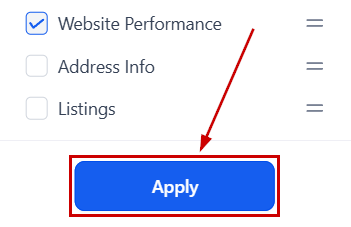
Click Apply to save your selection.
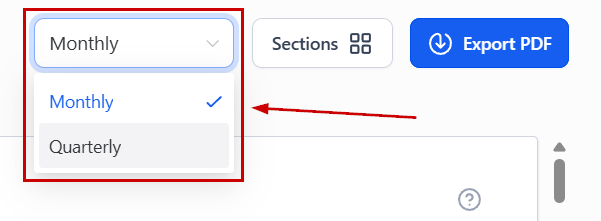
Set a report frequency by opening the drop-down menu and selecting monthly or quarterly.
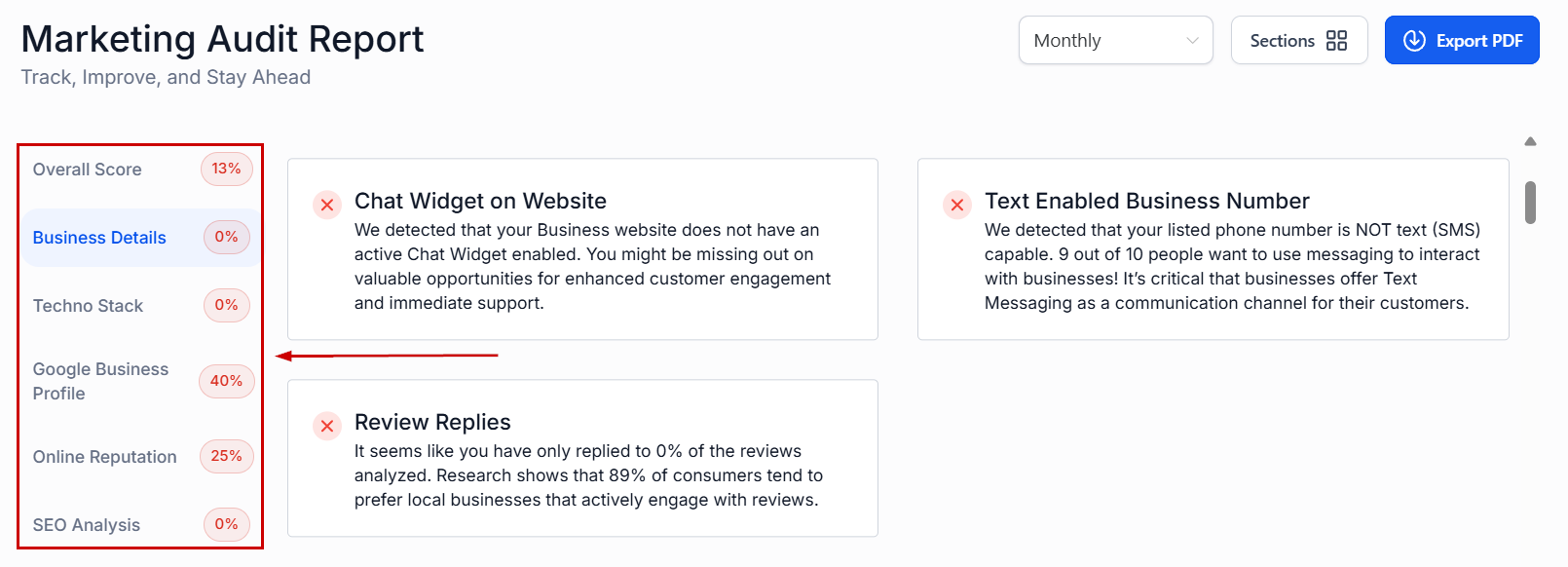
Use the section menu to navigate through categories.
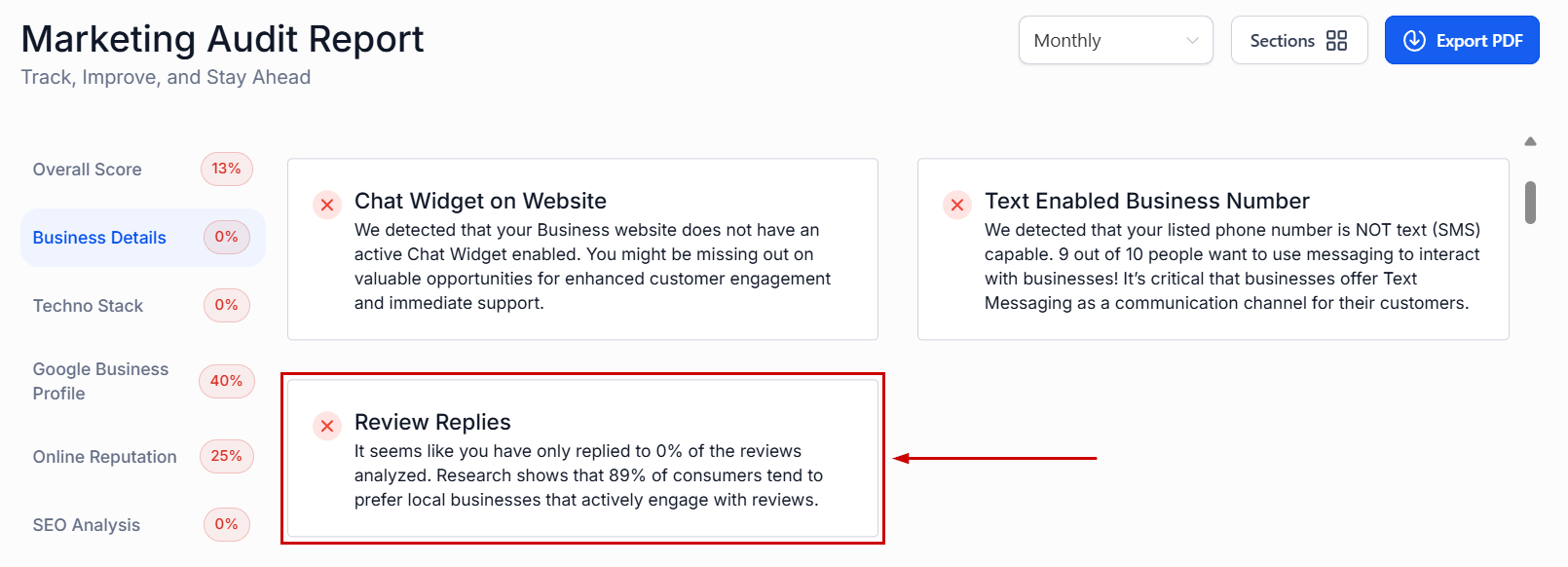
In each section, you'll find actionable steps to improve your online reputation.
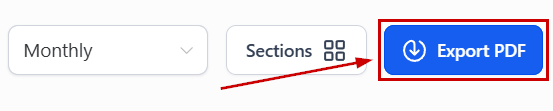
Click “Export PDF” to download the report.
Once the selected time passes, you'll receive an email notifying you that a new report was generated. Keeping the information updated and collecting comparison points from previous reports so you can easily showcase and measure improvement.
Was this article helpful?
That’s Great!
Thank you for your feedback
Sorry! We couldn't be helpful
Thank you for your feedback
Feedback sent
We appreciate your effort and will try to fix the article