The Remove from Custom Audience workflow action allows you to refine your Facebook audience by excluding specific contacts, enabling more precise and effective targeting.
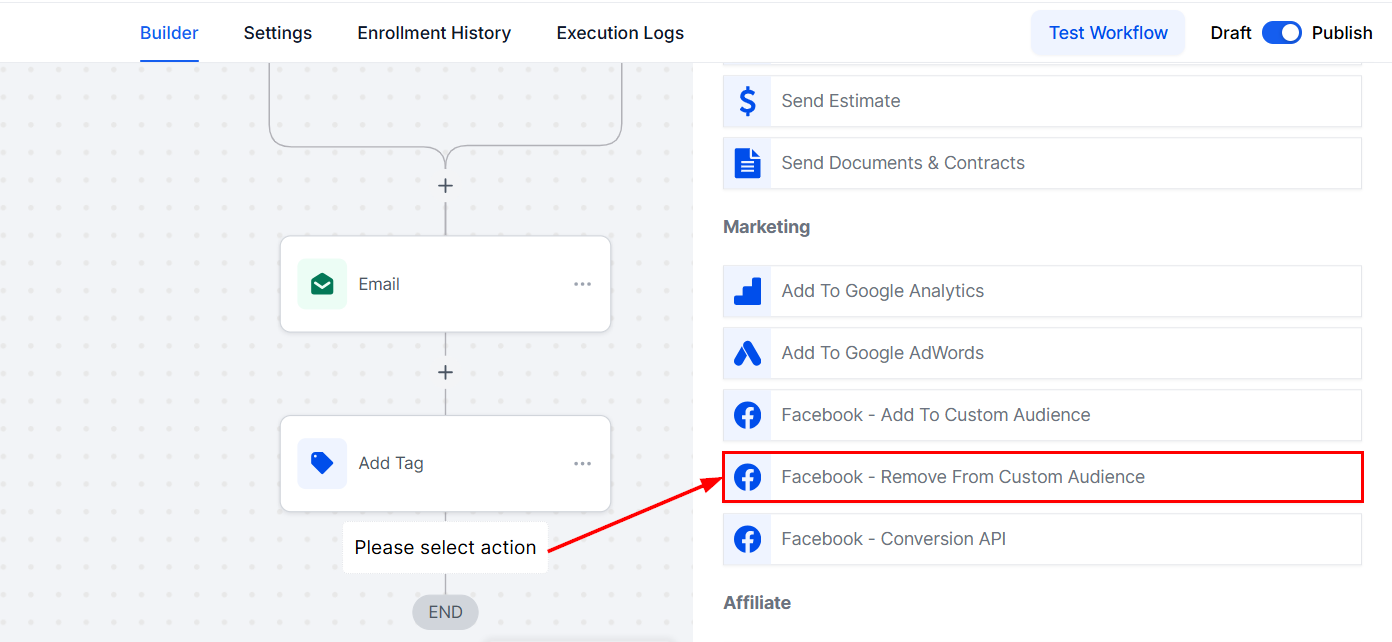
Navigate to the desired workflow in the Automation > Workflows section to add the Remove from Custom Audience action. Once you have added the desired triggers and preceding actions, click on the "+" icon and select the Facebook - Remove from Custom Audience option.
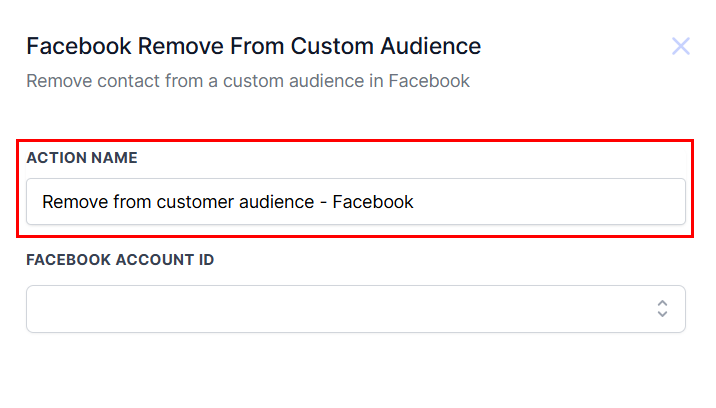
Action Name
Update the name of the action, if required, to reflect its function and purpose.
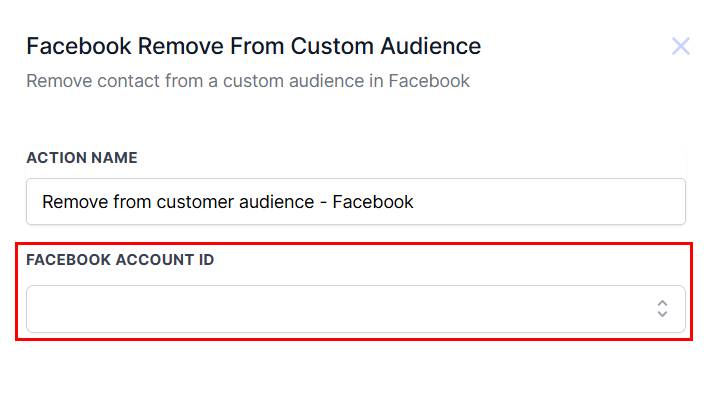
Facebook Account ID
Choose the appropriate Facebook Account ID from the dropdown menu.
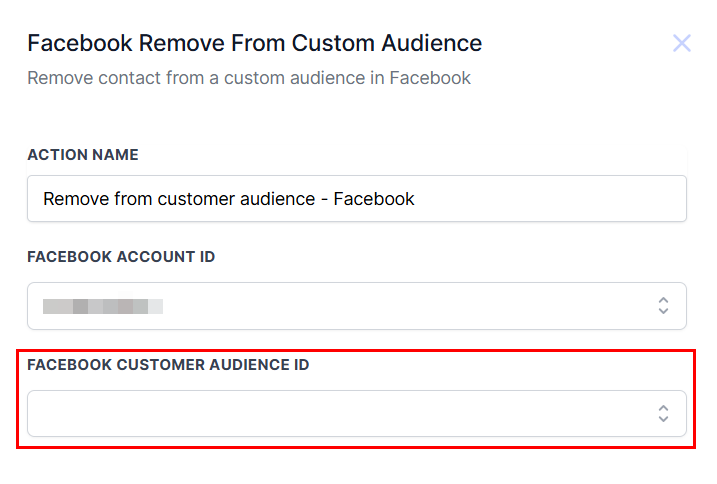
Facebook Customer Audience ID
After selecting the account, you can then identify and select the specific Facebook Customer Audience ID from which you wish to remove contacts.
Confirm your selections, then add the action to the workflow by clicking the “Save Action” button. Save and publish the workflow to activate it!
By leveraging this feature, you can enhance customer engagement and personalize your advertising campaigns to deliver a tailored user experience.
Was this article helpful?
That’s Great!
Thank you for your feedback
Sorry! We couldn't be helpful
Thank you for your feedback
Feedback sent
We appreciate your effort and will try to fix the article