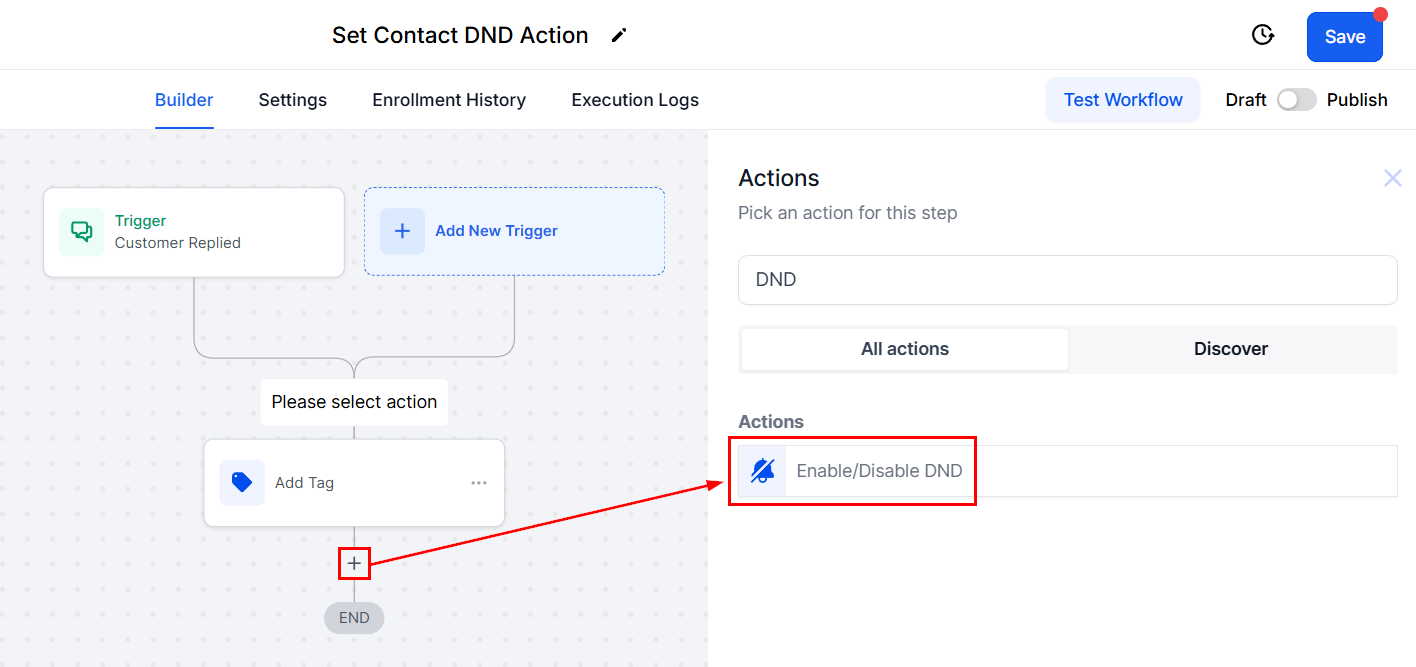
To enable the Do-Not-Disturb (DND) function for a specific contact, users are advised to opt for the Set Contact DND workflow action. To implement this setting, click on the "+" icon, incorporate a new workflow action, and select the Set Contact DND option from the available choices. By activating this feature, you can effectively respect your contact's preferences, ensuring that they are not disturbed by unwanted communications, ultimately maintaining a positive customer relationship.
Do Not Disturb Types
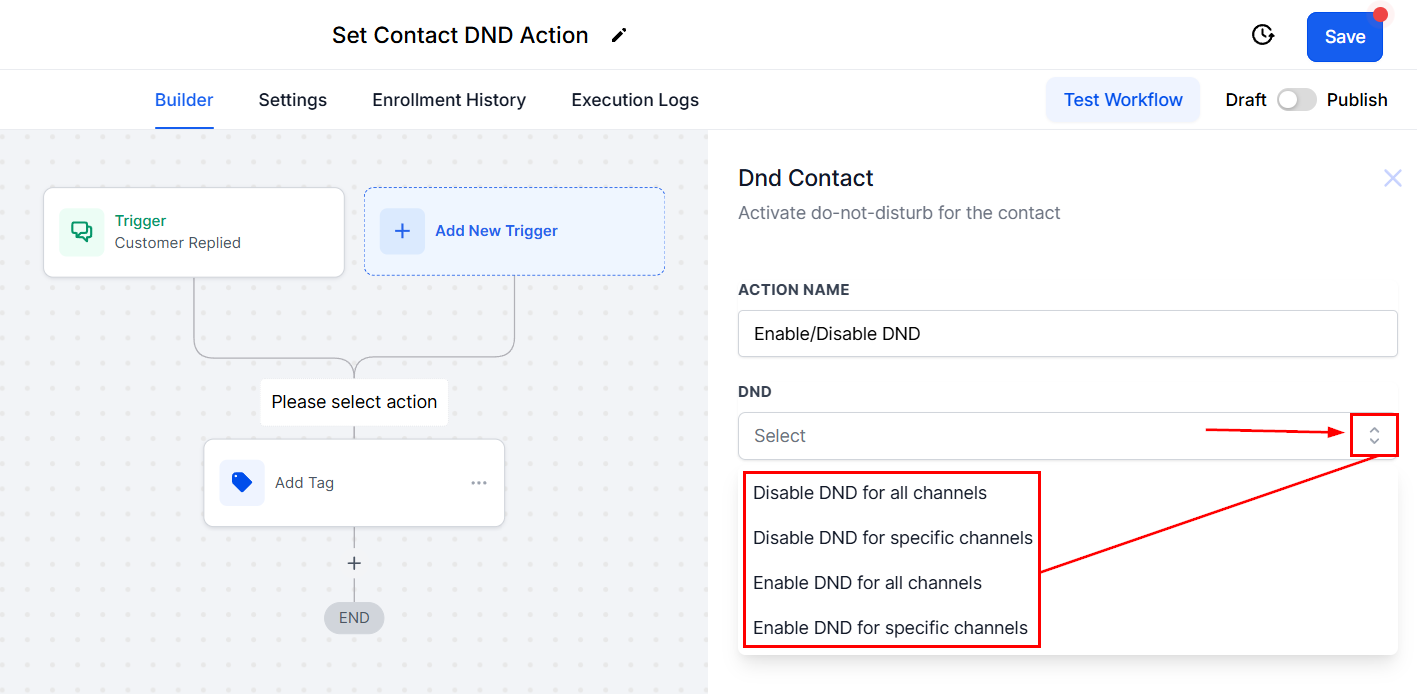
Enable For All
This option is useful if the contact does not want to receive notifications or has opted out of a subscription as this option will remove them from all contact.
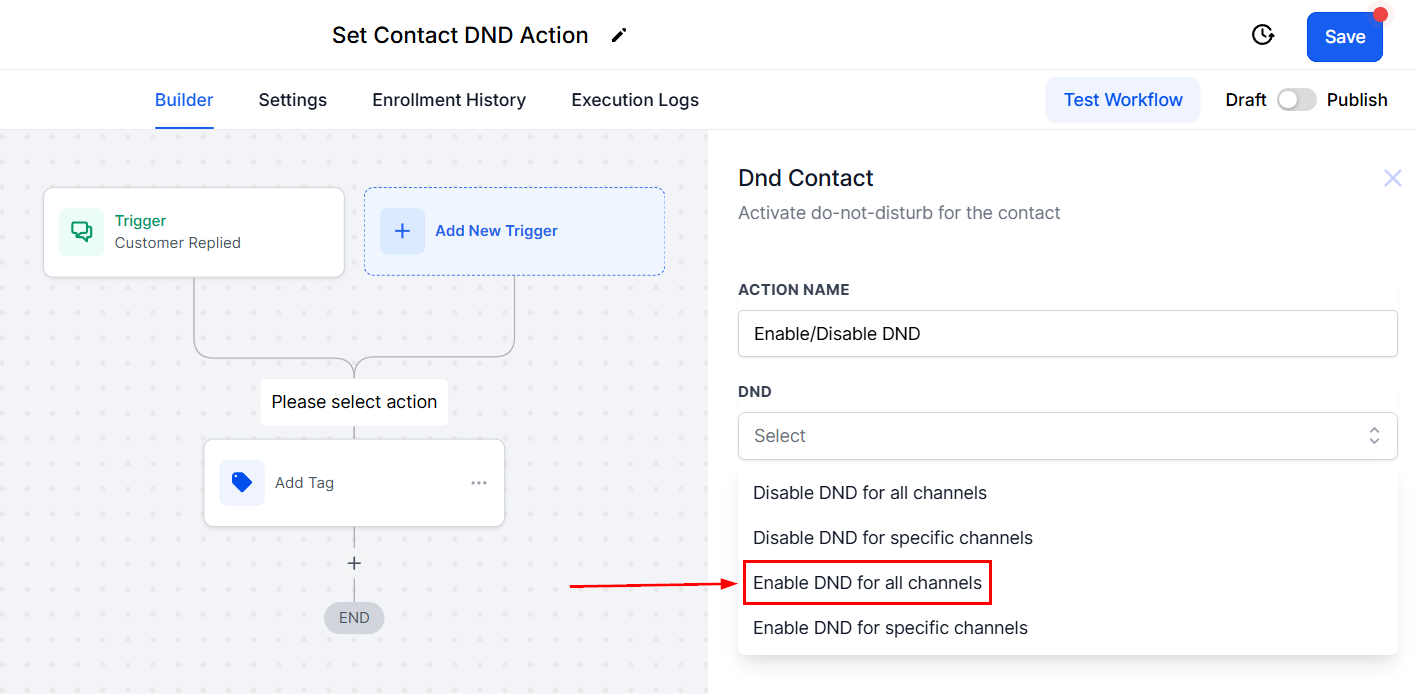
Disable For All
To deactivate the Do Not Disturb feature for a contact, choose Disable Contact DND. This will reactivate all communication channels, this is perfect for contacts that want to resubscribe to your notifications.
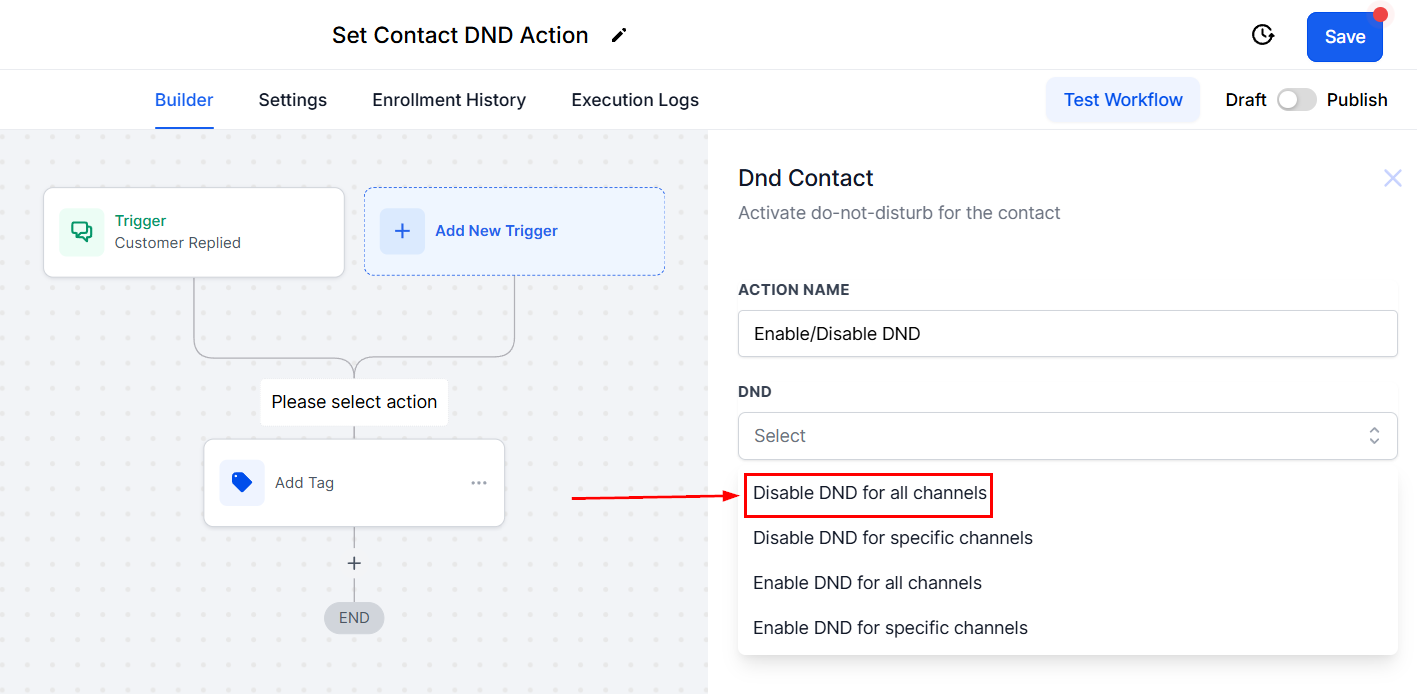
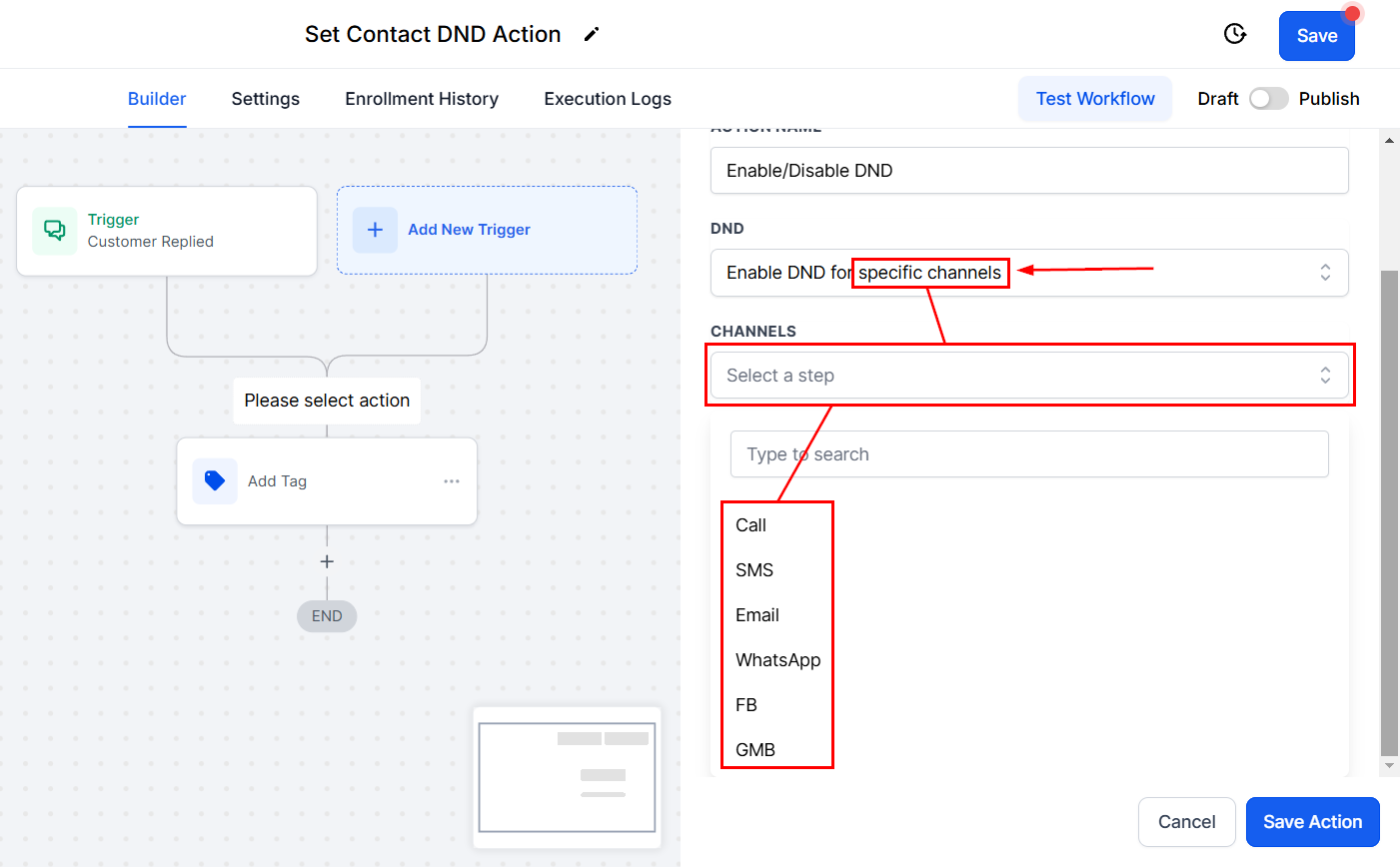
Enable or Disable for specific channels
Using the dropdown menu, you can select the specific channel which you want to enable or disable DND for, such as SMS or calls.
Was this article helpful?
That’s Great!
Thank you for your feedback
Sorry! We couldn't be helpful
Thank you for your feedback
Feedback sent
We appreciate your effort and will try to fix the article