Organizing your day based on appointments helps you be more efficient, when it comes to making changes or reviewing the details of an appointment one way you can go about it is by checking them directly from the contact. There are two main ways to it, so let's give it a check,
Inside the Contacts Section
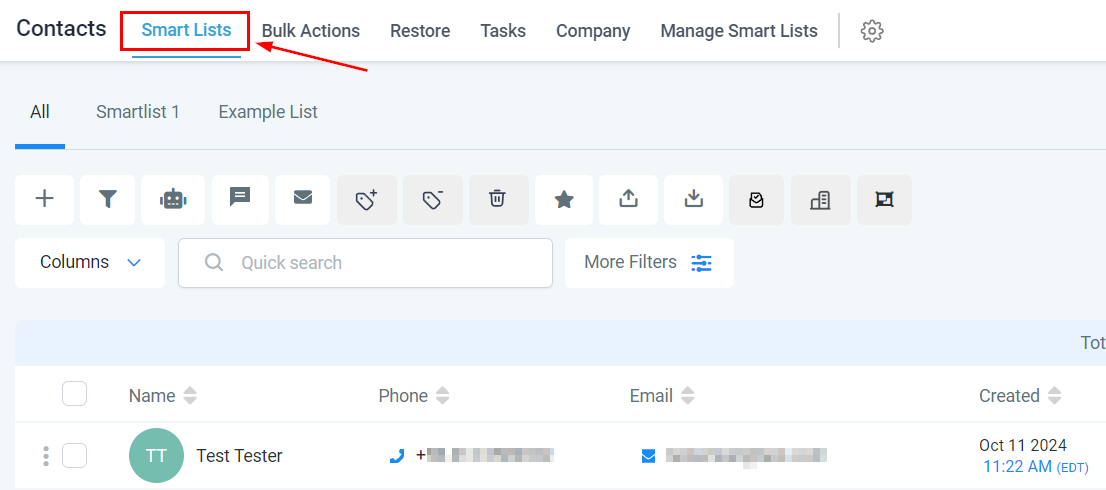
You can check a contact's appointment by navigating to the Smartlists tab inside the Contacts section.
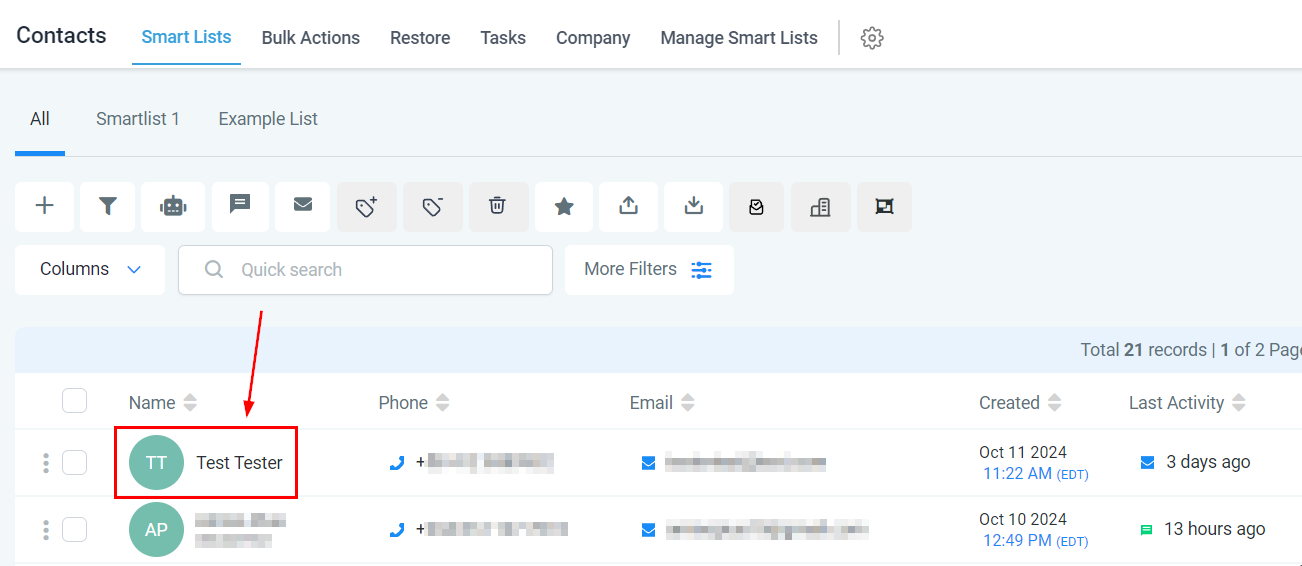
Click on the contact you want to check.
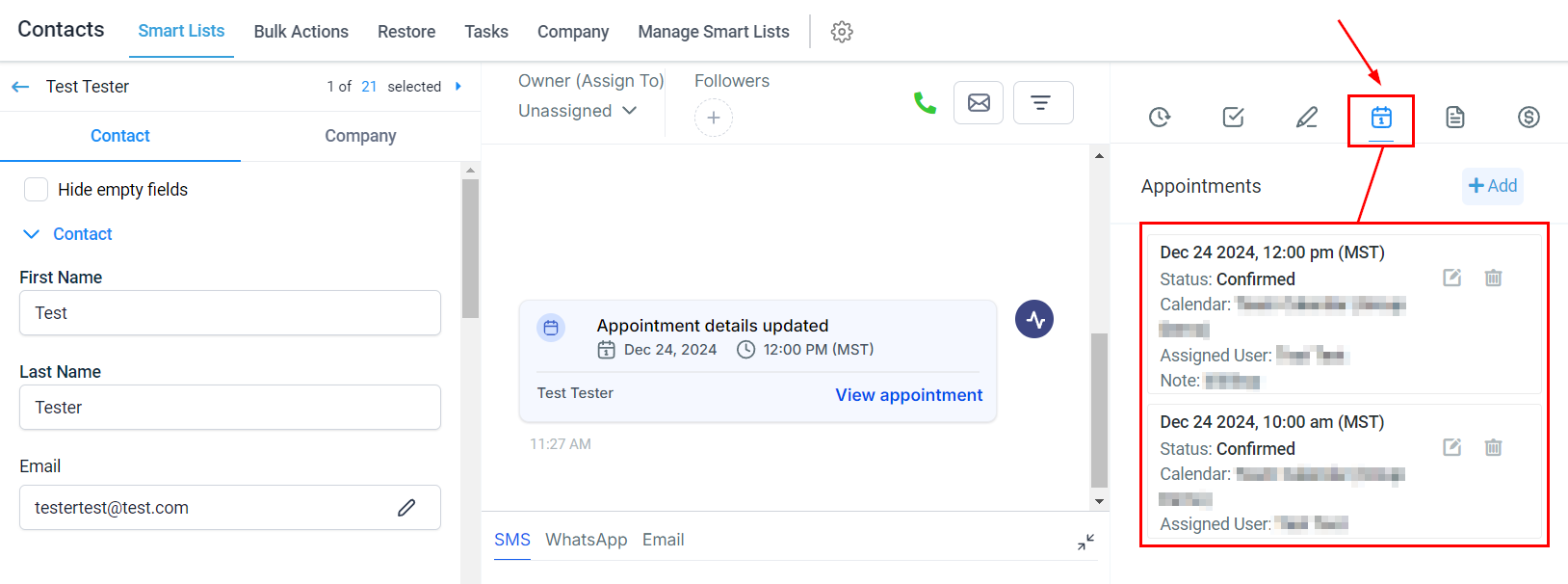
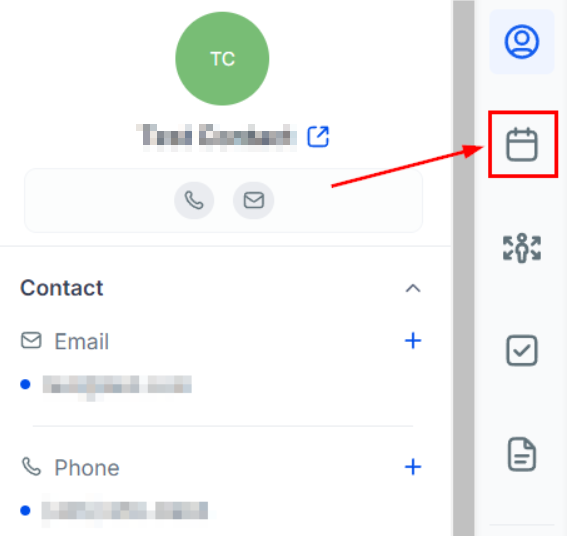
On the right side menu click the calendar icon to check the appointments.
Inside contact's conversation.
You can find the appointments in the activity inside the conversation with the contact. Click the three-line icon to filter the results to only appointments.
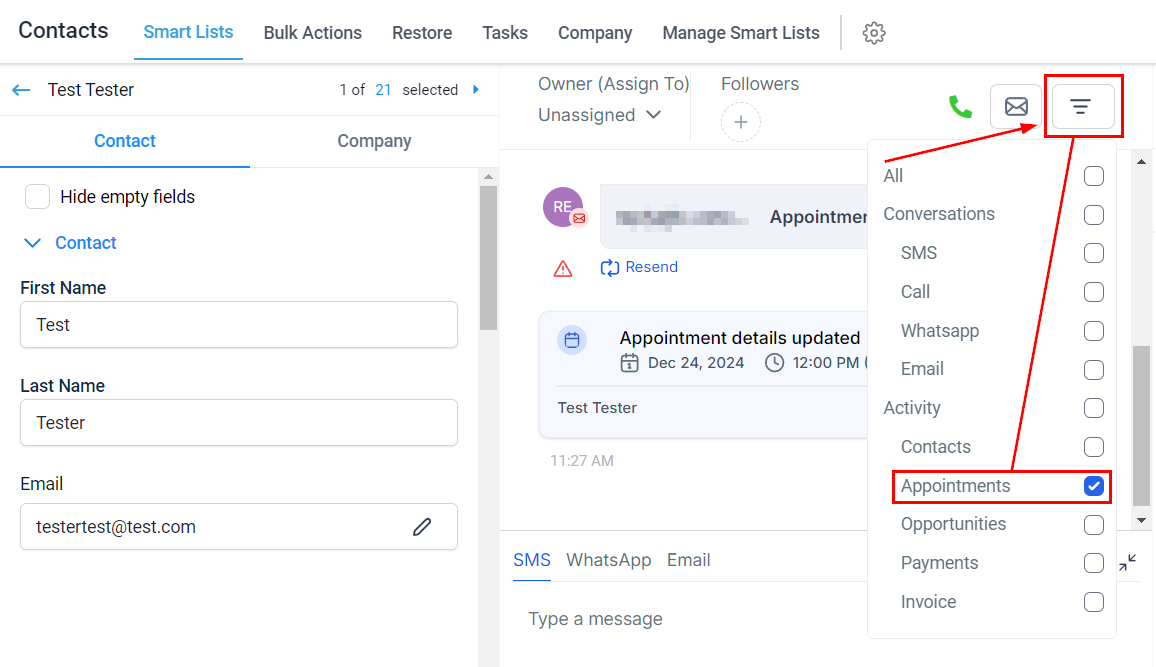
Click view appointment to check its details.
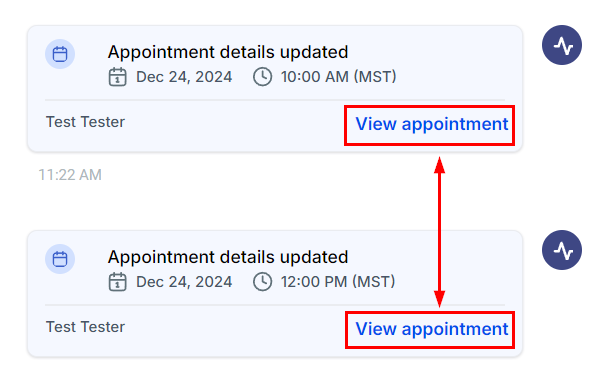
From Conversations
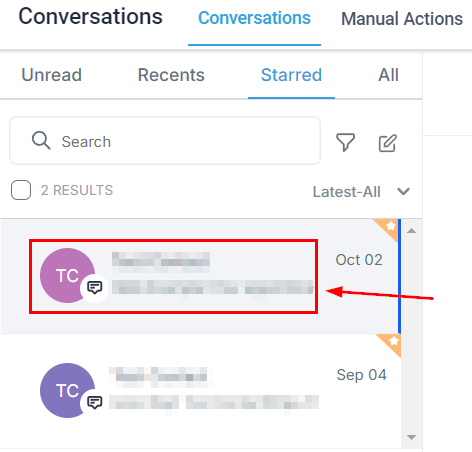
Inside the Conversations tab open the desire's contact chat.
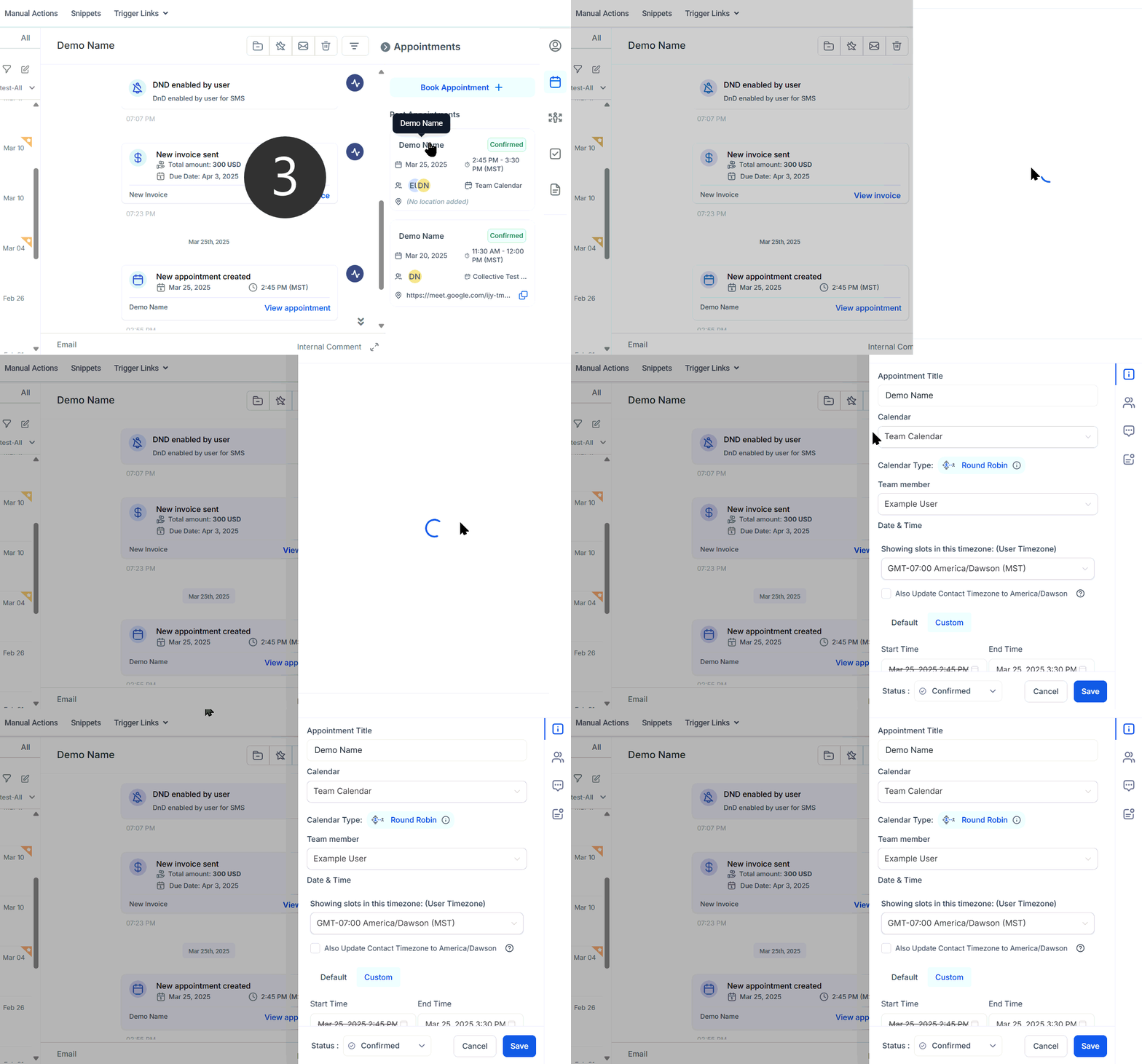
On the right side click the Calendar Icon.
Any appointments the contact has scheduled will be listed here.
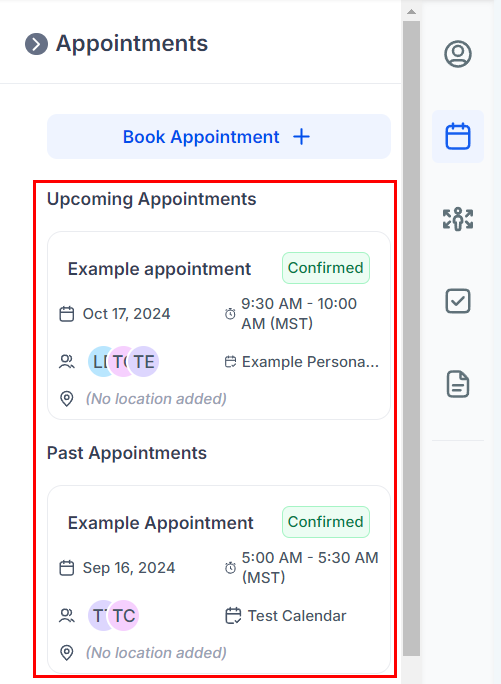
Clicking on an appointment will open its details for editing.
And there you have it, now you can access and modify a contact's appointments.
Was this article helpful?
That’s Great!
Thank you for your feedback
Sorry! We couldn't be helpful
Thank you for your feedback
Feedback sent
We appreciate your effort and will try to fix the article