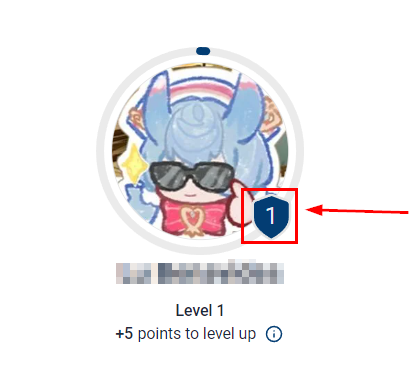
When gamifying your communities, being able to identify the progress of each user is key. Here's where Badges come in, this visual distinction aids you in managing the members and motivates them to interact more and achieve higher status.
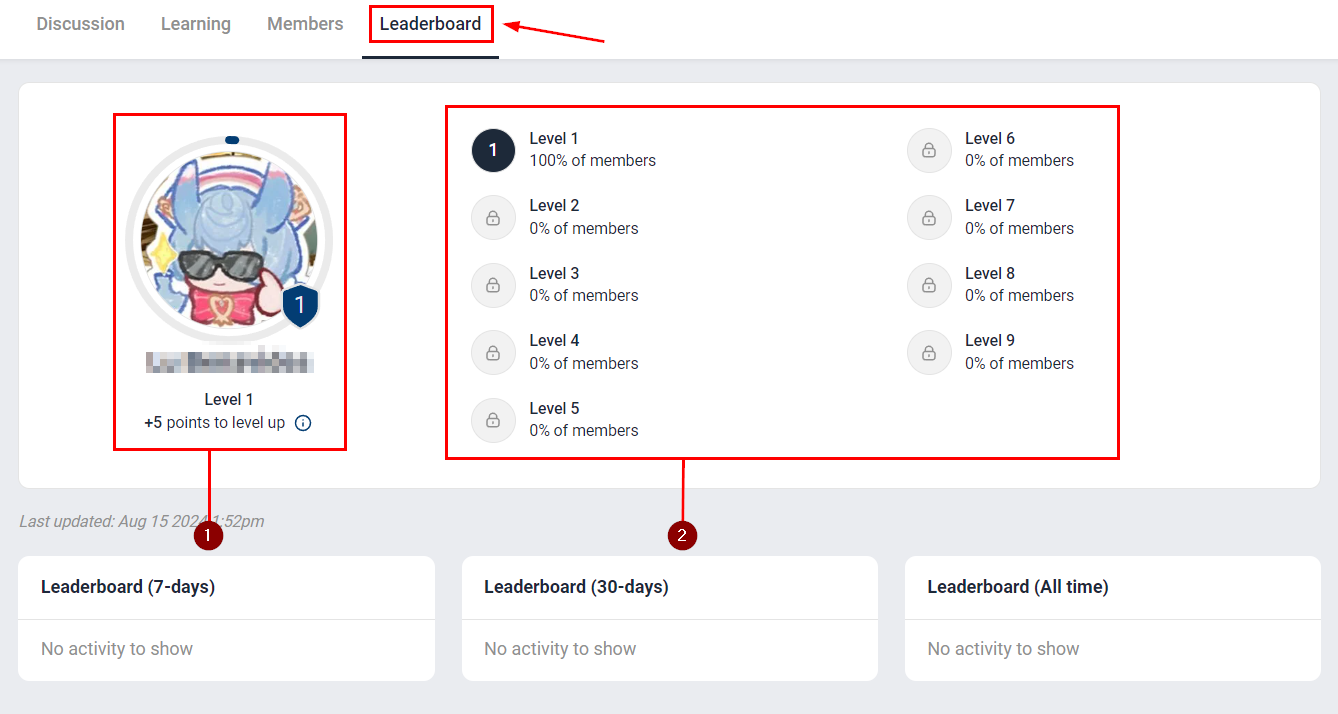
To access the detailed breakdown of your level progression (1) and the level distribution across all group members (2) head over to the Leaderboard tab.
This badge will be visible next to the profile picture of every group member. They serve as an indicator of the level of the member, this level is based on the amount of interactions the person receives.
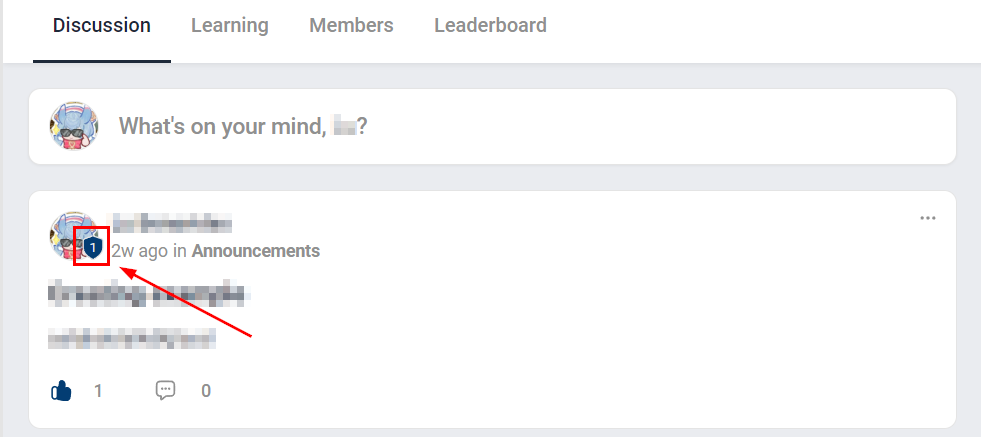
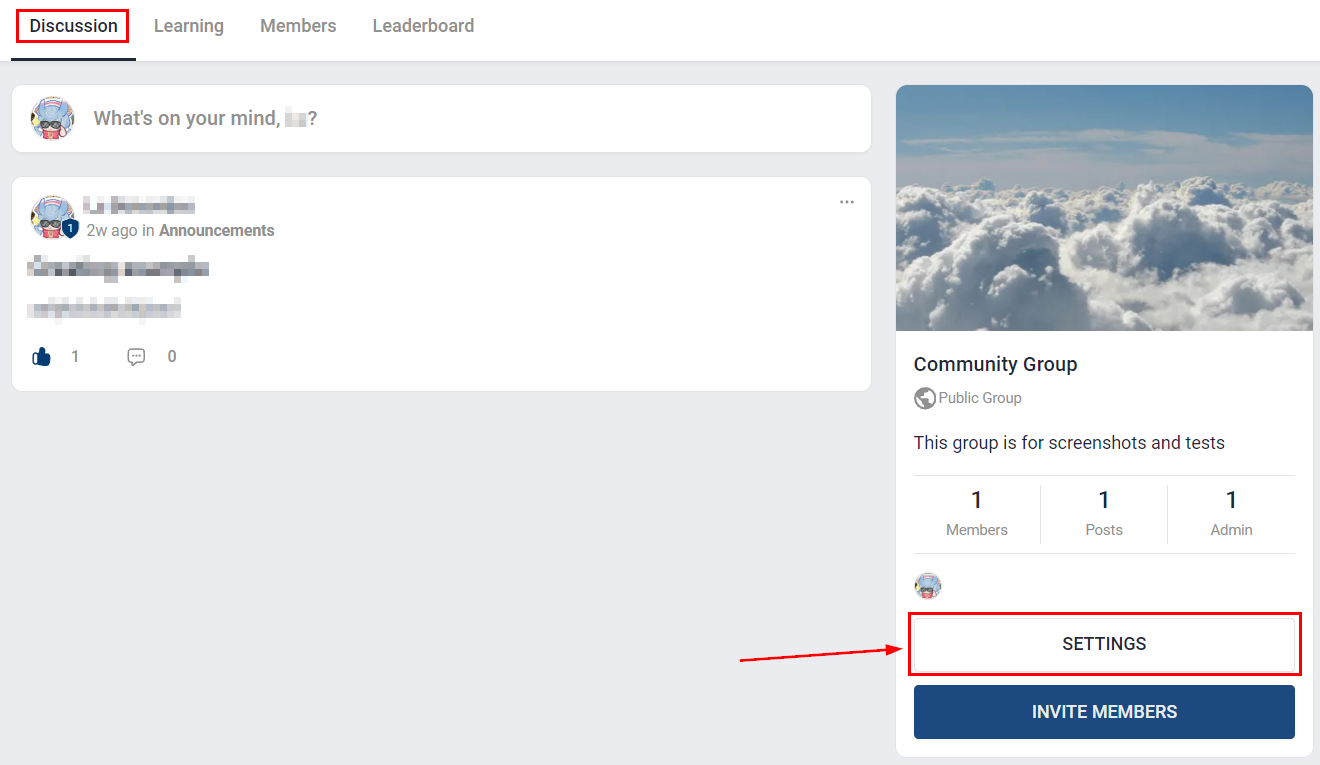
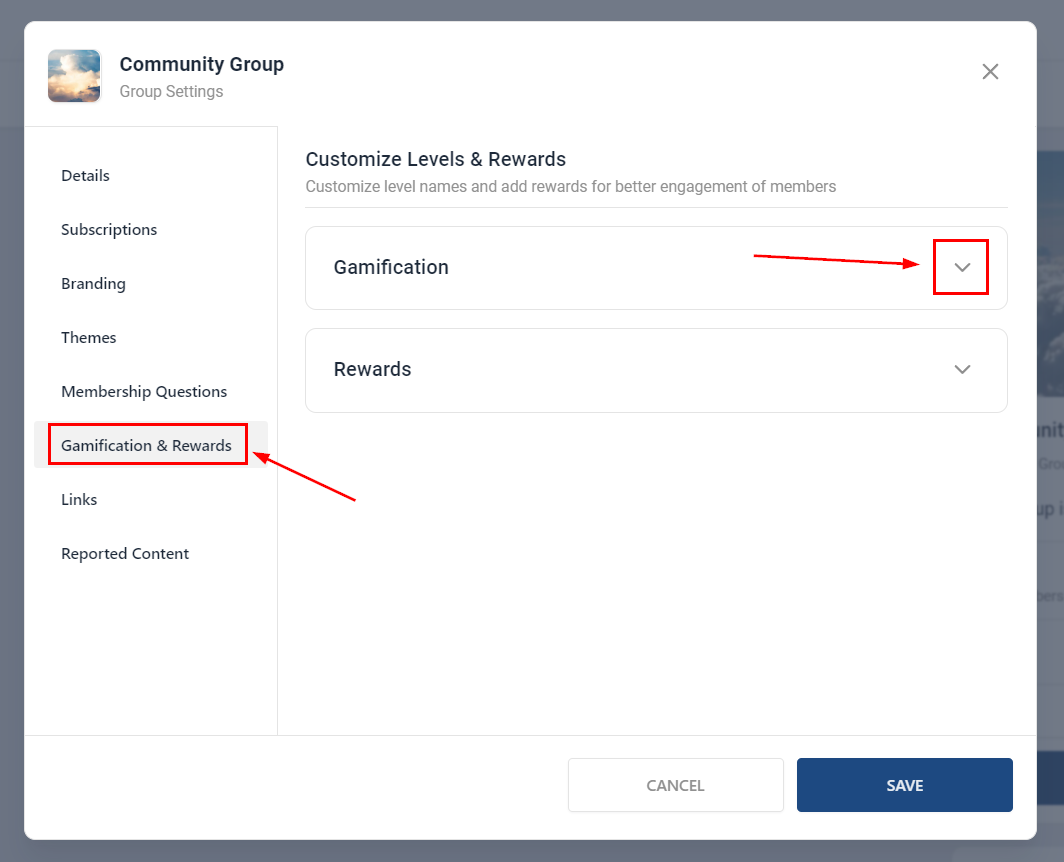
They can serve as an indicator of status, as you can change the name of the levels. To change the names, go to your Group's main page and click on Settings.
Access the Gamification & Rewards tab and open the Gamification drop-down menu.
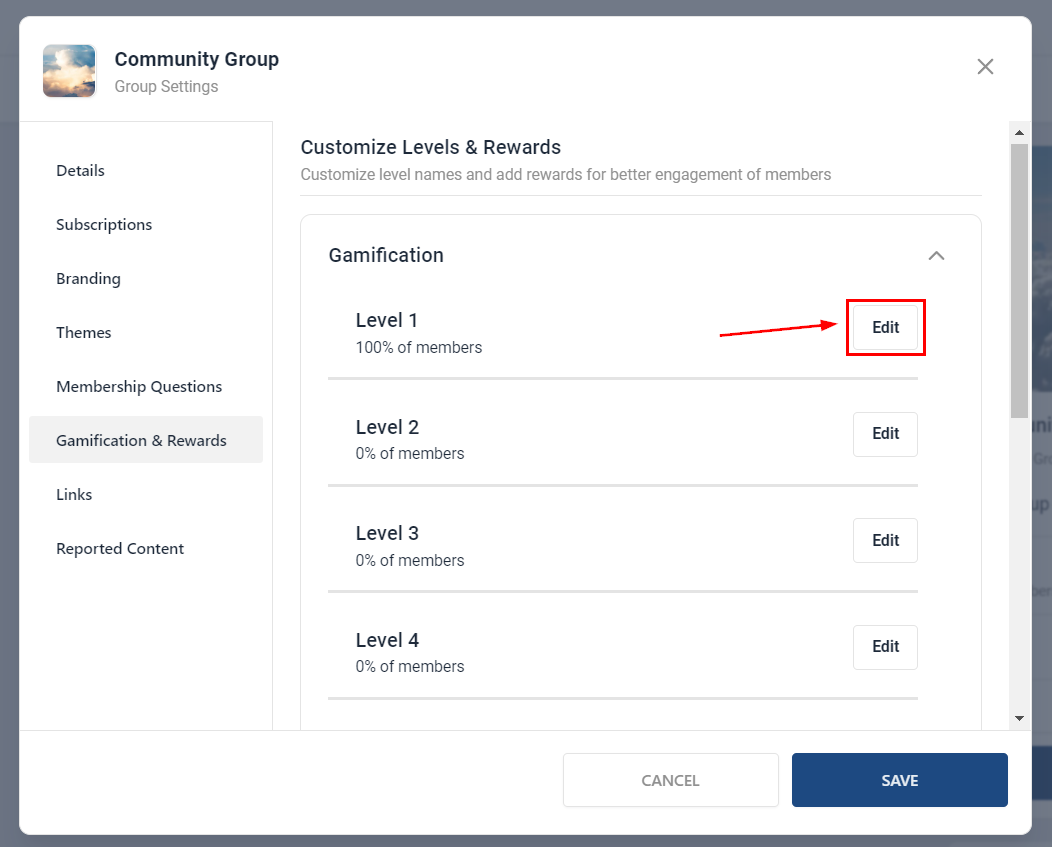
Click edit next to the level, this will give you the option to add a name for the level to further personalize the experience.
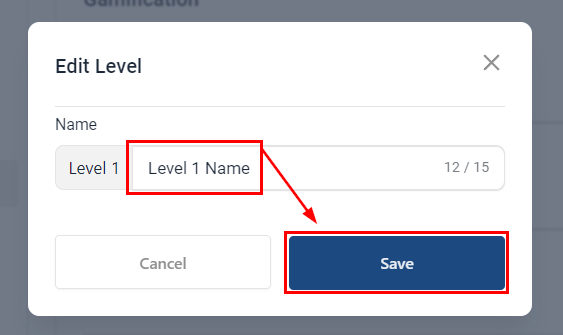
Add the name, up to 15 characters, then click on Save.
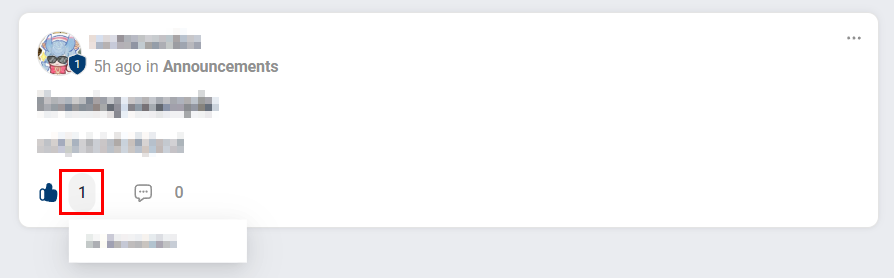
They can promote camaraderie since by simply clicking on the number next to the “Like” icon, you can easily view the list of users who have liked a post or comment. This incentivizes the group members to keep interacting, which is especially effective when the levels are titled or you offer rewards.
To level up inside a community the number of points is:
| Level | Points | Level | Points | |
| 1 | 0 | space | 6 | 515 |
| 2 | 5 | 7 | 2015 | |
| 3 | 20 | space | 8 | 8015 |
| 4 | 65 | 9 | 33015 | |
| 5 | 155 | space |
For Group admins and owners, this provides a better understanding of your posts' engagement and enables you to connect more deeply with your audience, as well as, motivate the group members to spend more time in your communities.
Was this article helpful?
That’s Great!
Thank you for your feedback
Sorry! We couldn't be helpful
Thank you for your feedback
Feedback sent
We appreciate your effort and will try to fix the article