The way search engines, like Google, organize and store information is similar to a massive catalog. Where search engines can easily find and retrieve content based on user queries. But, what can you do with pages you don't want to be at the forefront of your results?
Whenever you have a page where you don't want customers accessing without context, you can implement No-Index tags, which can be added to your page's HTML code to prevent search engines from showing the page.
Adding No-Index Tags
Access the Funnel or Website tab and edit the page you want to hide.
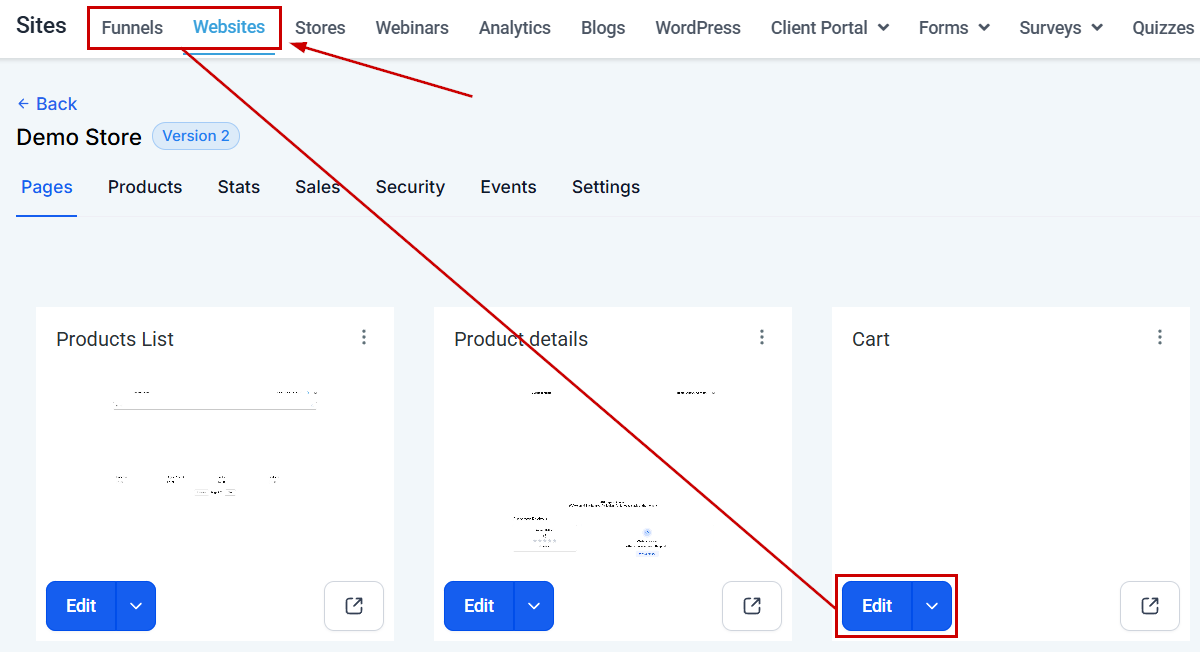
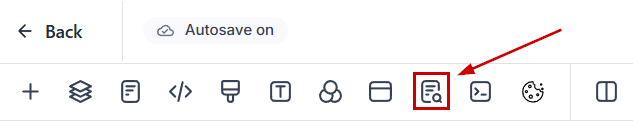
Once inside the builder, select "SEO metadata" from the menu.
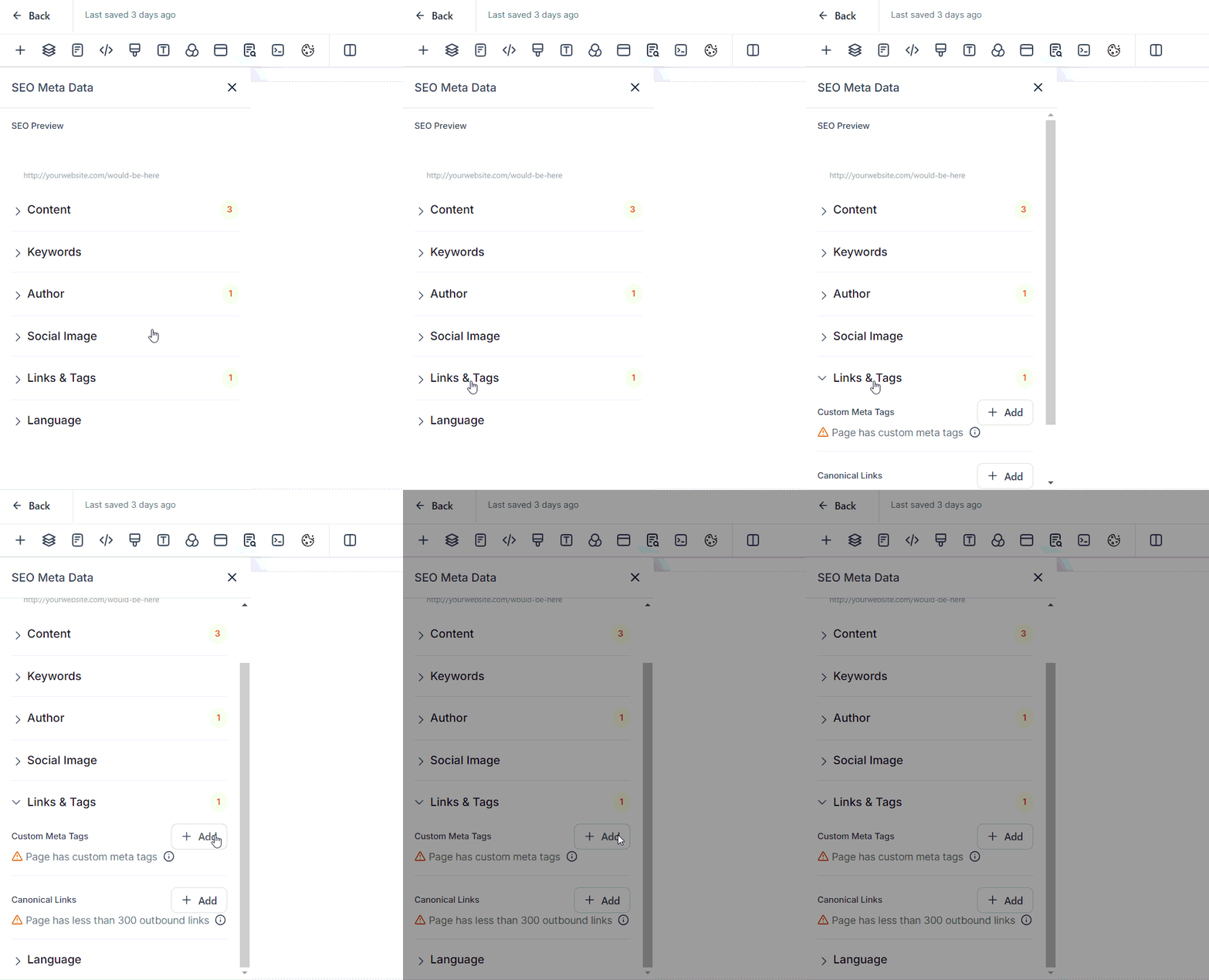
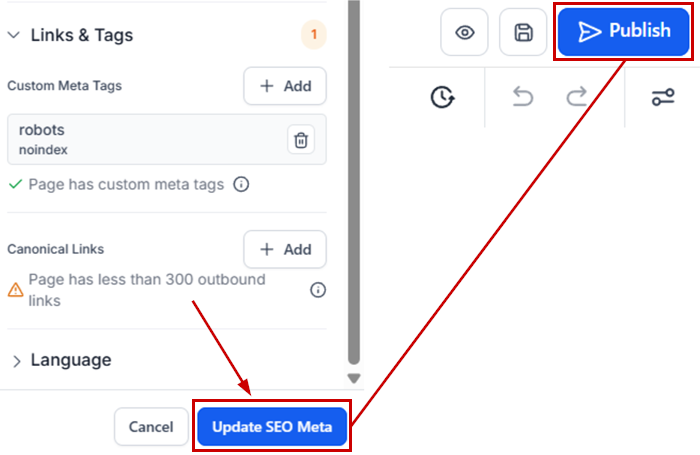
Click “Links & Tags,” then the "add" button beside “Custom Meta Tags” to create a new meta tag.
When implementing No-Index tags, two main ones can be used: a Google-specific Tag, which prevents only Google from indexing the page, or a Universal Tag to remove the page from all search engines' indexing.
Enter Tag Details, this will look a bit different depending on which one you're using.
- For Google-specific blocking, copy googlebot into the name field and noindex into the content field.
- For universal blocking, copy robots into the name field and noindex into the content field.
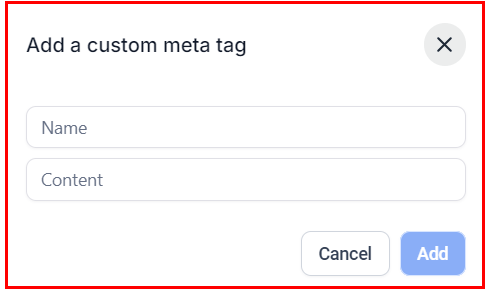
Click the Update SEO Meta button, then Publish to apply the changes.
This will prompt search engines to process the changes and remove the page from their index, without affecting the SEO of other pages, instead giving your customers a more streamlined experience.
Troubleshooting and FAQs
Q: How long does it take for the changes to take effect?
A: It can vary, but typically, search engines will re-crawl your site within a few days to a few weeks.
Q: Will this affect my site's overall SEO?
A: No, using noindex tags on specific pages should not negatively impact the SEO of your other pages.
Q: Can I reverse this process if I change my mind?
A: Yes, simply remove the tags from the pages, and they will eventually be re-indexed by search engines.
Q: Can this be applied to multiple pages?
A: No, these tags need to be added to each page you wish to block from search engines individually.
Was this article helpful?
That’s Great!
Thank you for your feedback
Sorry! We couldn't be helpful
Thank you for your feedback
Feedback sent
We appreciate your effort and will try to fix the article