When reducing an element's height, width, or padding you might do so to such an extent it's no longer visible. Making you unable to select or edit that element. For such scenarios, we have a feature to view the complete element tree of your template.
Manage Template
You will see a burger menu at the top left corner of the email builder. Once you click on that menu, you will see the Layer sections.
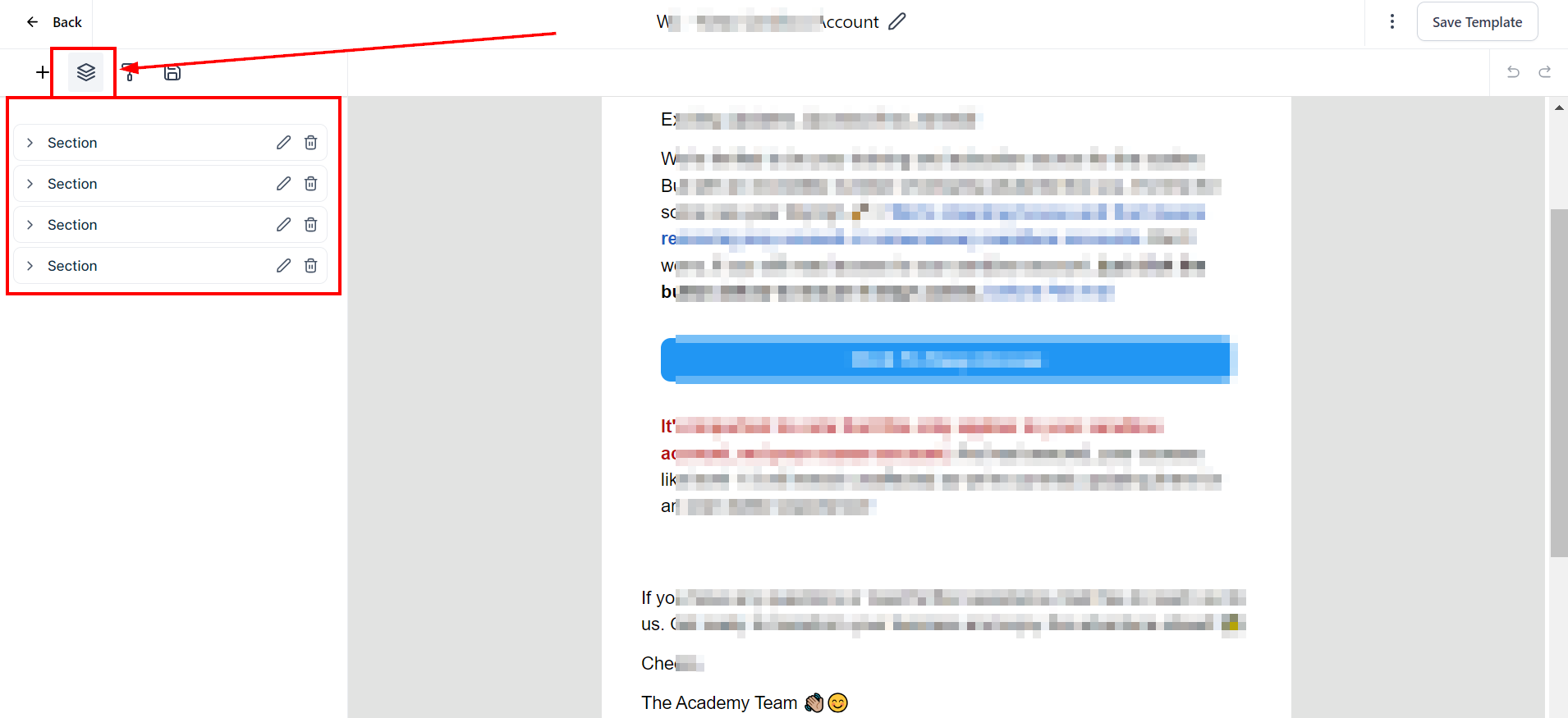
Click on the section to view the columns.
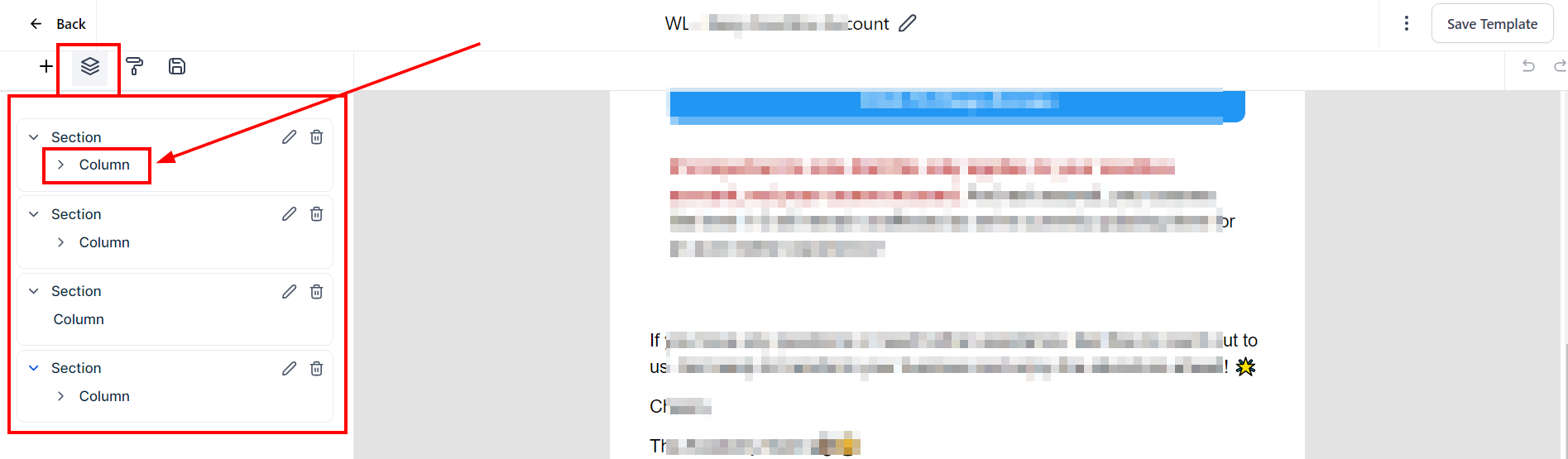
You can click on the column to view all column elements within that section layer. You can decide to make each element in the columns visible for mobile or desktop view. You can also edit or delete the element.
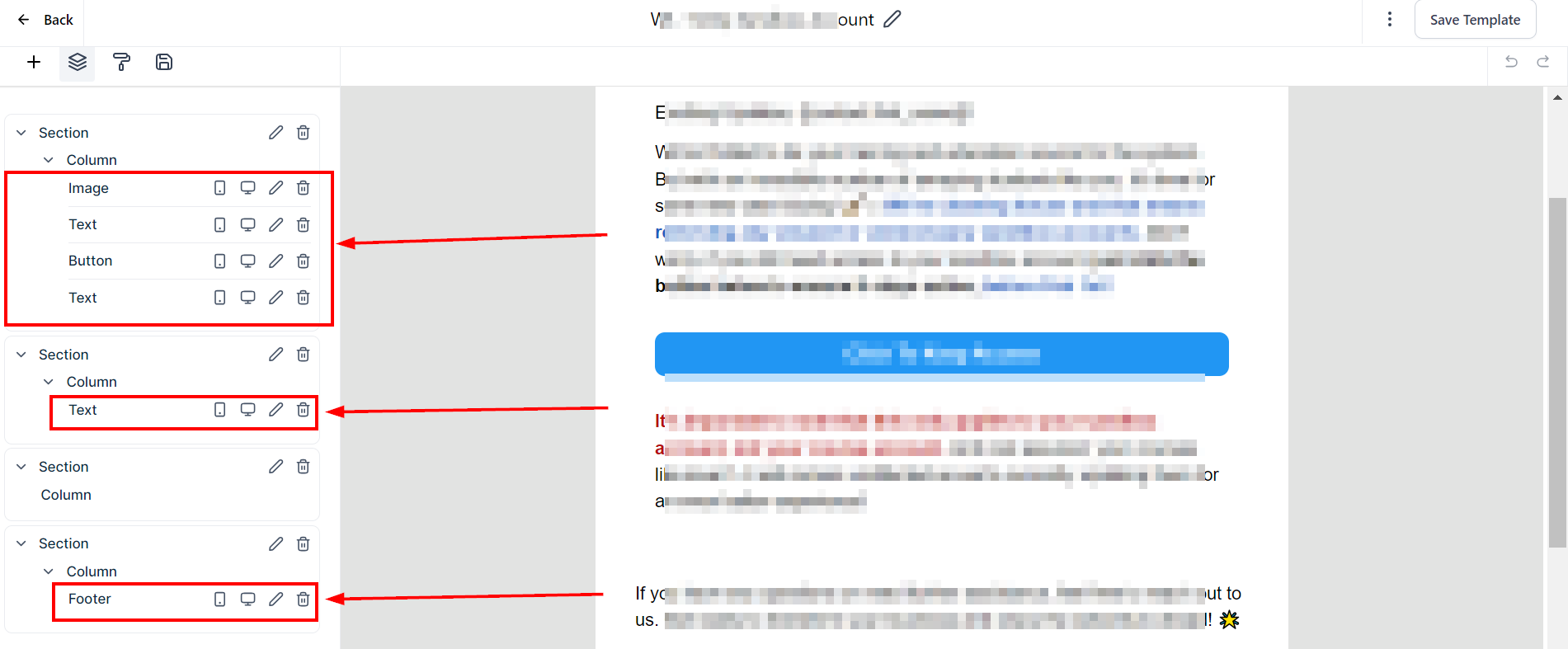
It will automatically scroll to an element in the email builder when you hover over an element in the Tree.
Was this article helpful?
That’s Great!
Thank you for your feedback
Sorry! We couldn't be helpful
Thank you for your feedback
Feedback sent
We appreciate your effort and will try to fix the article