The Category Completed workflow trigger is activated when a category within a membership product has been completed by a contact enrolled in the product. To use this trigger, click the Add New Workflow Trigger option within the workflow builder, then choose Category Completed from the available options.
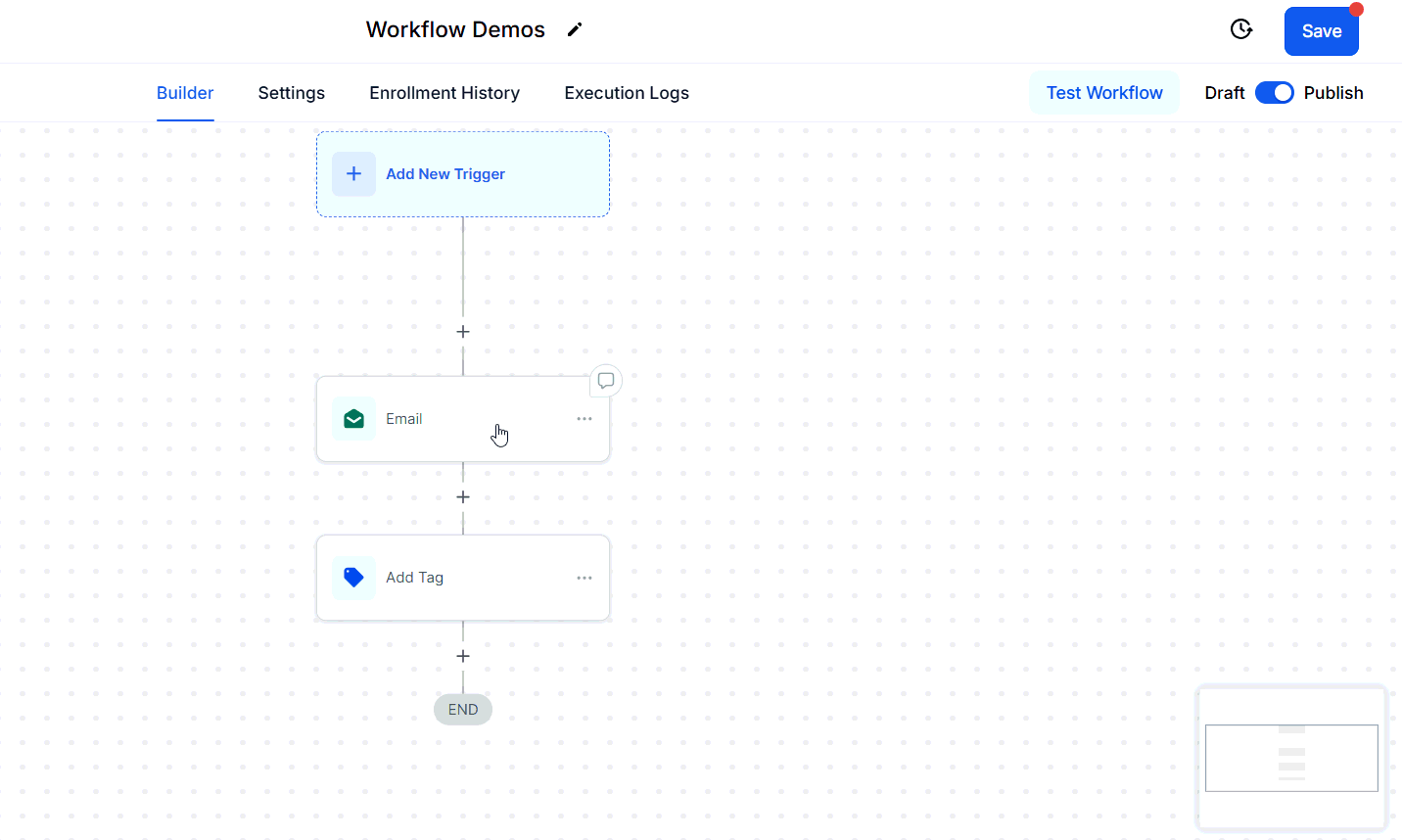
Workflow Trigger Name
Update the name that will be displayed in the builder.
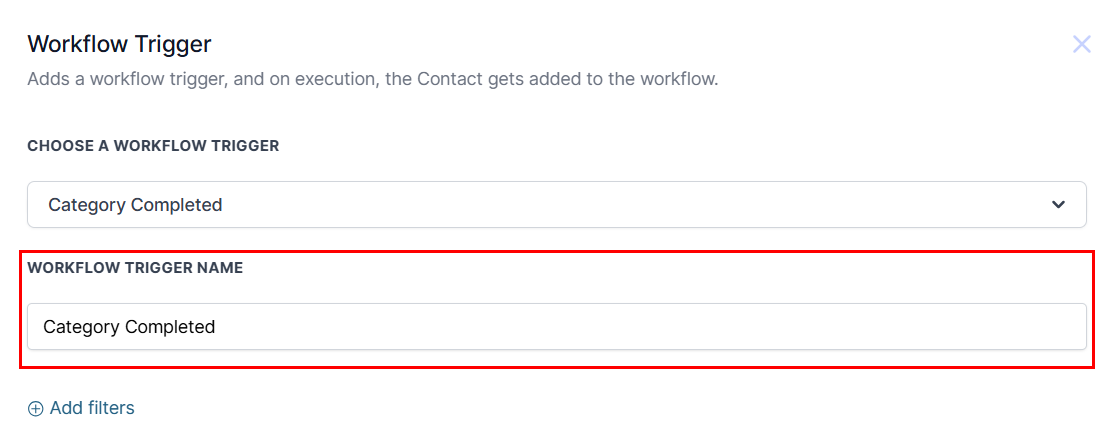
Filters
Define the contacts that should be added to the workflow by including filters based on the desired criteria.
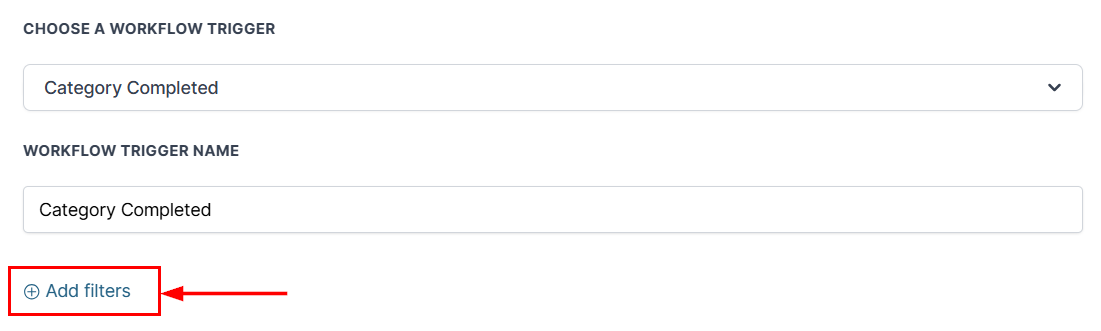
Product
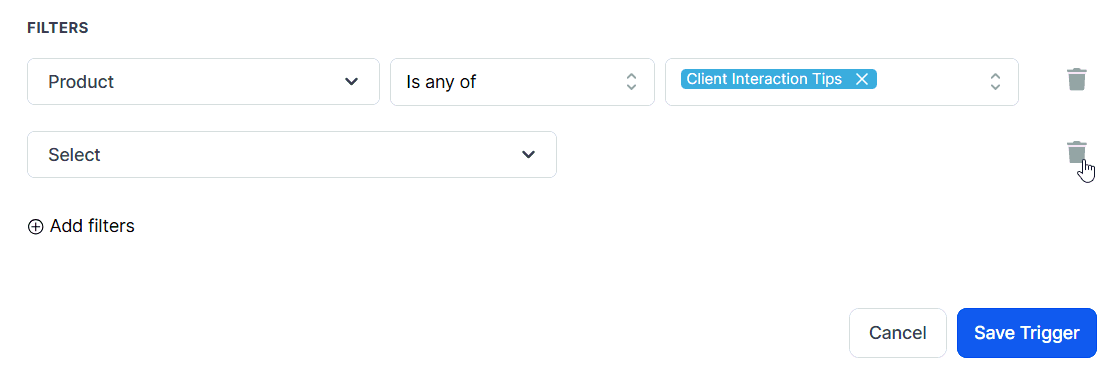
Select ‘Product’ from the Filters dropdown to specify which product should trigger the workflow. Next, you will need to choose your operator. Finally, select the product(s) from the dropdown.
Category
If one product was chosen from the dropdown, you may also filter the trigger by the available categories. To do so, add another filter, then choose 'Category' from the list. Again you can select 'Is any of' or 'Is none of' and select the product category for your filter.
?Note: To filter by category across multiple products, you must add additional triggers to the workflow, as the Category filter only becomes available when a single product is selected from the list.
Once you are satisfied with your selections, save the trigger to your workflow!
Was this article helpful?
That’s Great!
Thank you for your feedback
Sorry! We couldn't be helpful
Thank you for your feedback
Feedback sent
We appreciate your effort and will try to fix the article