Creating the perfect Funnel or Website to fit your brand image with eye-catching pages consistent across all devices requires precision, however, the result is worth it as it motivates customers to engage and explore its content, increasing the time they spend on your pages and helping you convert more leads into sales. Follow these easy steps to take control of the image's ratio on mobile devices!
Start by navigating to the Funnel/Website builder and switching to mobile view.
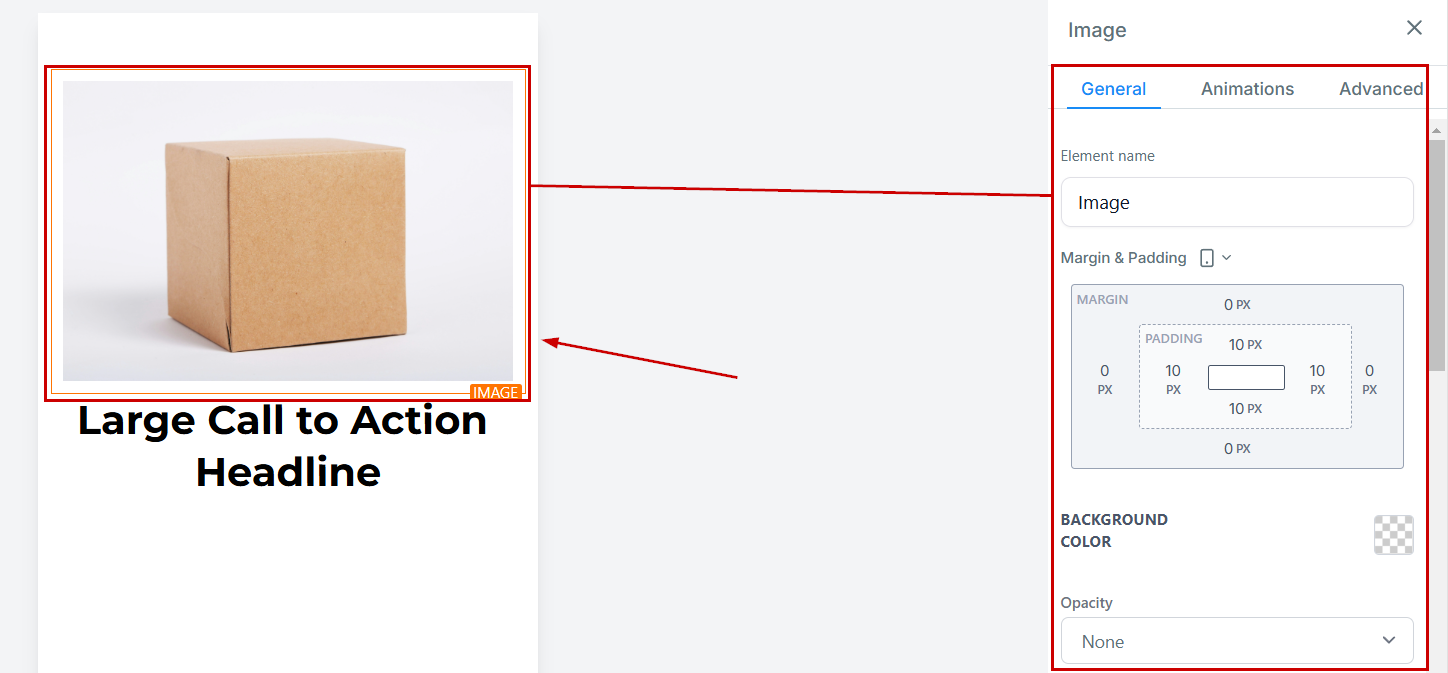
Click the image to open its settings.
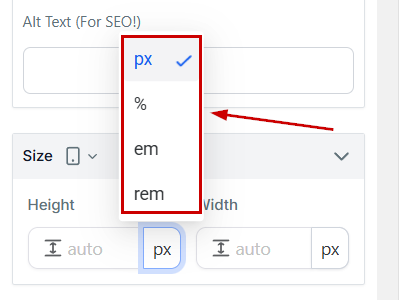
Select your preferred sizing unit (px, em, rem, or %)
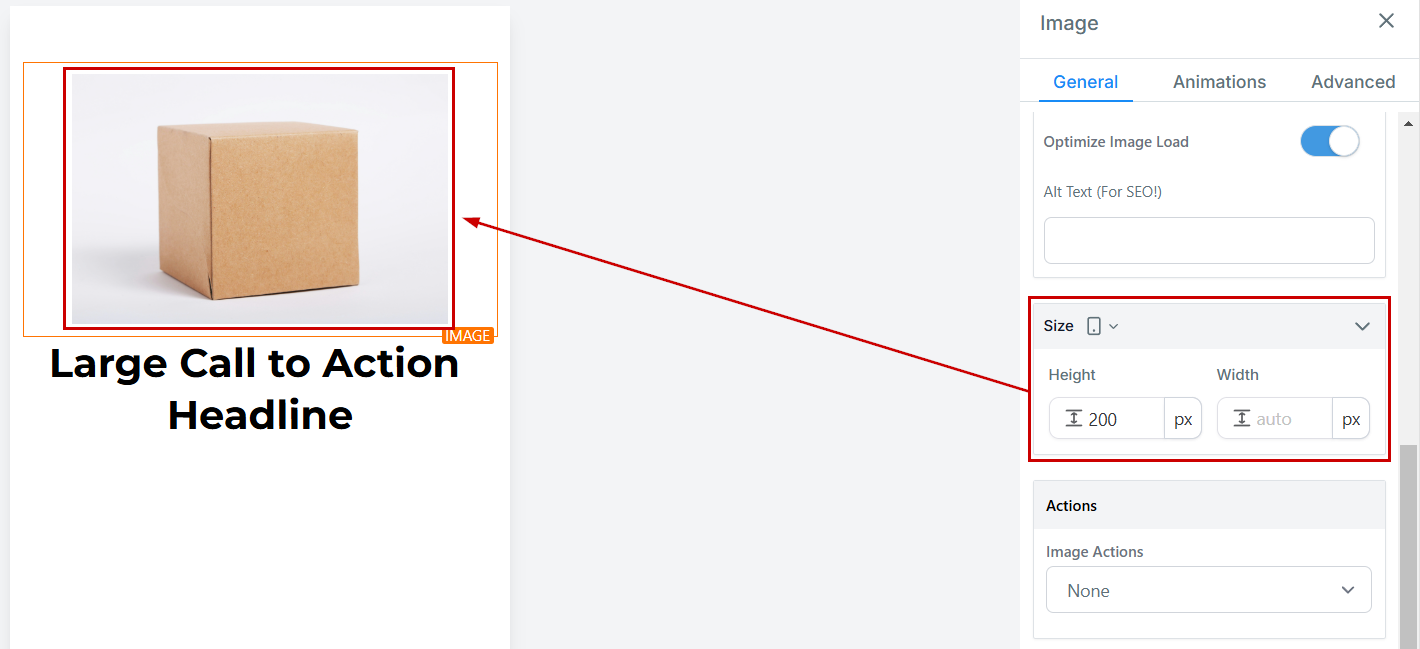
Enter the image size values according to your desired settings.
Click the Save button to maintain the changes and you're done! Enjoy the enhanced control over the look and feel of images across all devices your customers will experience them in.
Was this article helpful?
That’s Great!
Thank you for your feedback
Sorry! We couldn't be helpful
Thank you for your feedback
Feedback sent
We appreciate your effort and will try to fix the article