Accurately recording manual payments is essential for maintaining clear and consistent financial records. Whether a customer pays by cash, check, or another offline method, it’s important to ensure that the payment is properly reflected in your invoicing system. This guide walks you through the steps to manually record a payment for an invoice, helping you keep your records up to date and your reporting accurate.
How It Works
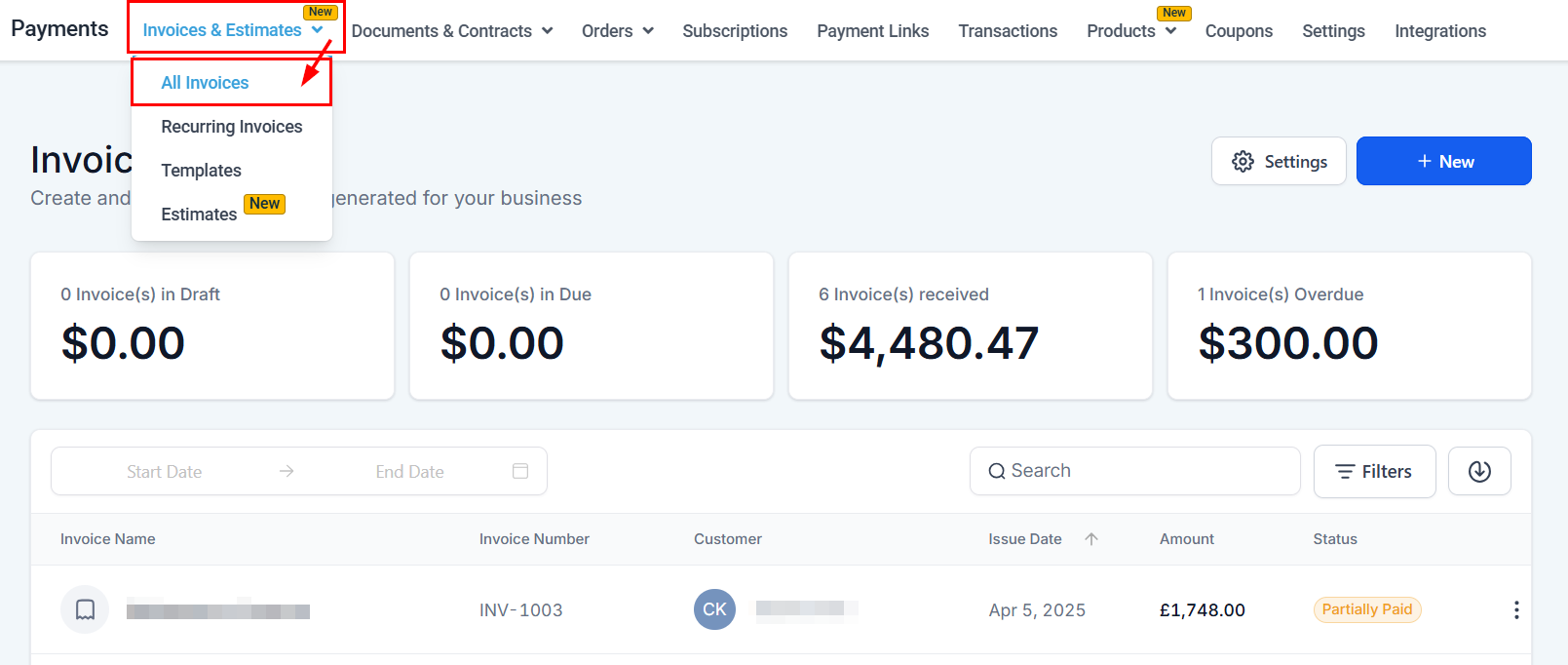
Begin by accessing the Invoices section of your account via the Payments tab.
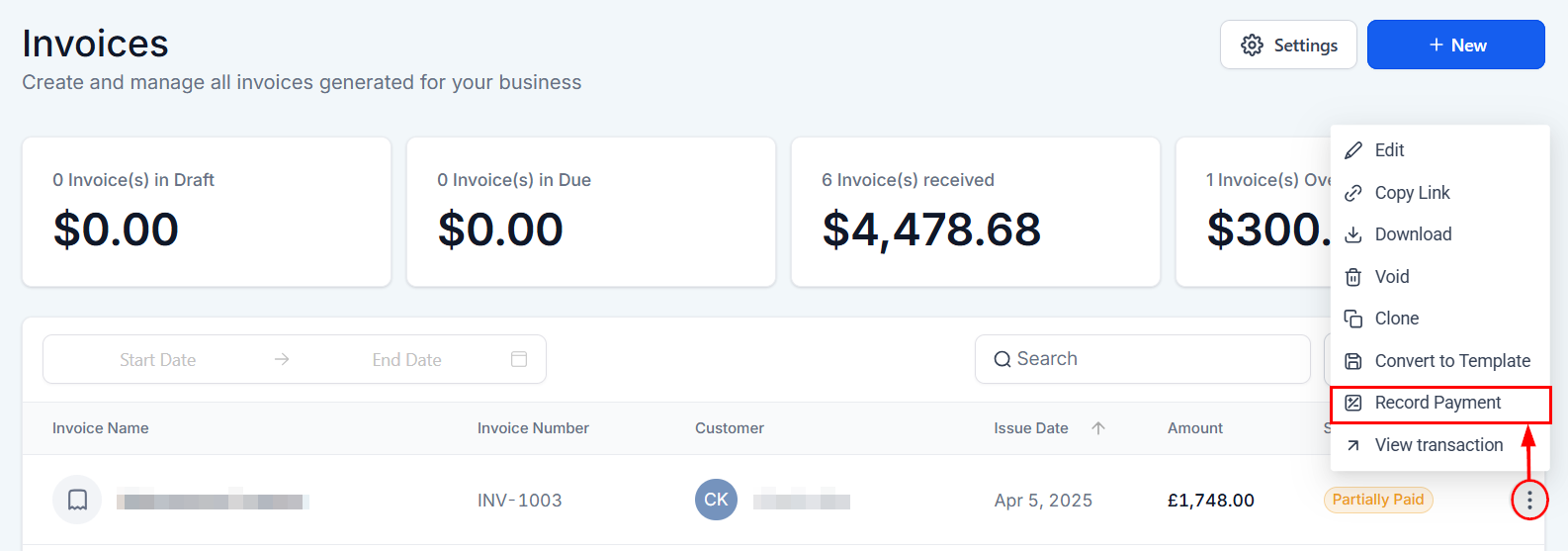
Next, locate the invoice you wish to update and select the “Record Payment” option from its actions menu.
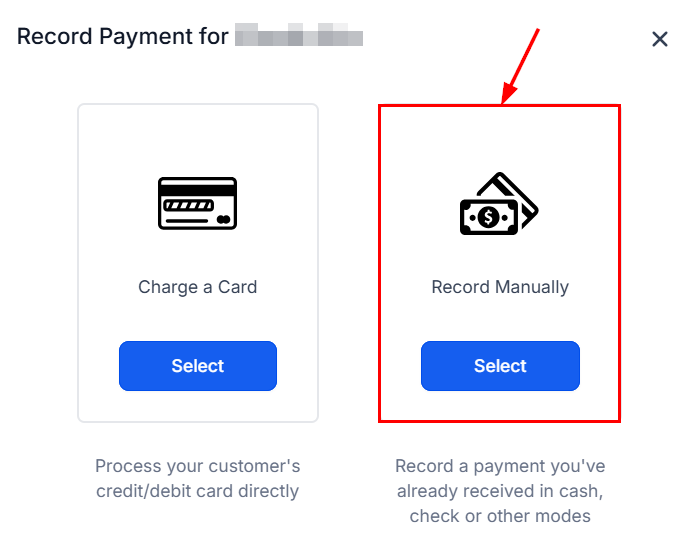
Since we are recording a manual payment, let's go ahead and select “Record Manually”. This allows you to record cash payments or any other payment that was made outside of the platform.
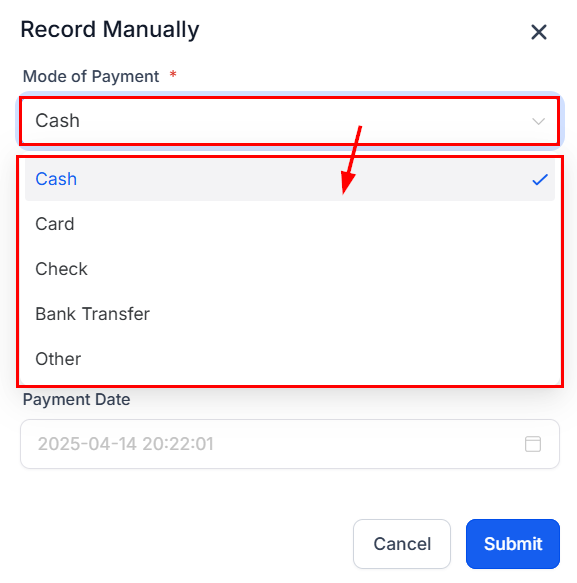
You will then be prompted to fill out a form with supporting details of the payment. Let's start by choosing the mode of payment.
Next, enter the payment amount. By default, the system will populate the full invoice amount. For partial payments, the remaining balance will be displayed accordingly.
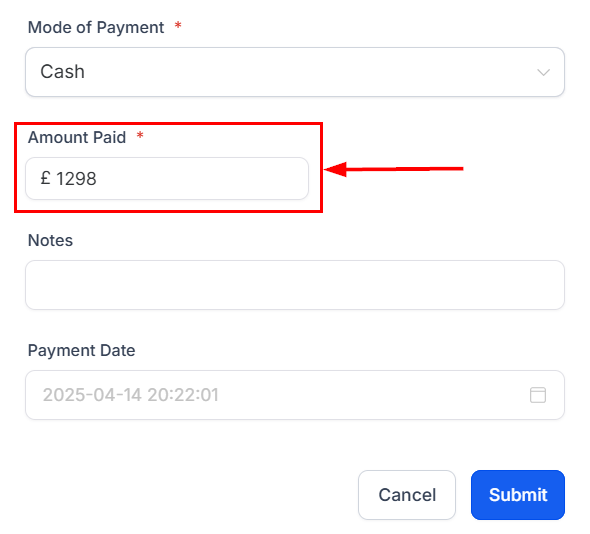
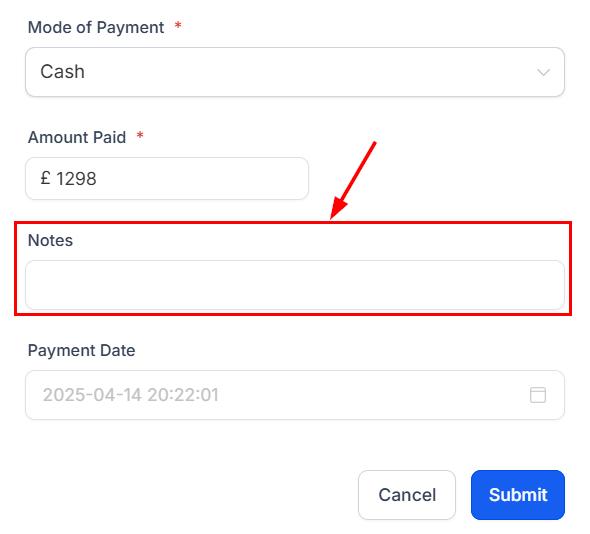
You can then include important information about the customer or additional details on the transaction in the notes field.
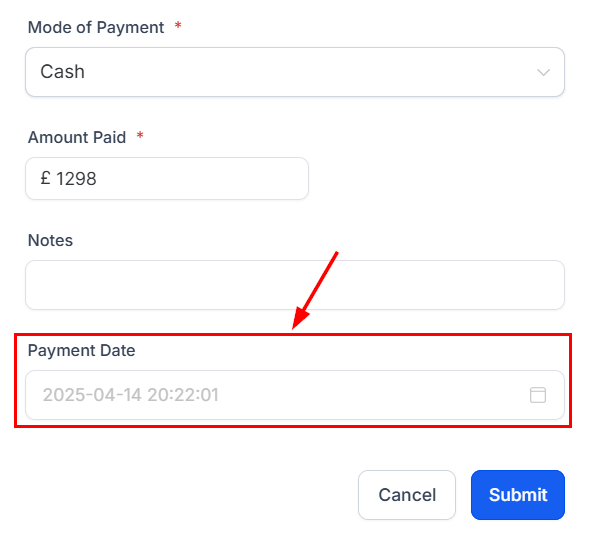
Finally, ensure that you select the date the payment was made for accurate reporting.
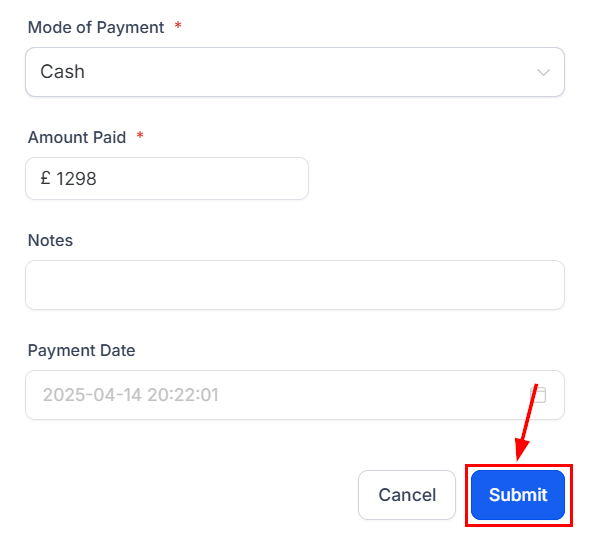
Verify the information, then click Submit! Your payment has now been recorded.
By following the steps outlined above, you can confidently manage offline payments and maintain accurate invoice tracking. Check out the other articles in this section to learn more about creating and managing your invoices.
Was this article helpful?
That’s Great!
Thank you for your feedback
Sorry! We couldn't be helpful
Thank you for your feedback
Feedback sent
We appreciate your effort and will try to fix the article